






Integration between Dynamics 365 BC and CDS and more important: what this means for End Customers?

 8
8 Like
Like Share
Share
 Report
One of the great features announced in Dynamics 365 BC 2020 Wave 1 was the integration between D365BC and CDS.
First things first!
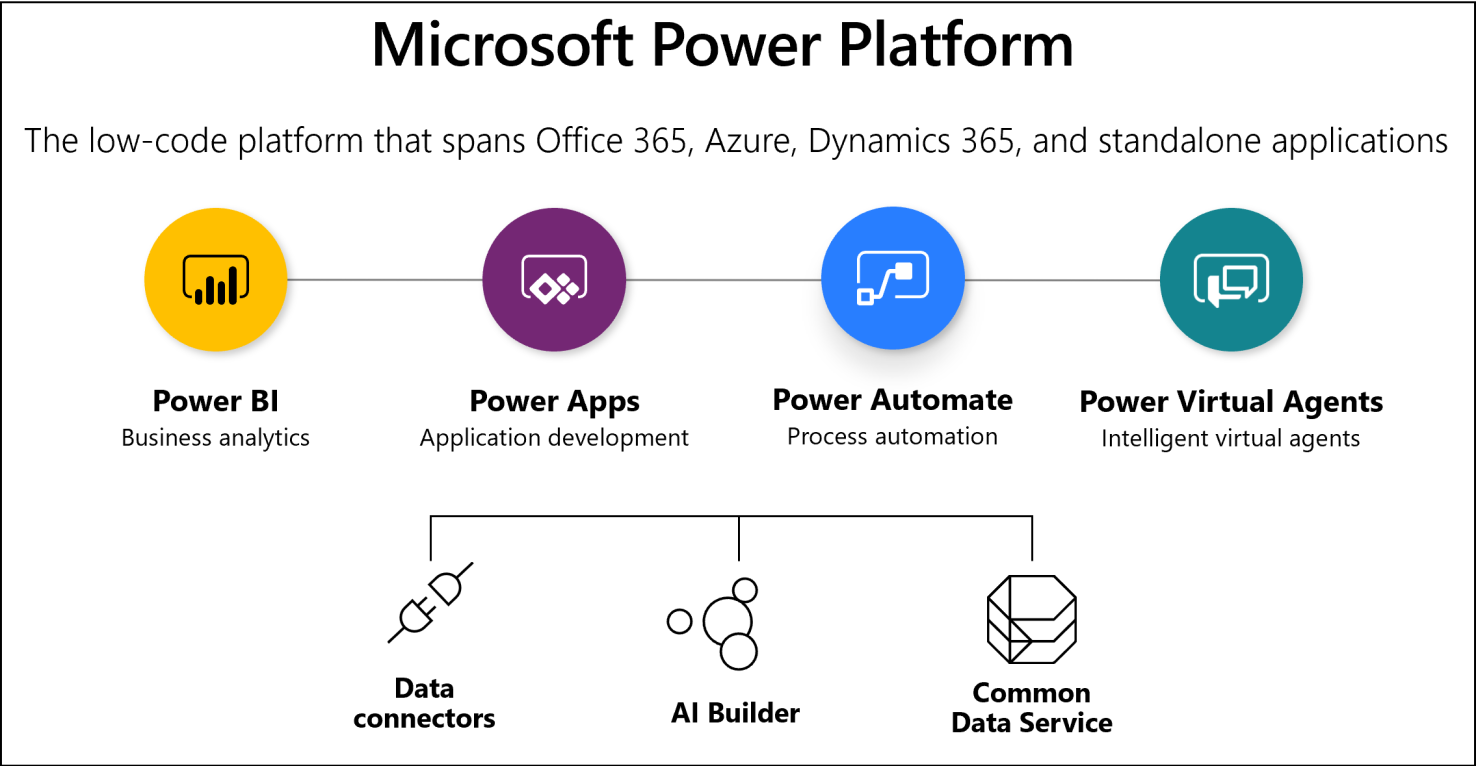
What is CDS? It is Common Data Service. It is a Cloud Service provided by Microsoft and is accessible ,through other Power Platform services and Microsoft Dynamics (initially D365 F&O and now in D365 BC). It is a ,a data storage service. Like a database. You can use CDS to store data in the form of tables, which is called as Entities. The data can be loaded into CDS entities through multiple ways, and it can be also extracted from there through different methods.
,MSFT Link for CDS:
,Second: how to setup the integration between D365BC and CDS
,Step 1: Create a Common Data Service database
Follow topic Create a database in the admin center described in
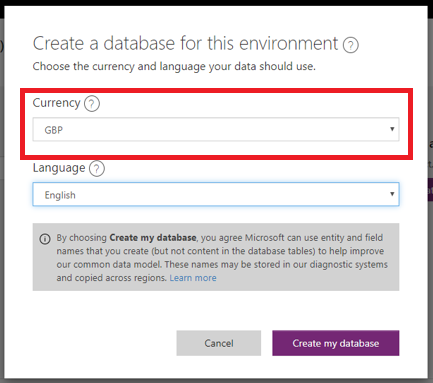
,Important: In last step, Currency should have the same Currency Code as Local Currency Code ,in General Ledger Setup ,inside Dynamics 365 BC.
,Step 2: ,Setup Dynamics 365 BC to connect to CDS
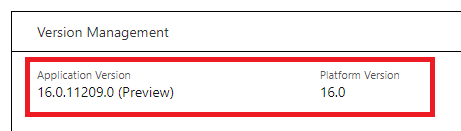
This feature is only available in D365BC Wave 2020
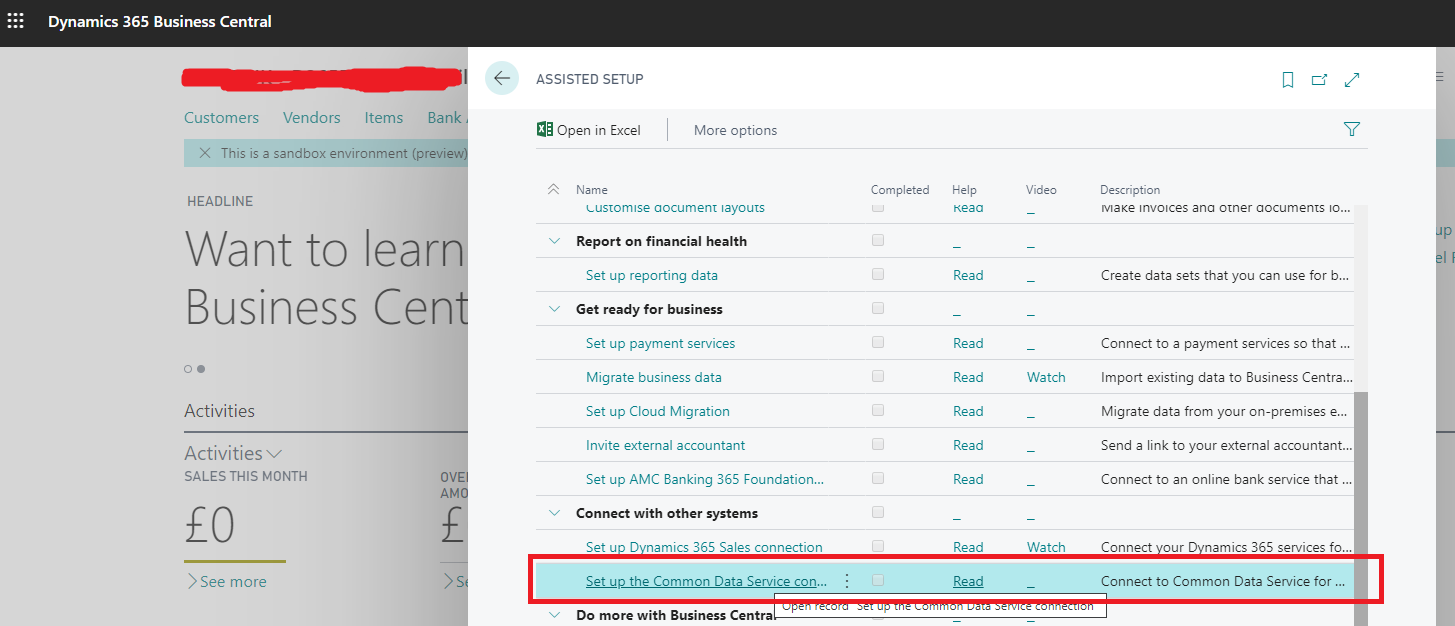
Dynamics 365 Business Central
Assisted Setup (Search Bar)
Set up the Common Data Service connection
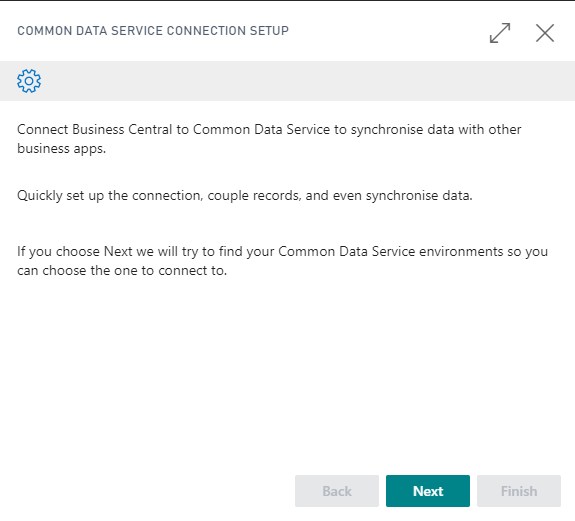
Next button
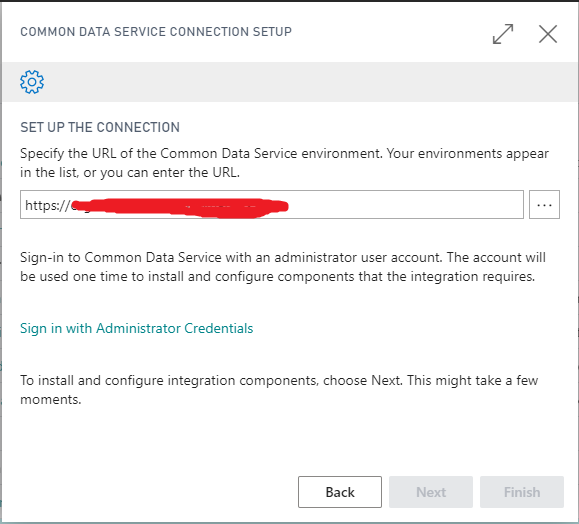
Select URL using Lookup button.
Sign in with Administrator Credentials
Next button
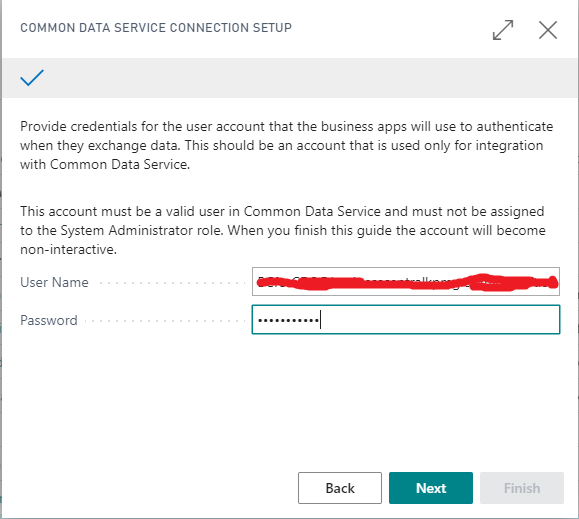
The selected user should have Business Central CDS Integration and Common Data Service User roles in Power Apps Admin.
This user should not be System Administrator.
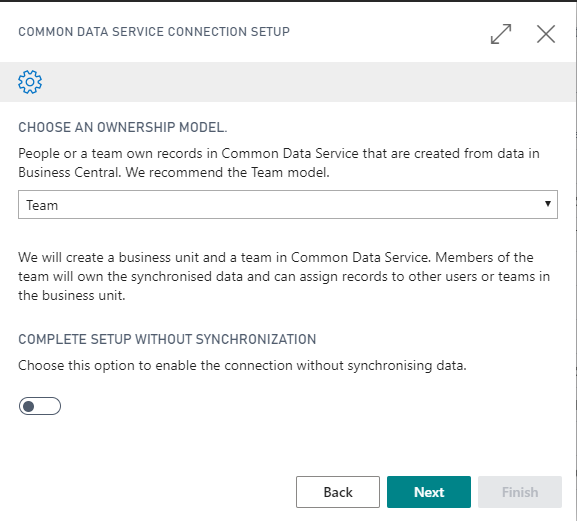
Next button
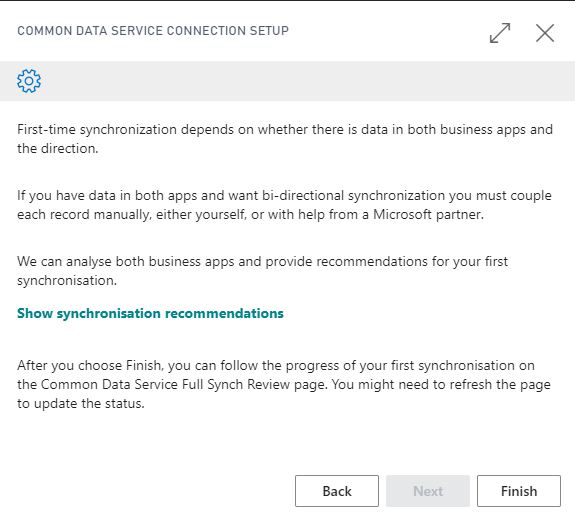
And Finish button!!
And the integration setup between Dynamics 365 BC and CDS is done!
,Step 3: Test integration between ,Dynamics 365 BC and CDS
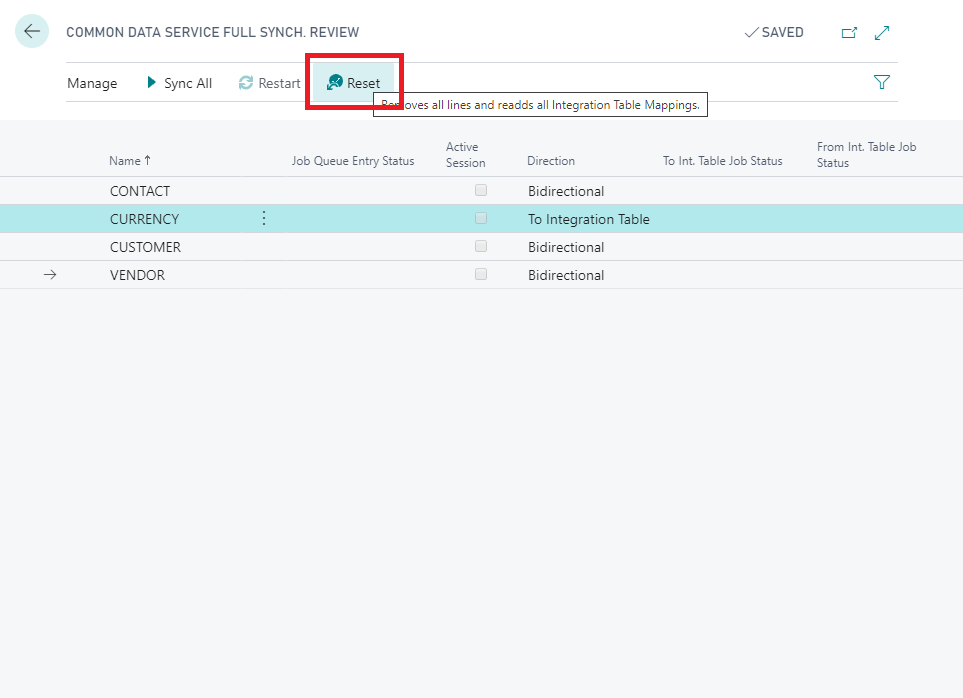
Access to Common Data Service Sync and click Reset. This click will update this page will all entities to be synced.
After Sync All button.
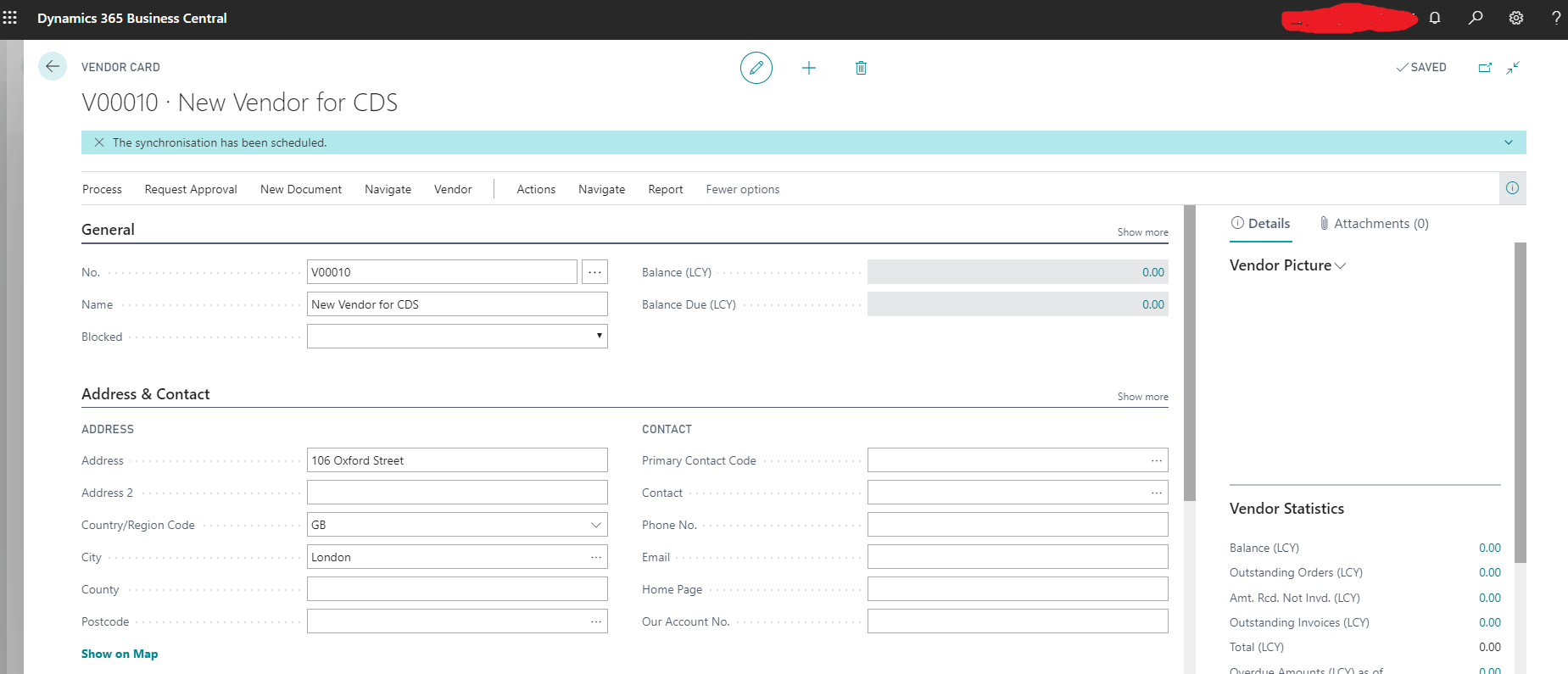
Create a new Vendor
Navigate menu, Common Data Service, Synchronize
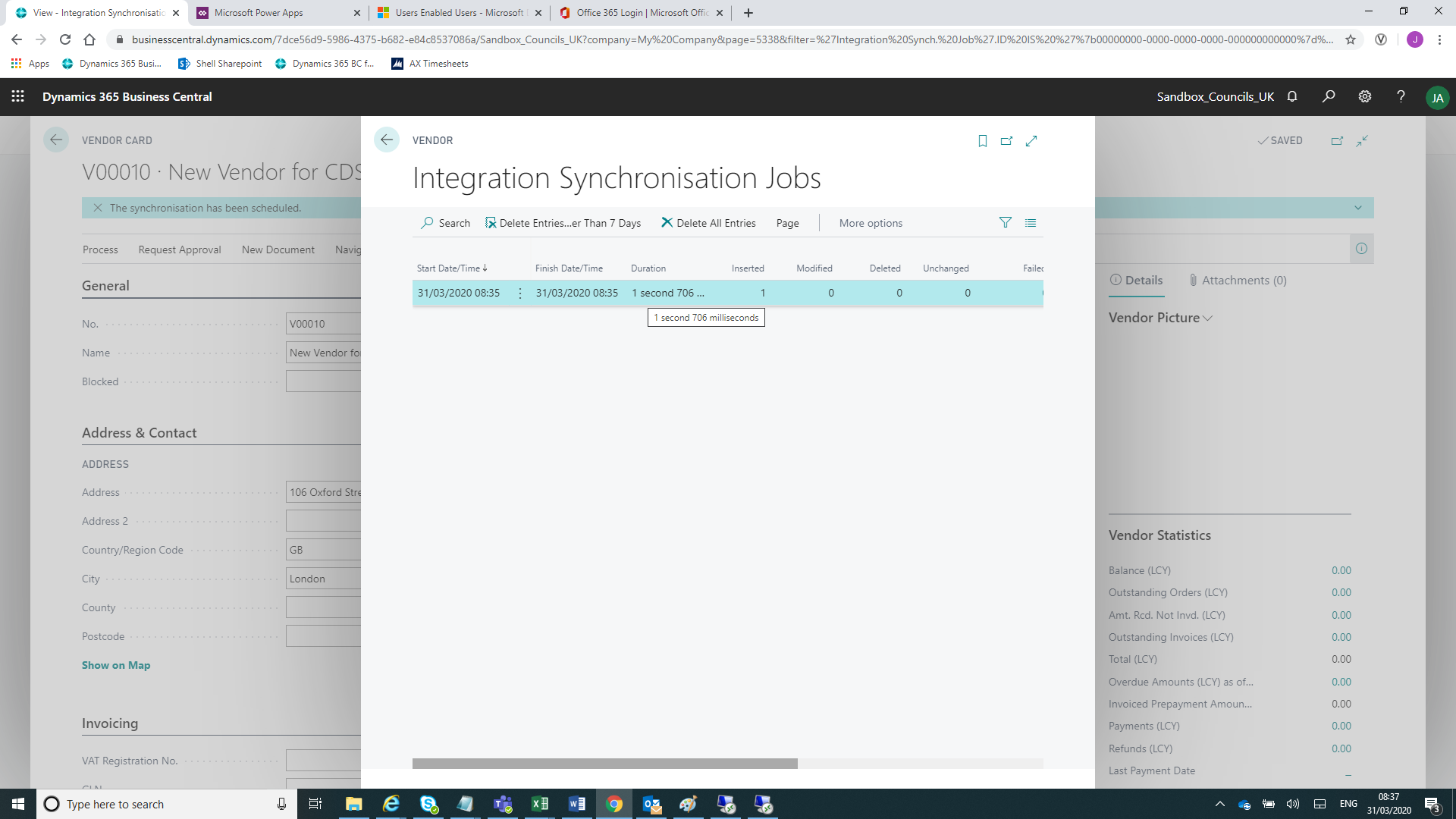
,Navigate menu, Common Data Service, Synchronization Log.
,,Conclusions and Take Aways
,It's brilliant to see a new feature to allow to link Dynamics 365 BC and the rest of Power Platform products. I am sure that all D365BC Community joins me to agree that this functionality is a must have!
,The integration setup is straight forward if you follow this step by step. The most challenging part is related with Users, Roles and Security and a lack of documentation about this process.
,All the tests made shows a very stable functionality.
,The actual functionality is limited to sync only four tables (Contacts, Currencies, Customers and Vendors) between D365BC and CDS. And let's be honest: this is not enough!!! But it's the reality and I believe the starting point.
,Let's wait for the official release (as today it is under Preview) and more important let's keep our fingers crossed and hope that Microsoft will continue to invest to improve this functionality.
,If you agree with me, you have a word to say. Login
*This post is locked for comments