




 233
233 Like
Like Share
Share
 Report
There is no documentation listed for this step, it’s title is self explanatory. This topic provides the requisite verification but also prompts you to ‘configure permissions per license.’
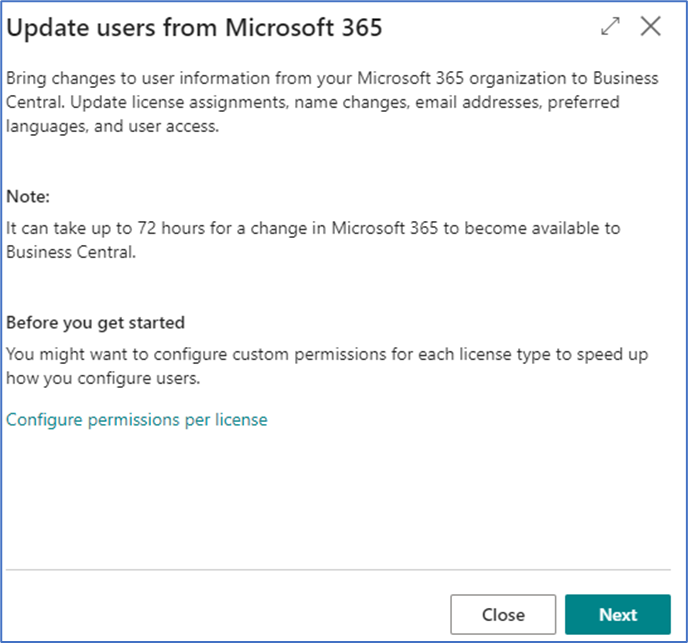
If you choose to configure permissions, a License Configuration screen is opened. This screen lists the various license types that can be assigned to users through the Microsoft 365 setup. Place your cursor on the desired type, select Configure from the top options and a list of permission groups and permissions sets will open. These permissions are built by default but can be editable by you to be applied to the user licenses and users are created by the system. Clicking Next, displays the following screen:
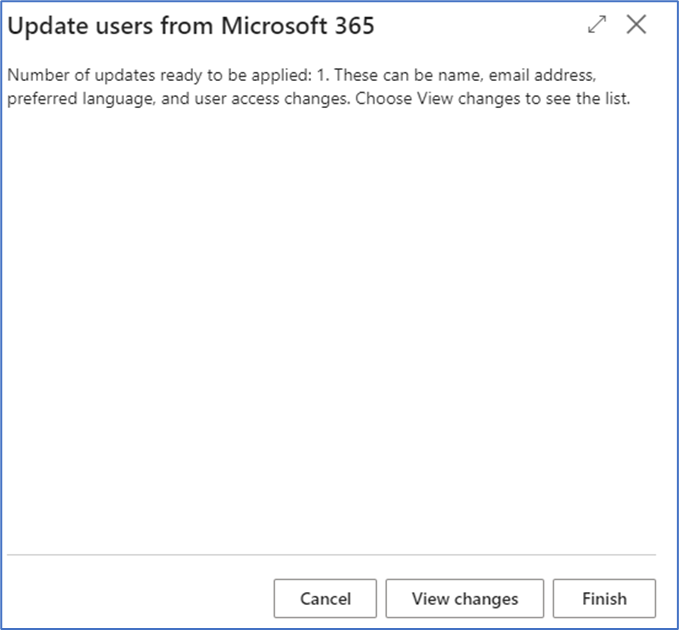
View changes is an option and will display the changes that will be made when you choose Finish.
Below is the View Changes screen:
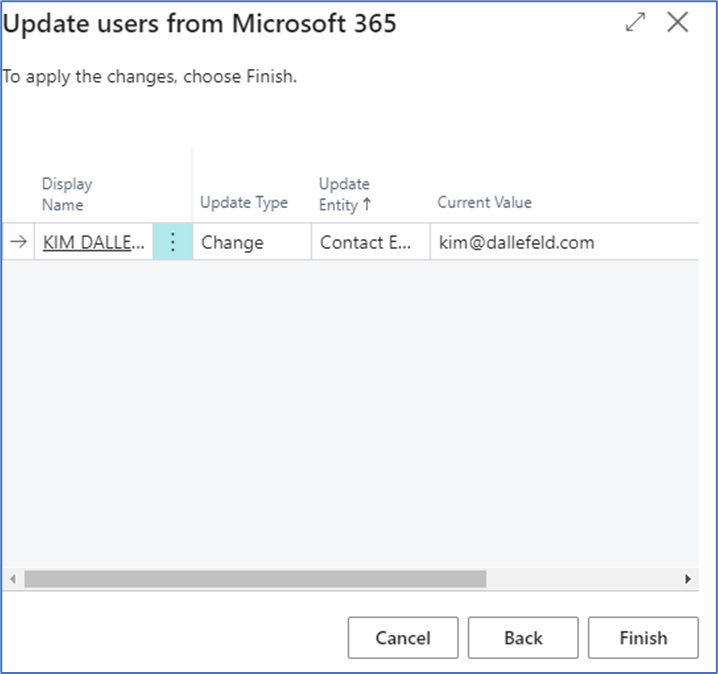
Clicking Finish completes this Assisted Setup step and display:
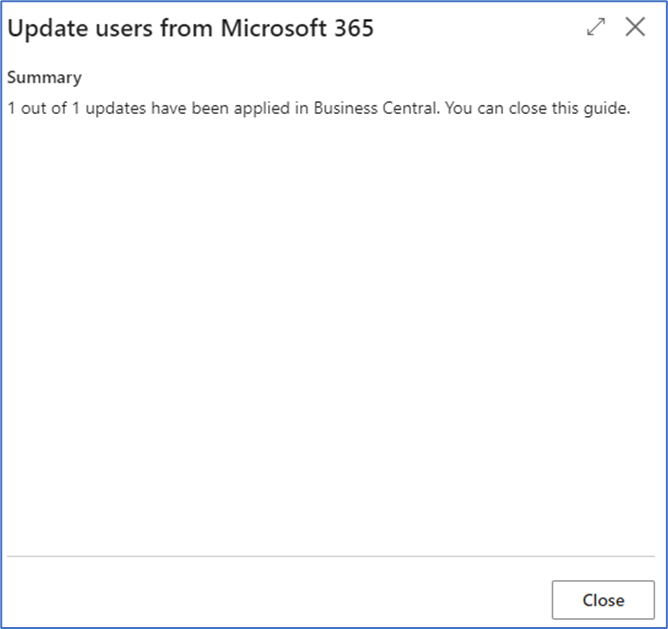
This is the last of the topics under Set up your Company.
*This post is locked for comments