
web
You’re offline. This is a read only version of the page.
close
Skip to main content

Announcements

No record found.

News and Announcements icon
Community site session details

Community site session details

Session Id :

How to Clear the AOD cache in Dynamics 365?

Mahmoud Hakim Profile Picture Mahmoud Hakim 17,887
No menu available in UI to clear AOD cache, so you can use the runnable class

https://[your AOS].cloudax.dynamics.com/?mi=SysClassRunner&cls=SysFlushAOD

just copy this URL to your browser and fill your AOS 

or use the below workaround 

Go to Transportation management>Setup>Load building>Load building strategies
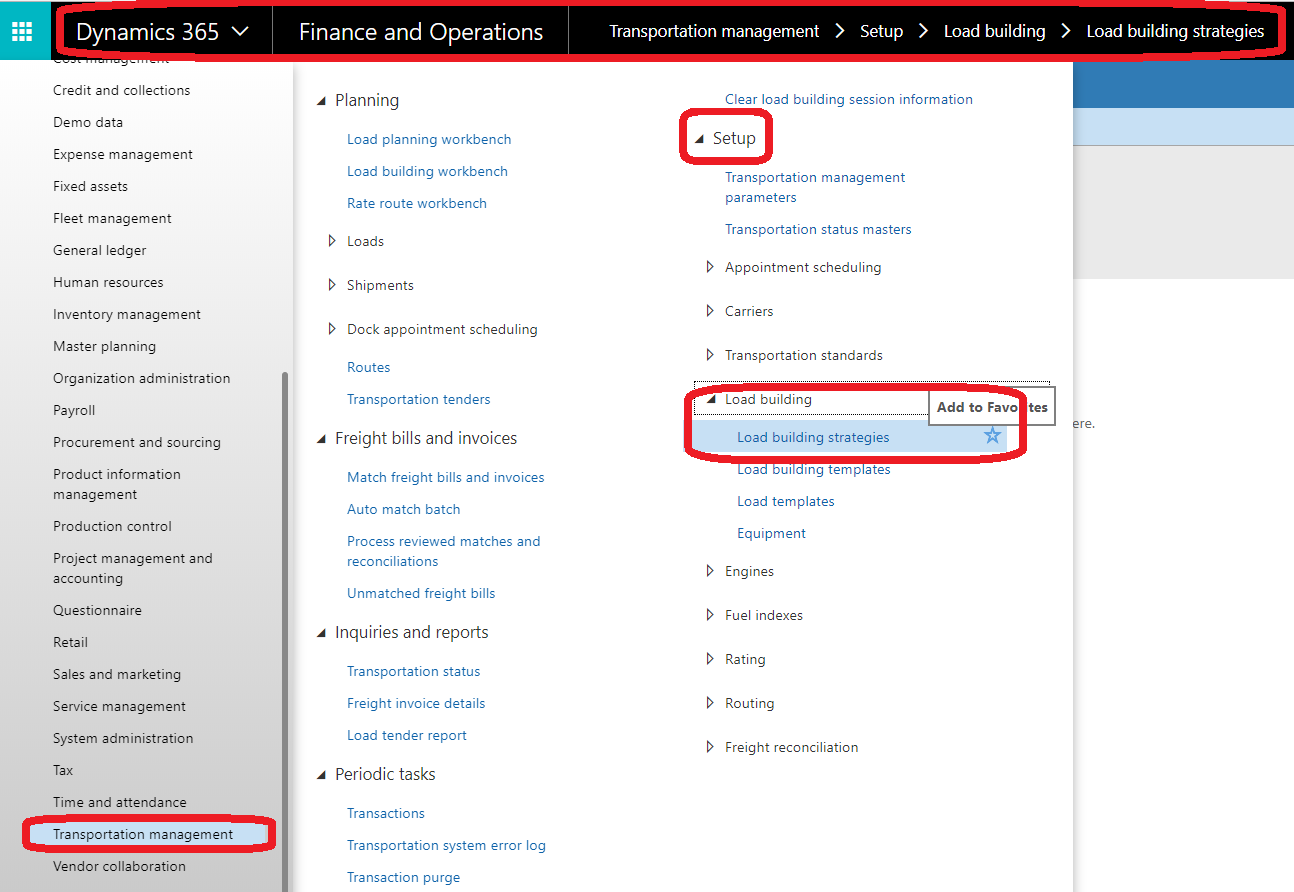


click on Generate class list button. 


click ok


This was originally posted here.

Comments

*This post is locked for comments
