




 22,784
 Like
Like Share
Share
 Report
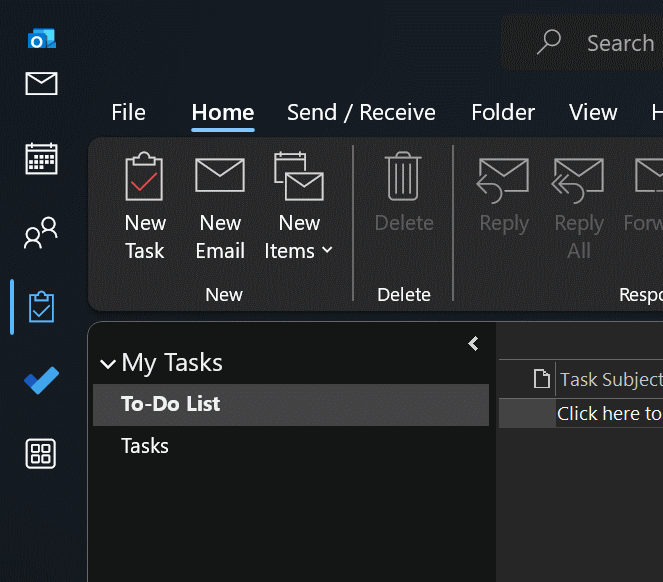
 I got a surprise the other day when starting Outlook and the modules were no longer discreetly placed at the bottom left of the application, but occupying a new bar on the left of the app:
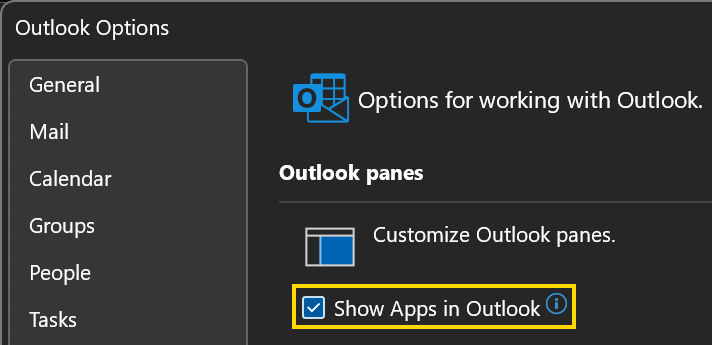
I did some hunting around in the Options and eventually took a chance on the Show Apps in Outlook setting on the Advanced tab:
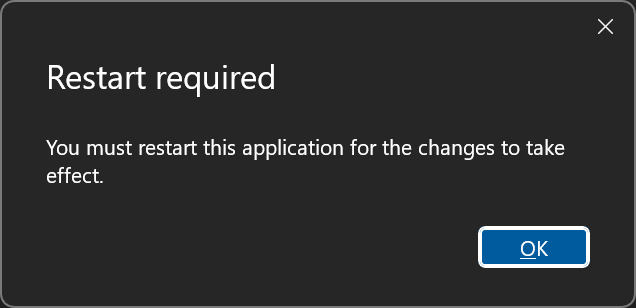
When saving the options, a restart will be required
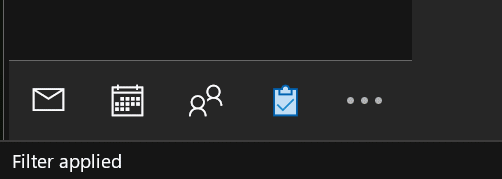
Once Outlook restarted, the modules were again restored to their bottom left location:
Read original post Move Outlook Modules Back to the Bottom of the Outlook App at azurecurve|Ramblings of an IT Professional
*This post is locked for comments