




 Like
Like Share
Share
 Report
In Dynamics CRM, settings like default currency, number of records per page of view, and email tracking options are stored in the MSCRM database as user settings. This means that a user manages these settings. There are supported ways of updating these settings via the SDK, but Microsoft does not provide a UI for administrators to change these settings for all users.
Tanguy Touzard has recently added a tool to his amazing XRM Toolbox called “User Settings Manager” that allows a System Administrator to easily manage and update user settings for all users.
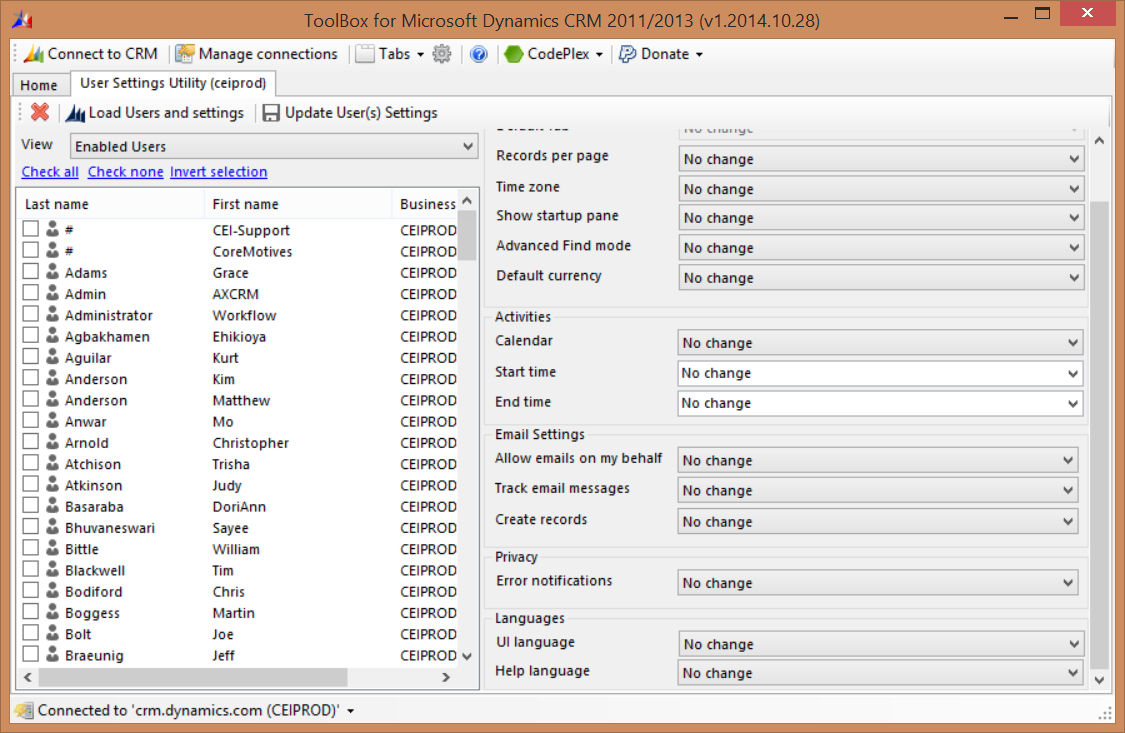
I can select one or more users, update the setting on the left, then hit “save” to apply the settings. Now that I can control user settings and sync filters globally, the XRM toolbox is my go-to tool for CRM user administration.
*This post is locked for comments