




 34,477
 Like
Like Share
Share
 Report
What if you think you can update a records, and there are all the indications that you can, yet you try to change something and it just does not work?
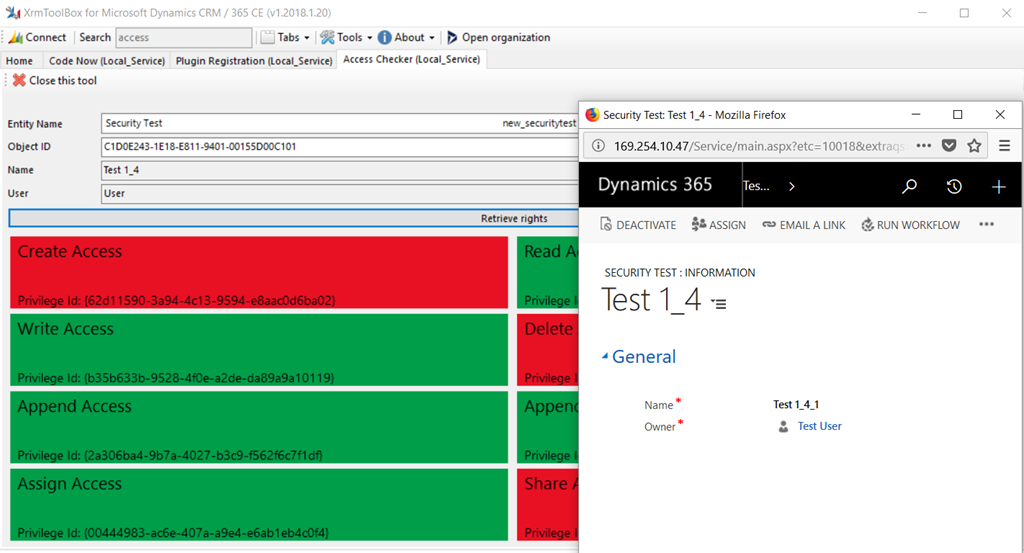
In the example below(which I’ve originally discovered in 8.2.2, though the screenshots below are from 8.2.1), my test user seem to have “write” permissions, the form is not read-only in Dynamics, so I can modify field values on the form:
And yet, I’m getting an error message when trying to save the changes:
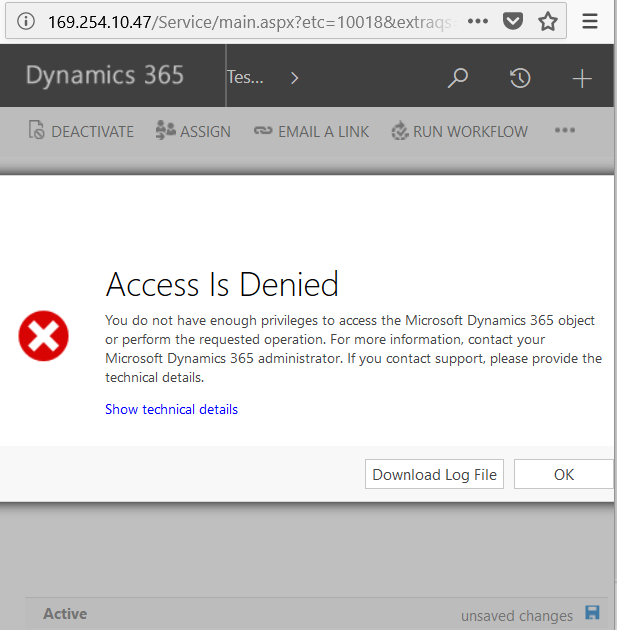
<Message>SecLib::AccessCheckEx failed. Returned hr = -2147187962, ObjectID: c1d0e243-1e18-e811-9401-00155d00c101, OwnerId: 5c19475b-16f4-e711-93fe-00155d00c101, OwnerIdType: 8 and CallingUser: 5c19475b-16f4-e711-93fe-00155d00c101. ObjectTypeCode: 10018, objectBusinessUnitId: 63746438-10f4-e711-93fe-00155d00c101, AccessRights: WriteAccess </Message>
So what happened?
“Security Test” is a new entity I just created
There is a security role that’s setting access to that entity like this:
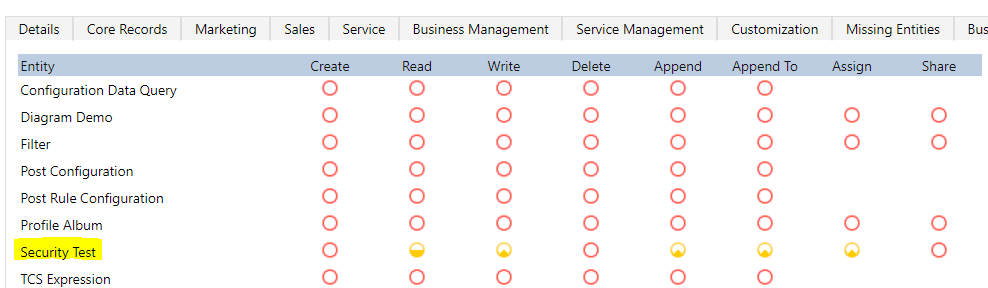
Now here is the catch: that security role is not assigned to the user – instead, it’s assigned to the team, and my use is a member of that team.
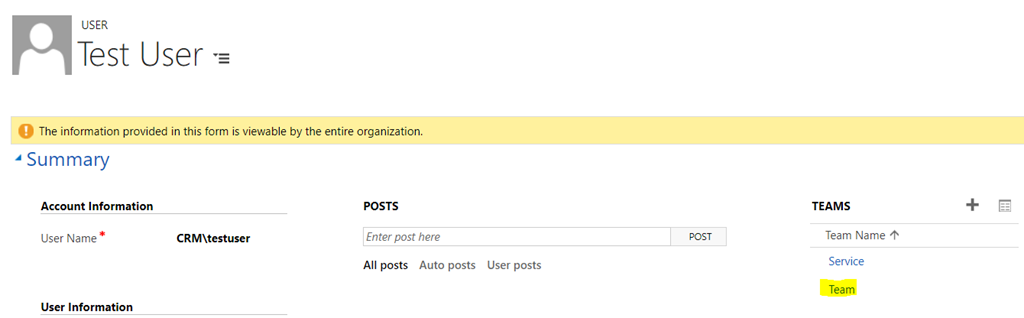
And that team has a role:
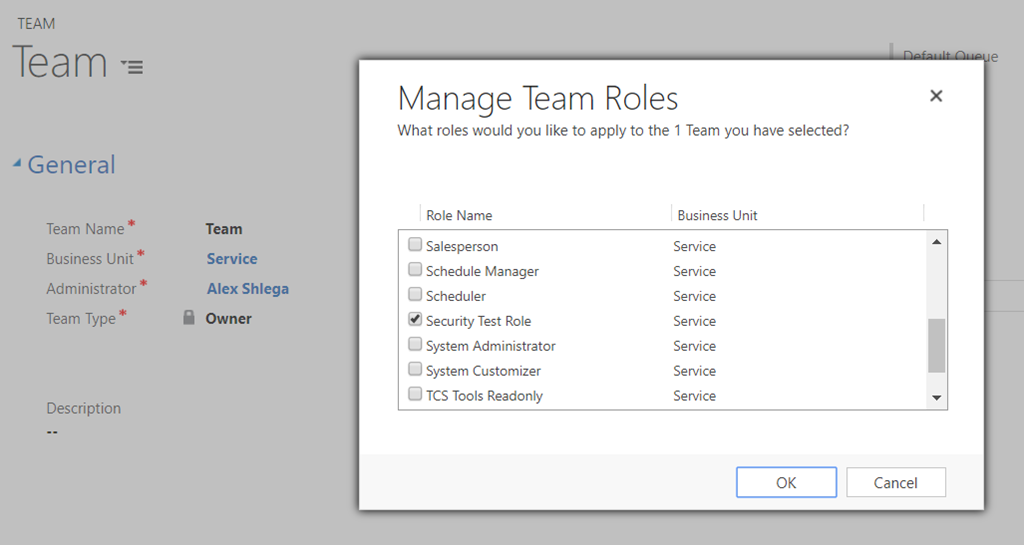
You would think my test user would have permissions to update the record. AccessChecker plugin in XrmToolBox seems to think so. Dynamics client side itself seems to think so.. But, apparently, something fishy is happening on the server side – it has its own opinion about who can actually update that record.
Interestingly, it’s all working fine if the record is assigned to the team instead. As a member of the team, my test user can happily update such records. I can even assign that record from the team to myself under that user account (because yes, the role has that permission). But, once the record has been assigned to me, it’s all over – there is nothing I can do with that record anymore.
BTW, the workaround for this is relatively simple – I just need to assign the same role directly to my test user.
*This post is locked for comments