




 34,477
 Like
Like Share
Share
 Report
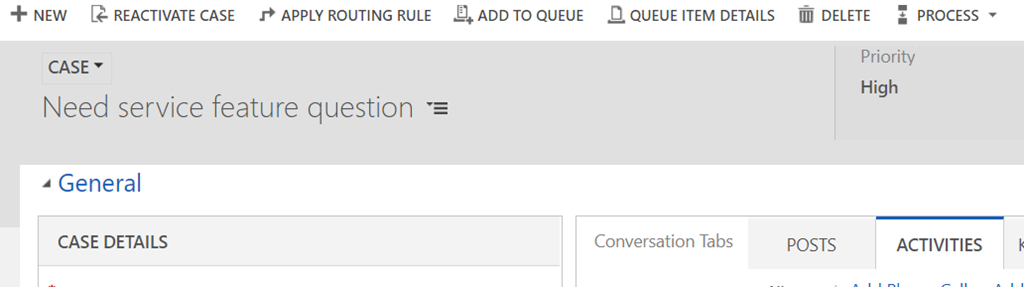
Imagine that you had a business process enabled on the entity, and it has already been activated on a number of records. For example, here is a case record for which I have activated a business process:
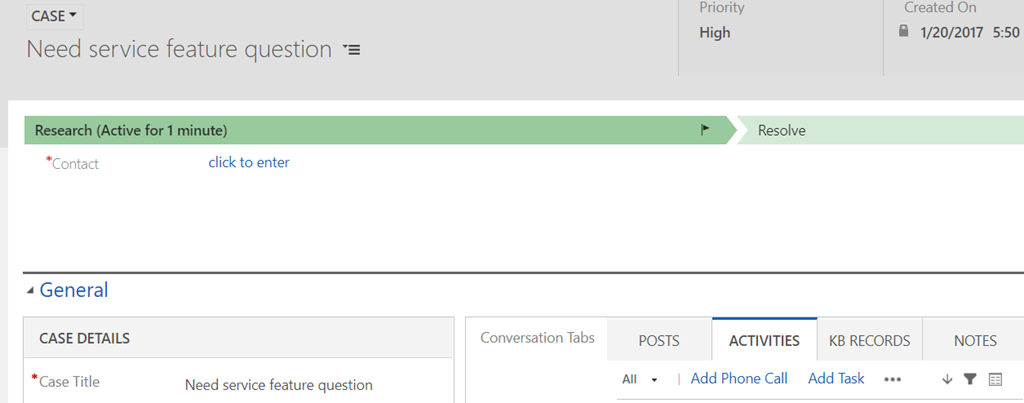
What if you wanted to completely deactivate that business process (and, also, detach that business process from the case record above)?
The first step would be to go to the solution file and to deactivate the process there:
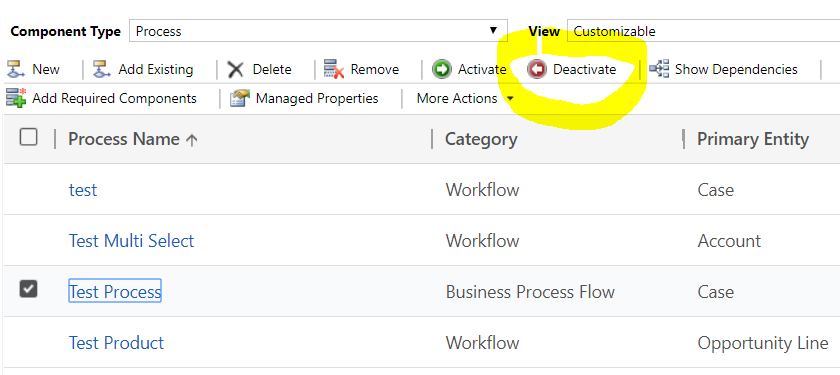
The interesting part, though, is that it would not be sufficient. You would still see that business process associated with the record, even though there would be a warning message notifying you that the business process has been deactivated:
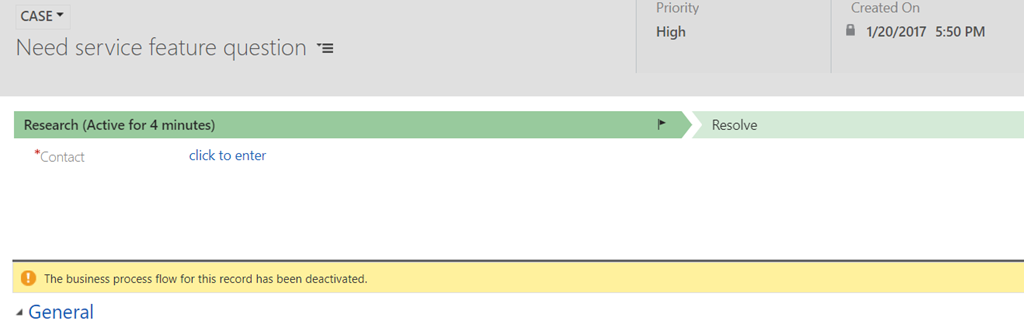
So how can you get rid of the business process “completely”?
Turns out it’s not, actually, that complicated. Since every process has a corresponding entity, you can simply use advanced find to find all instances of that process entity:

And delete them:
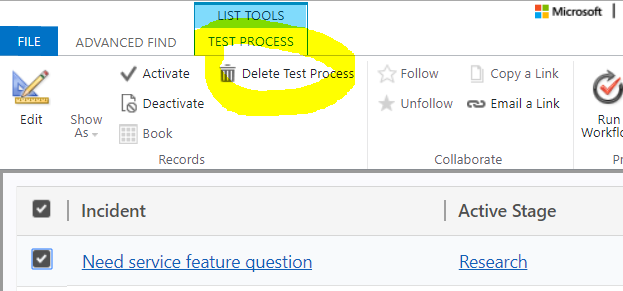
And there you go – the same case record does not have a process linked to it anymore:
*This post is locked for comments