




 233
233 Like
Like Share
Share
 Report
Be sure to read the Microsoft Documentation and watch the video entitled ‘connect to an online service to update currency exchange rate.’ You will want to follow the steps in the video as you setup your exchange rate service.
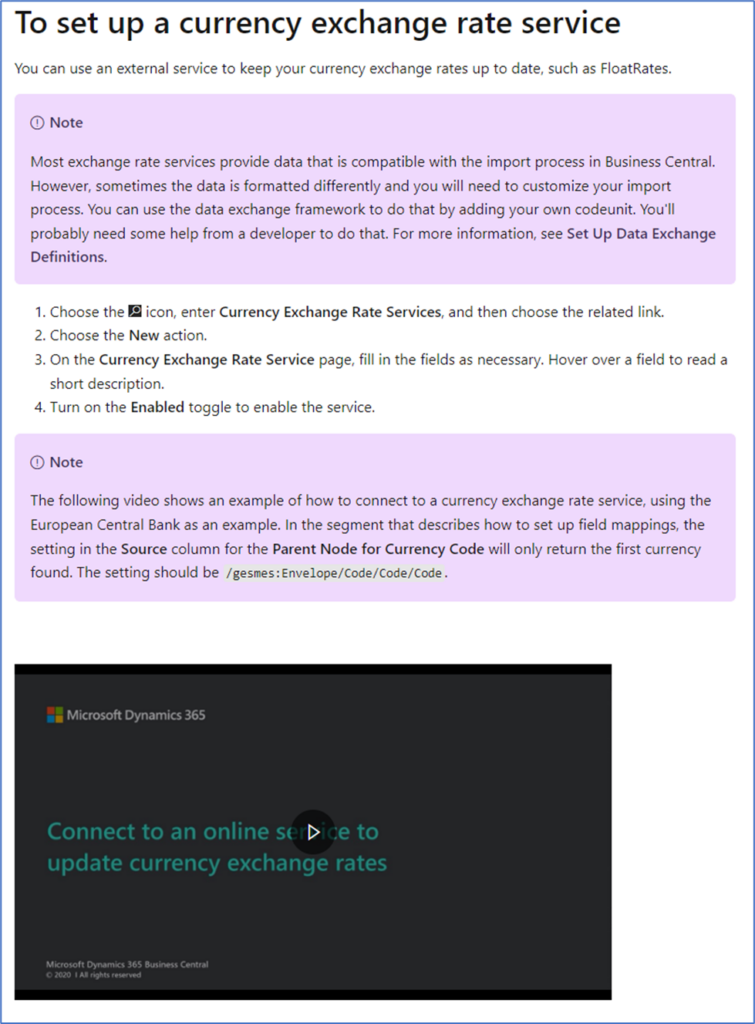
This Assisted Setup option opens the Currency Exchange Rate Services Screen to allow you setup the exchange rate services. Setting up the
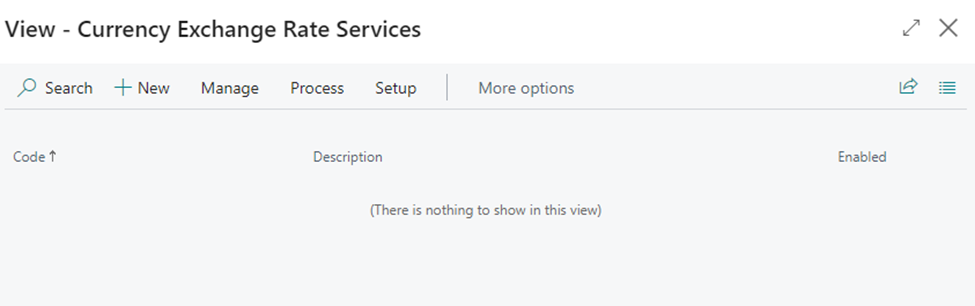
Click New, enter a code or name, followed by a description but don’t enable until you have completed the mapping. The video the in the Microsoft document explains the steps that you need to follow in great detail.
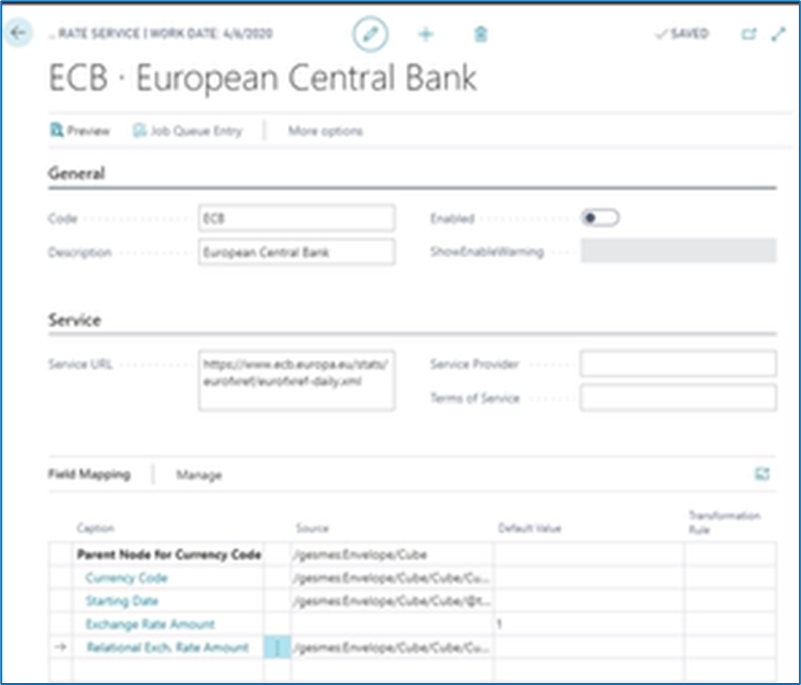
Once the above screen is complete, to use the service, the enabled button must be toggled to the ON positions. This automatically informs use that a job setup is to run the update daily. Using the Job Queue Entry option on the ribbon, this can be edited as desired.
*This post is locked for comments