




 Like
Like Share
Share
 Report
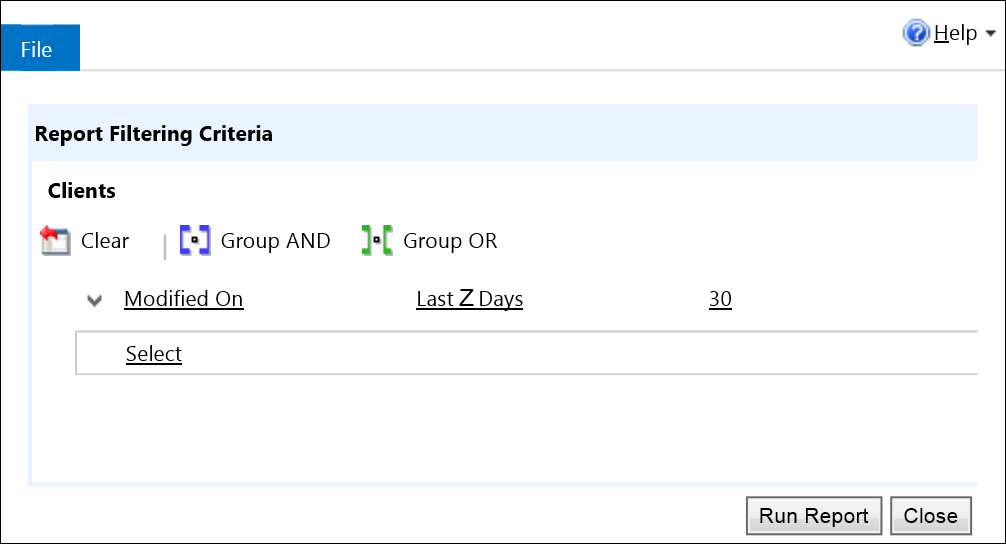
Are your users confused when a CRM report freshly-minted by a report wizard, does not deliver the data they expect?
Inspired by our twice the tip, our fellow contributor Andre “I’ve got 88 in my handle” Margono sent us a fresh reminder that “the default filter is something that I often forget to remove/update and causing some confusion to the end user when they expect more data to be included in the report.”
From the authoritative source:
When you publish a report, you can set a default filter. For all the reports that were created by using the report wizard, if you do not set a default filter, the filter is automatically set to all records of the entity modified within the last 30 days.
*This post is locked for comments