




 9,267
9,267 Like
Like Share
Share
 Report
With the new unified interface you might find out quickly that this approach will not help you in the classic way where you tried to open the Dynamics 365 – custom - App in order to navigate to the Security settings.

If you try to do so, you will always end up on the default or Sales app.
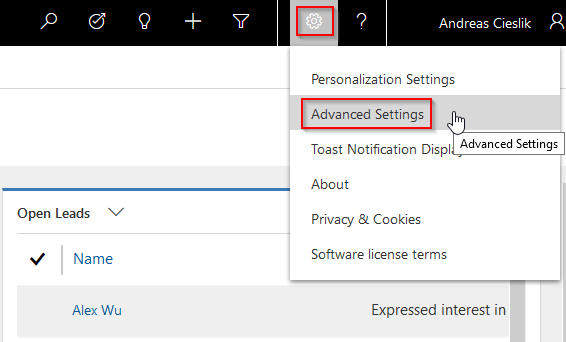
Checking out the personal settings you will find a new option "Advanced Settings" which will navigate you to the classic Settings page:
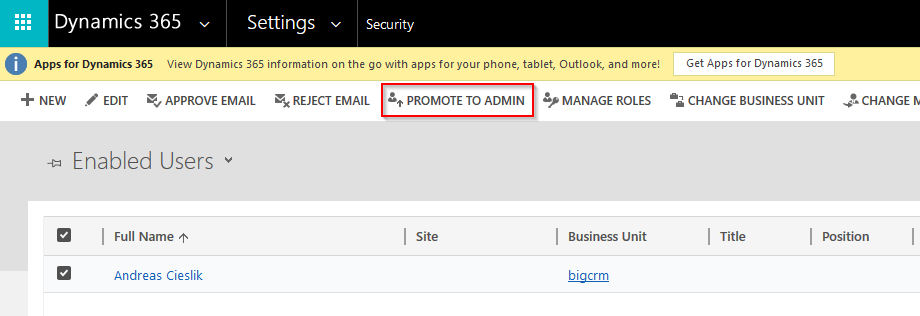
Voilà, now we got the Settings page back:

Now you can select your user and promote him to admin:
*This post is locked for comments