




 17,887
 Like
Like Share
Share
 Report
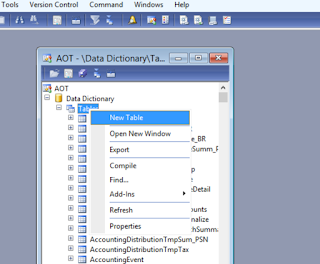
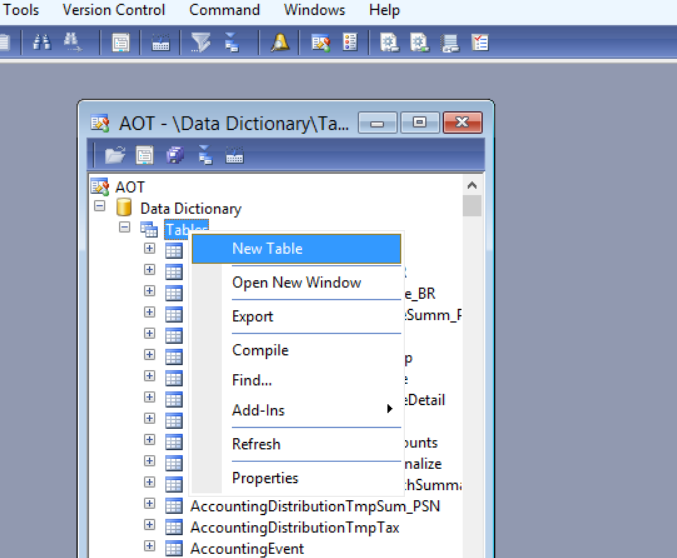
Ax 2012, if you need to create a table, just open AOT and go to data dictionary/tables /right click /new table.
Now, in dynamics 365 as the same but from visual studio as the following
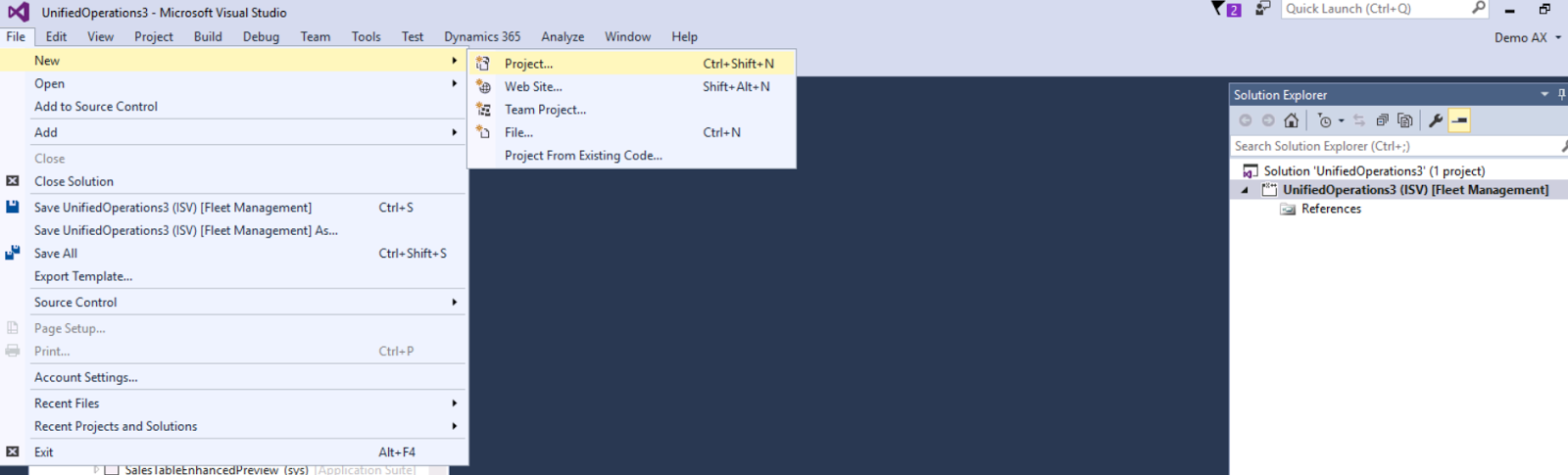
go to visual studio and create new project
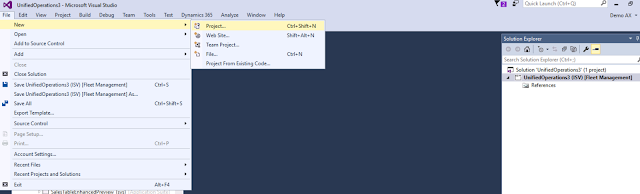
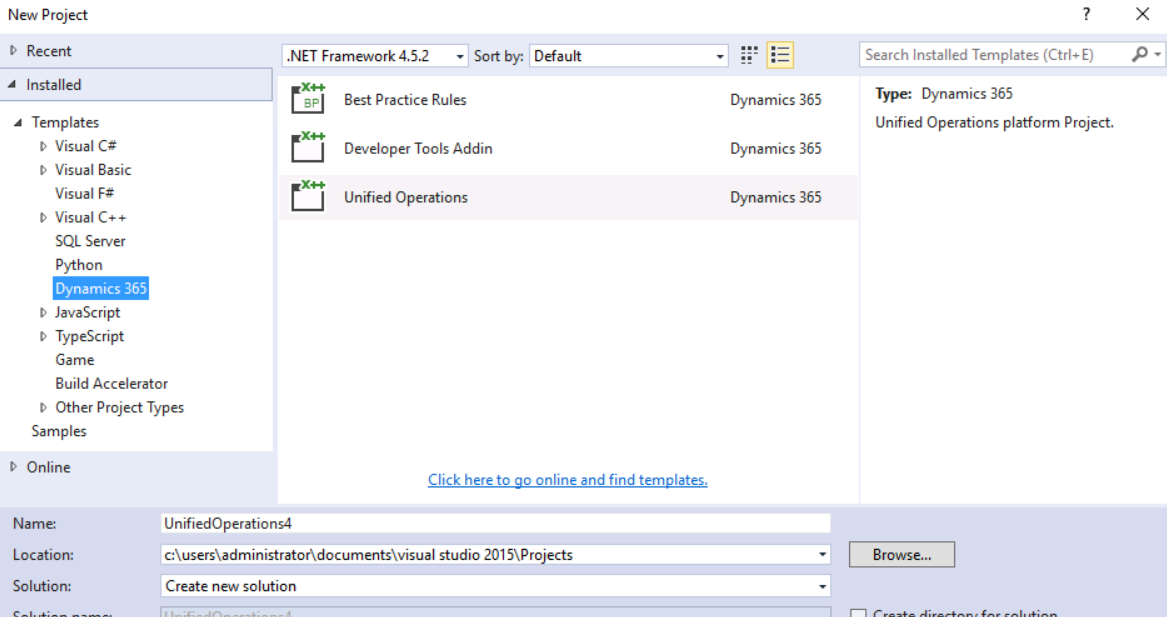
select Dynamics 365 templates and assign the name and location

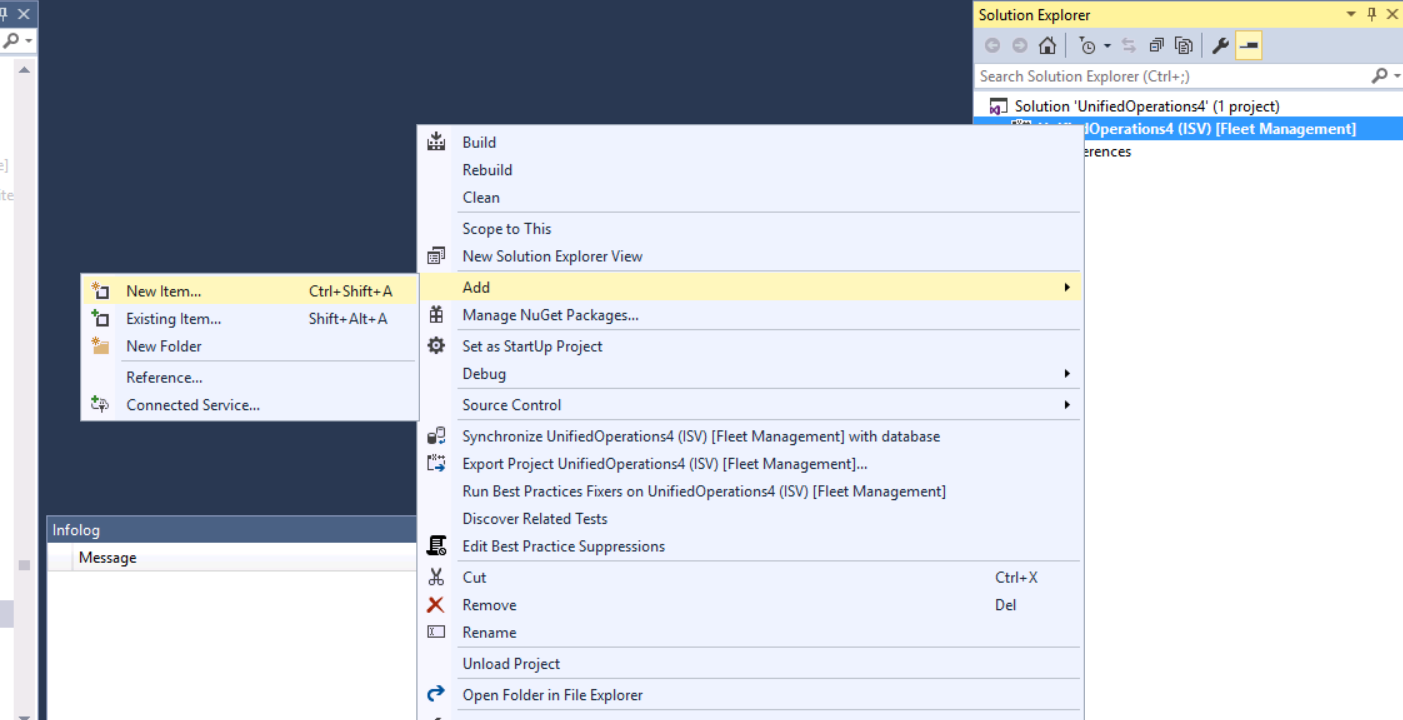
right click on the new project and click add the new item

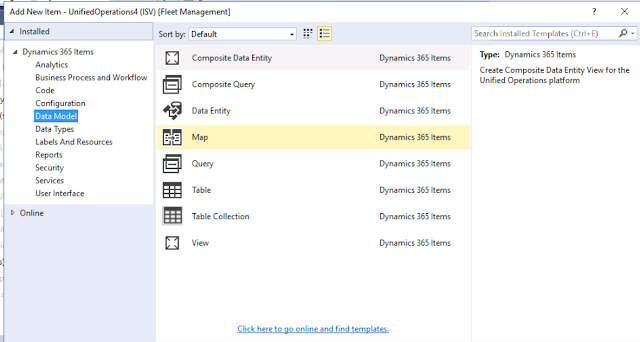
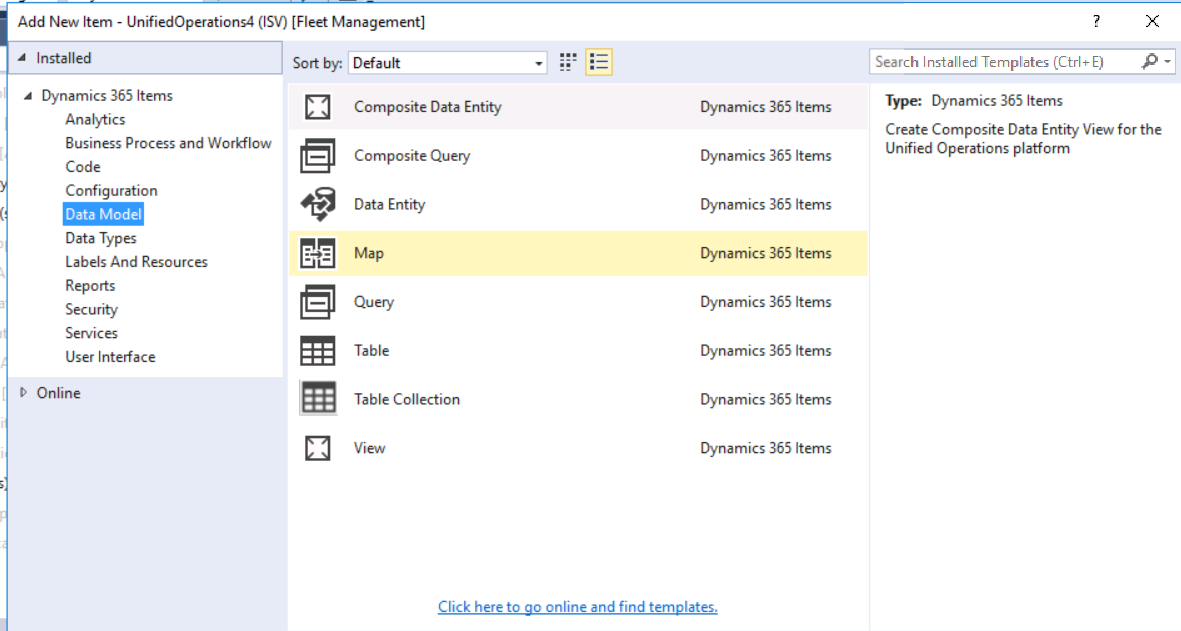
select data model from dynamics 365 items and click on table, and assign the name for this table
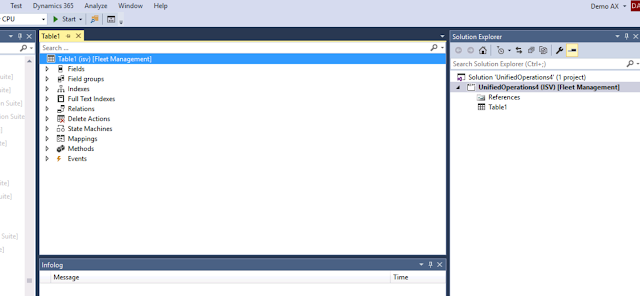
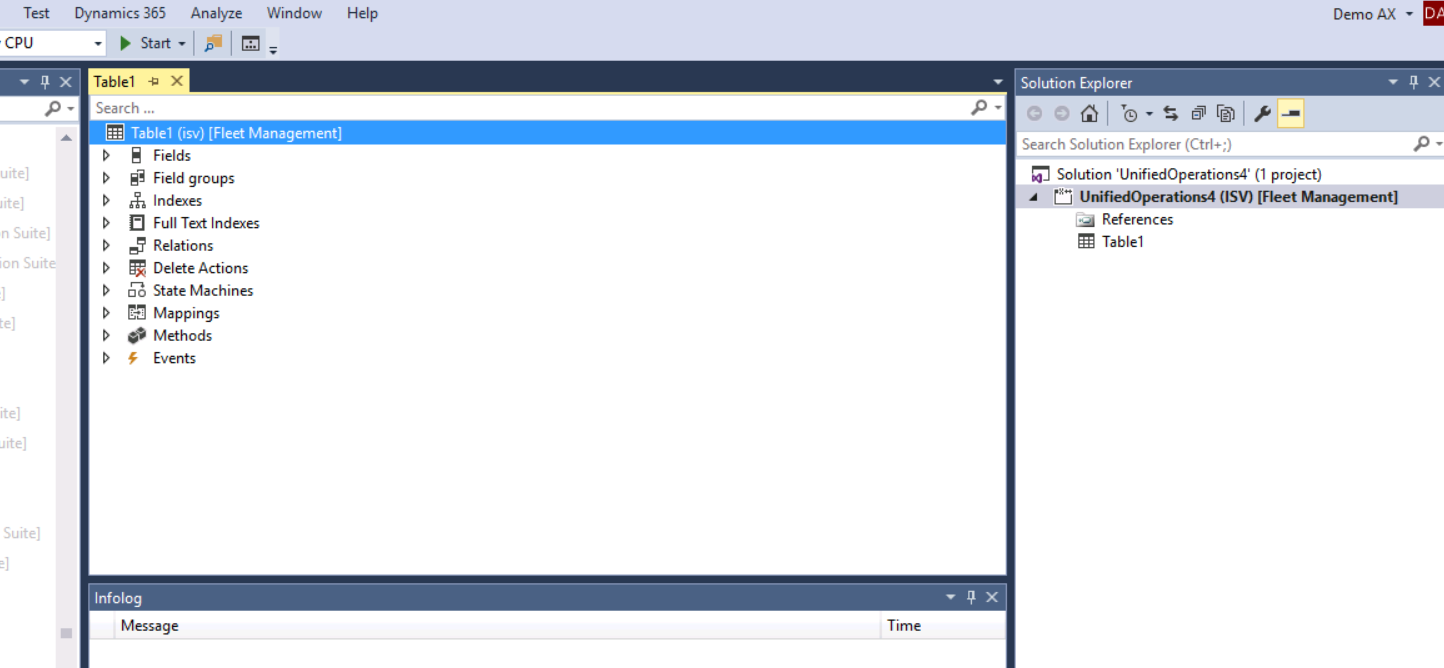
now your table added to your project
Now, in dynamics 365 as the same but from visual studio as the following
go to visual studio and create new project
select Dynamics 365 templates and assign the name and location
right click on the new project and click add the new item
select data model from dynamics 365 items and click on table, and assign the name for this table
now your table added to your project
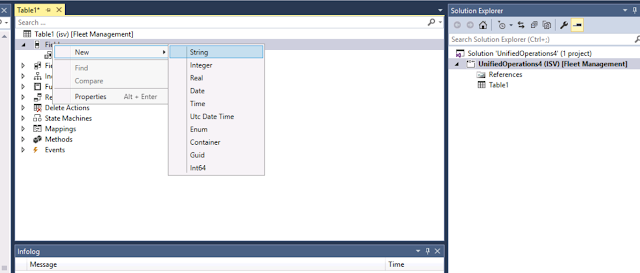
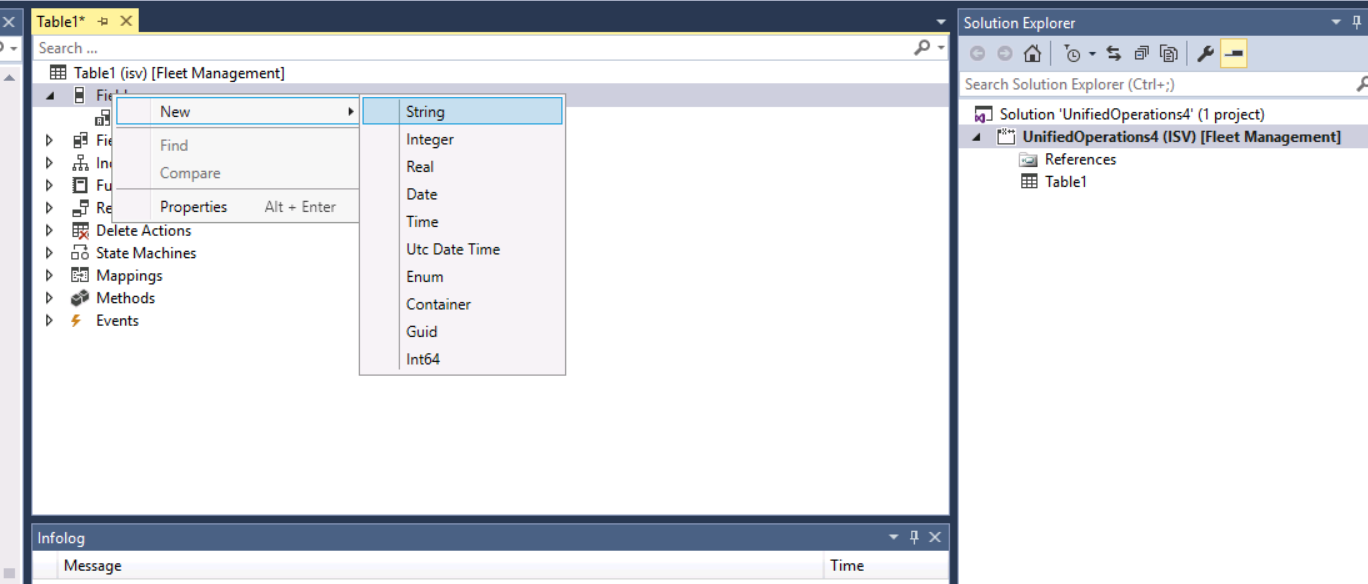
now add your fields
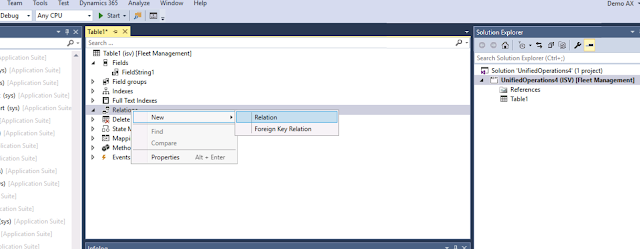
and if this table related to another, you can create the relation
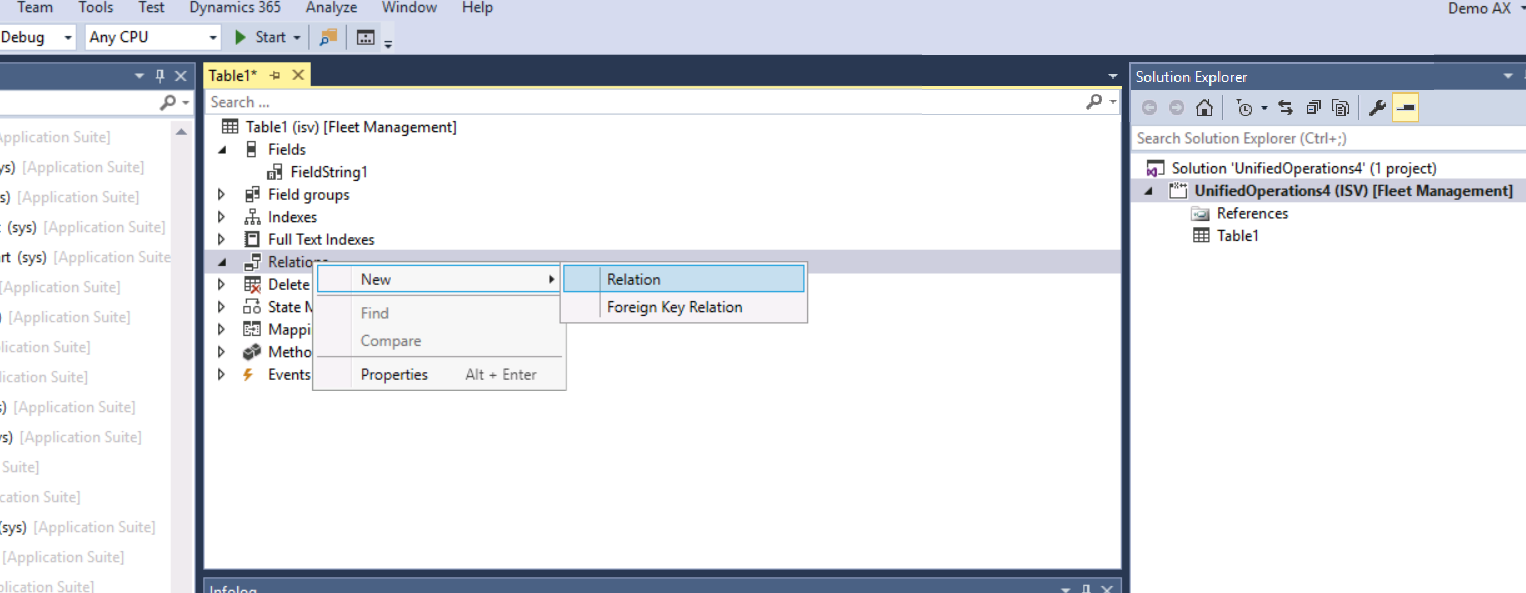
don't forget indexes to enhance performance
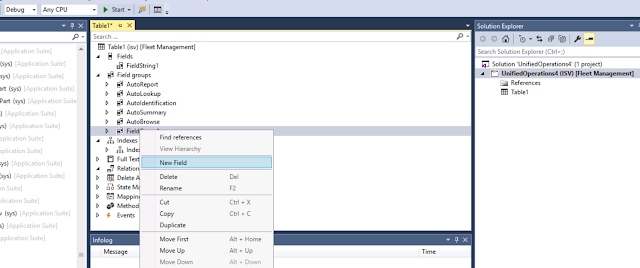
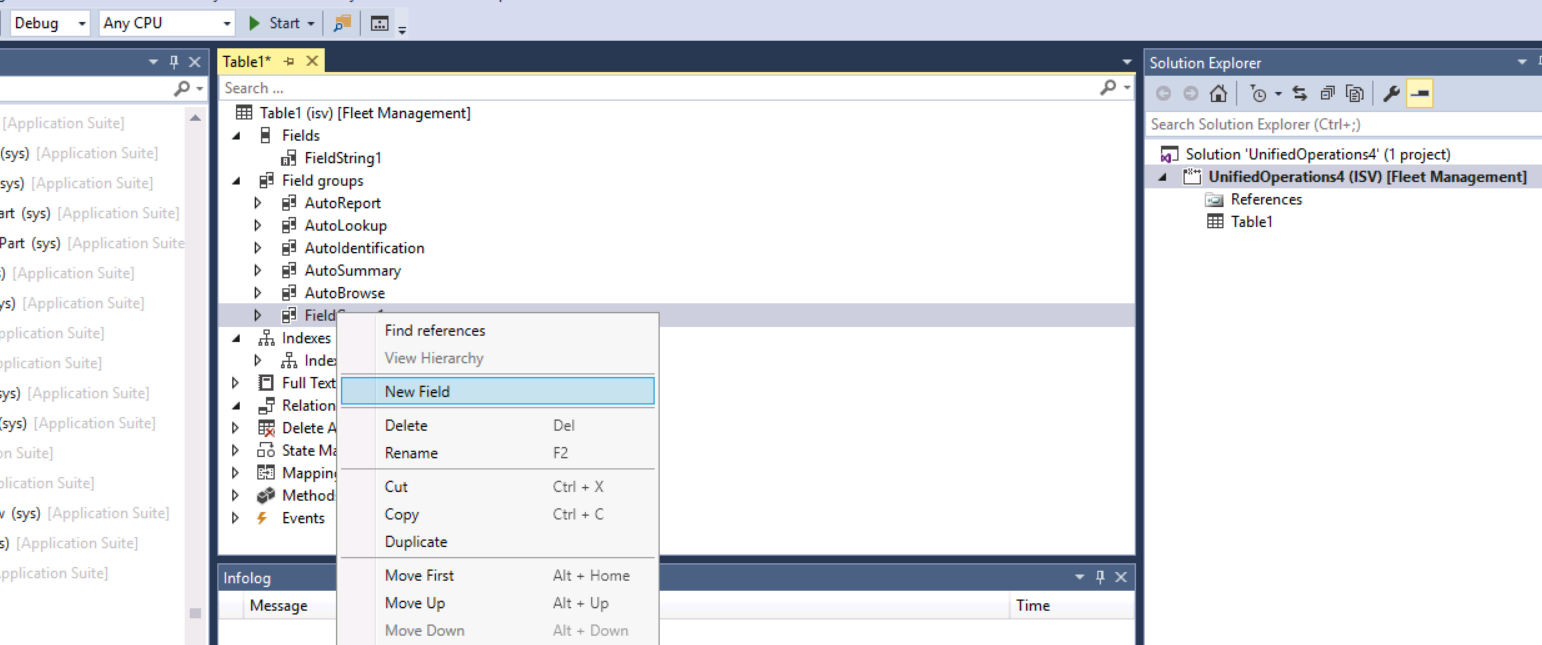
if you need to be a professional, you can create fields group to organize your work and use this groups in the design of forms and reports,...etc
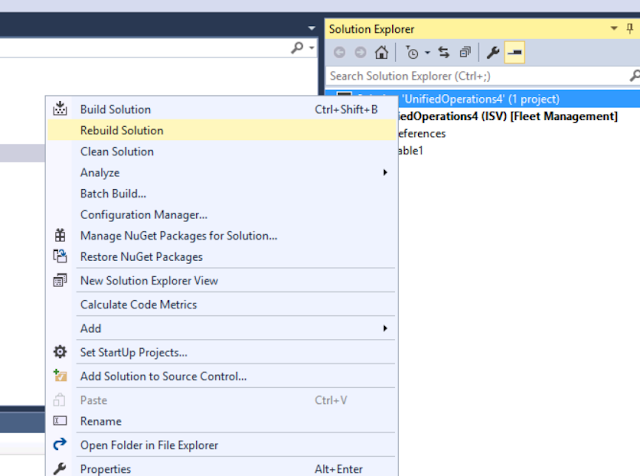
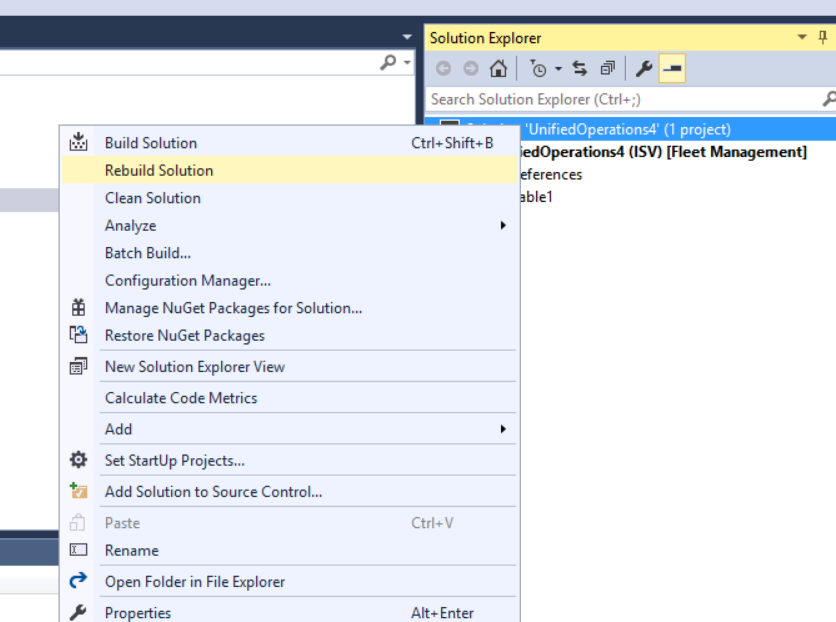
Finally, build your solution
thanks.
*This post is locked for comments