




 Like
Like Share
Share
 Report
You use CRM Online. you add a user in Office 365 and assign a CRM license to her. The user shows up in your CRM production organization users, but does not show up in your sandbox organization. What’s up?
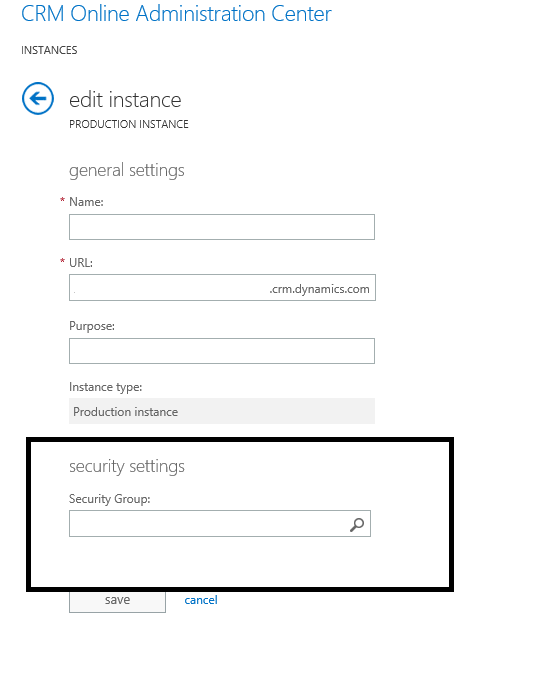
Most likely the problem is that your sandbox organization has a security group associated with it, and the user you added is not part of that security group. Associating a security group with a CRM Online organization is a great way to restrict a certain organization to specific users.But it is also the cause of many frustrated O365 admins who aren’t aware that the security group is applied to the organization wondering why users aren’t there.
In the Office 365 Admin portal, go to the CRM tab, select your organization, then click “edit.” In the instance properties, look at the “Security Group” field at the bottom of the page. If there is a group selected, only the members of the group will be added to the organization. If you want to have all CRM licensed O365 users in the CRM organization, you can remove the security group from the organization by clearing the field, or add the users that you want to be in the organization to the selected security group.
*This post is locked for comments