


web
You’re offline. This is a read only version of the page.
close
Skip to main content

Announcements

No record found.

News and Announcements icon
Community site session details

Community site session details

Session Id :

Display menu item Form View Option in D365

dasdasd Profile Picture dasdasd 841
In this blog we will discuss how we can use same form at back-end and show two different views (Listing and Detail) at front end. Working with forms customization almost every developer came across this requirement in which our user wants a listing page and detail page of same nature of records. So for achieving this requirement follow below steps.

Step 1: 
For listing view, create a display menu item set it's object property to your form name and Form View Option property to Grid as shown in image.


Step 2: 
For detail view, create a display menu item set it's object property to your form name and Form View Option property to Details as shown in image.


Step 3: 
Build & Sync your code.

Result: 


List view
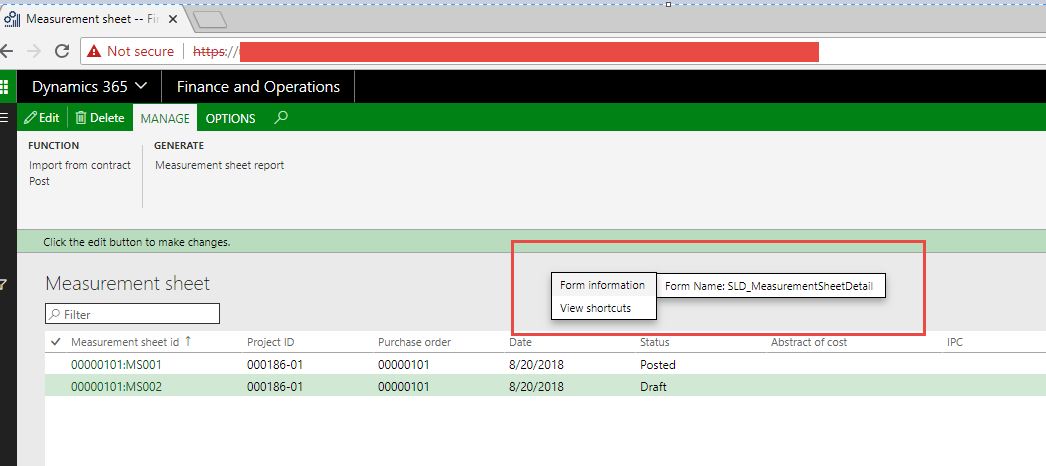


Detail view


This was originally posted here.

Comments

*This post is locked for comments