




 6,230
6,230 Like
Like Share
Share
 Report
We recently had a query around why a solution import would fail when it was exported from CRM 2013 into a 2015 RTM environment with the following message:
0x80040216 Unable to find metadata information for attribute !Process_Custom_Attribute_URL_
This is caused by having a workflow where it would send an email with a Dynamic URL of a record. Currently there is no fix by Microsoft for this. So you have couple of options:
- Re-export the solution from Dynamics CRM 2013 without the workflow and import into 2015
- Extract the solution zip file into a temporary folder
- Open the solution.xml file, find the RootComponent under the <RootComponents> element and remove it. Tip: Search by the GUID of the workflow

- Open the customizations.xml file, again search for the GUID of the workflow, and remove the whole <Workflow> element
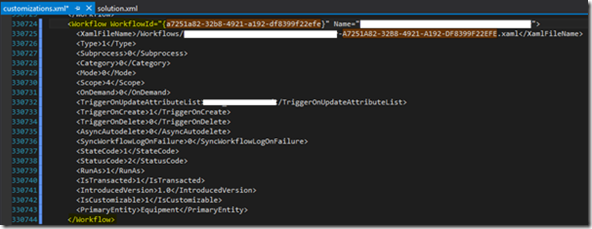
- Re-zip the solution and import
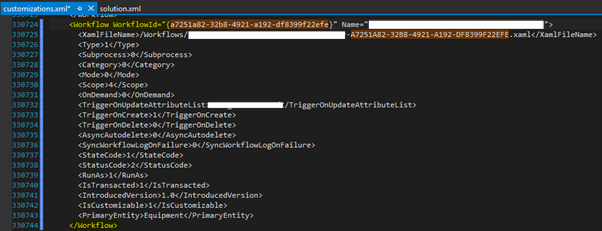
- Open the solution.xml file, find the RootComponent under the <RootComponents> element and remove it. Tip: Search by the GUID of the workflow

Enjoy!
*This post is locked for comments