




 6,230
6,230 Like
Like Share
Share
 Report
In the new CRM 2015 the site map has been updated with a new Settings tab, called Security. This tab has taken some of the related areas from Administration to make things less cluttered and easier to locate different settings.
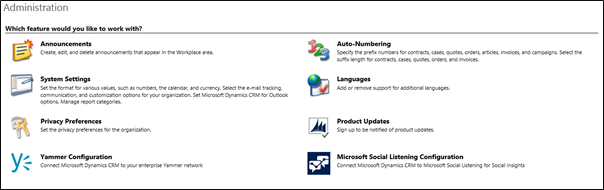

However if you are upgrading your CRM from 2013 to 2015 and you have made changes to the sitemap in your customizations, and hence include the 2013 sitemap in your organizations solution. When it comes time to import into your new environment, the site map will be changed to the old 2013 format and you will be left unable to access the features in the security tab.
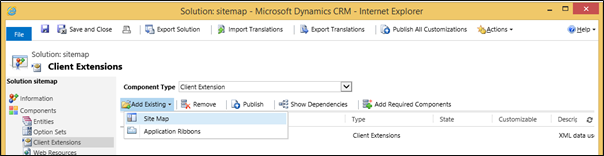
Fortunately there is a simple fix to this problem. Prior to importing make a solution containing only one element, the sitemap. Export this solution.
Open the customizations.xml file of your organization solution find the sitemap element and replace the group tag with the Id="System Setting":
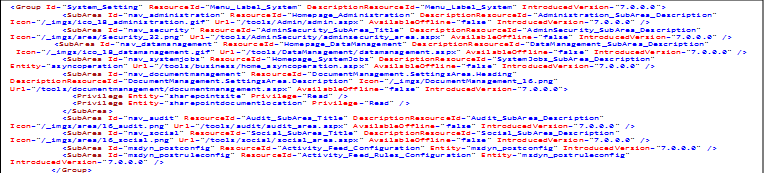
With the group tag of the same Id taken from customizations.xml from the sitemap solution exported previously:
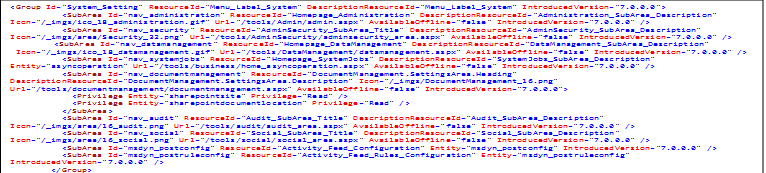
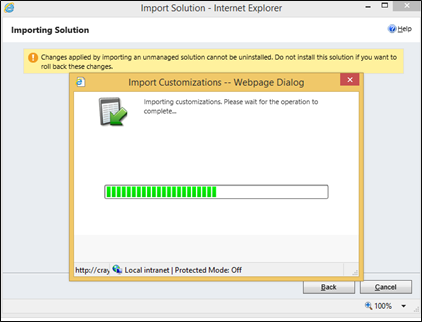
Save the changes zip it up and import your organization solution. Refresh the page and navigate to settings and verify that the security tab is there.

*This post is locked for comments