




 7,518
7,518 Like
Like Share
Share
 Report
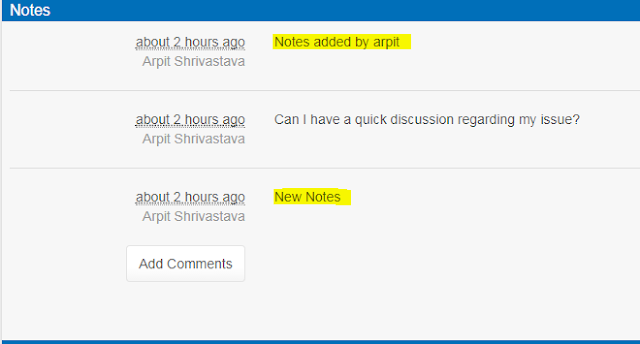
As we all know that, by default portal always shows Notes in Ascending order.But ideally this should not happen and Latest Notes should get displayed at top.
List Orders - Allows you to set the order in which notes will be displayed.
(Reference: https://community.adxstudio.com/products/adxstudio-portals/documentation/configuration-guide/entity-form/notes-configuration-for-entity-forms/)

To add a sorting rule, click " + Column" (4) and fill in the details. List Orders will be processed in order from the top of the list having highest priority.
List Orders - Allows you to set the order in which notes will be displayed.
(Reference: https://community.adxstudio.com/products/adxstudio-portals/documentation/configuration-guide/entity-form/notes-configuration-for-entity-forms/)
Default Behavior:
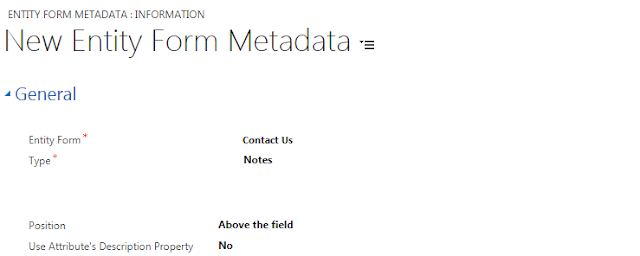
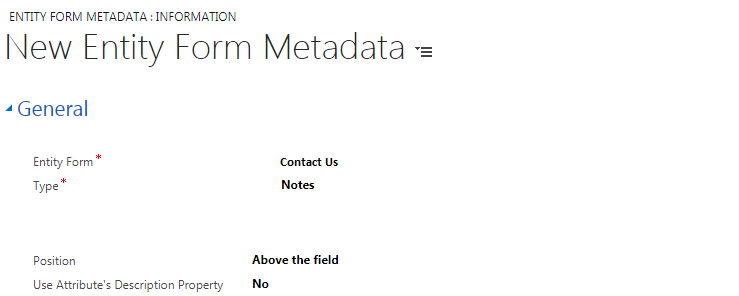
Create an Entity Form Metadata for Notes and set List Order for Created On coulmn to Descending:


Attribute - the logical name of the column by which you wish to sortAlias - the alias for the attribute in the queryDirection - Choose Ascending (smallest to largest, or first to last), or Descending (largest to smallest, or last to first).
To add a sorting rule, click " + Column" (4) and fill in the details. List Orders will be processed in order from the top of the list having highest priority.
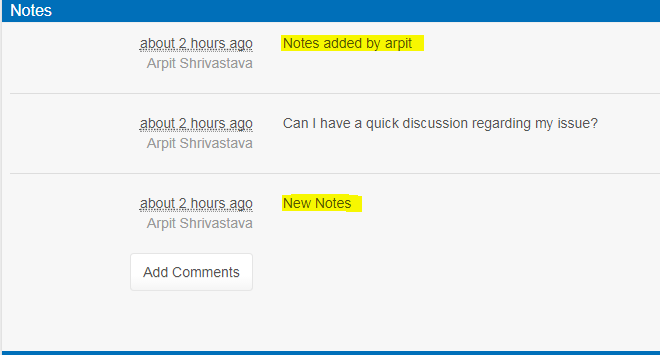
Output:

*This post is locked for comments