




 3,100
3,100 Like
Like Share
Share
 Report
 Download: Microsoft Dynamics GP Tip: Using the Receivables Transaction Unapply Tool
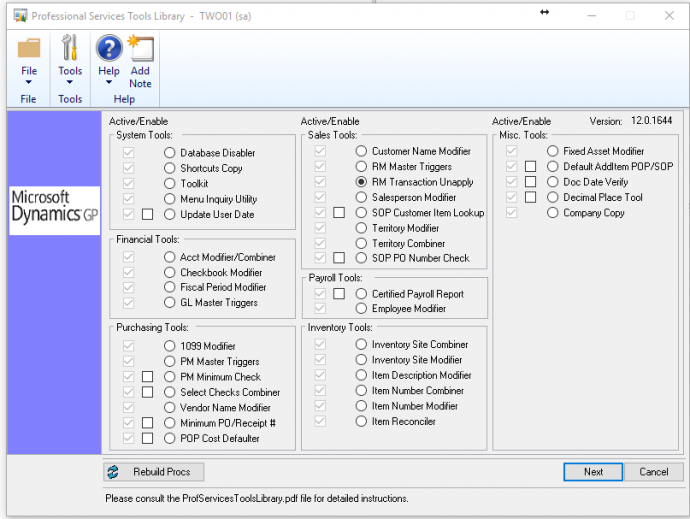
The RM Transaction Unapply tool is in the Professional Services Tools Library in Dynamics GP.
This tool enables you to unapply documents in the history table and automatically move the records back to the open table even if there are discounts and/or writeoffs associated with the document. You can reapply the records as needed. Using this tool can be a good alternative to removing history and reentering data if records were applied incorrectly.
- In the Professional Services Tools Library section highlight the RM Transaction Unapply option
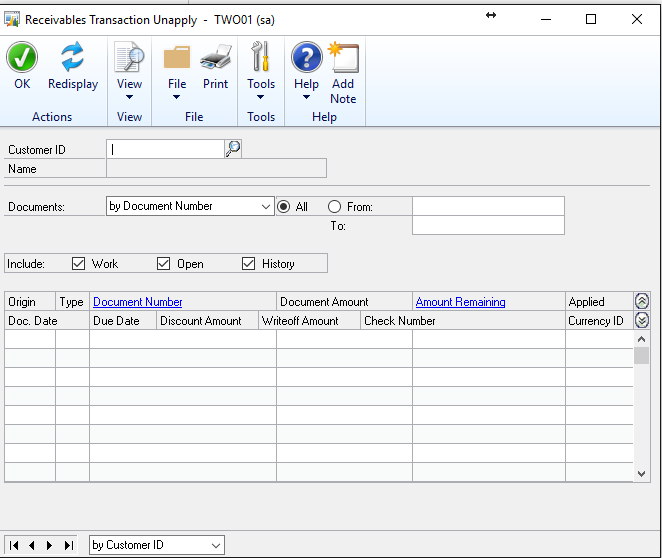
- Select your customer
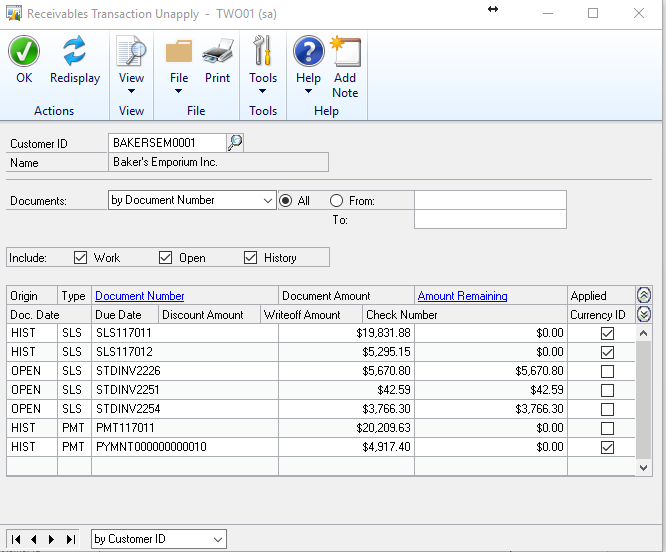
- Select your payment, uncheck it.
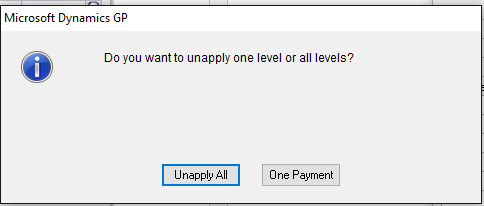
You will get the following window to confirm your selection.
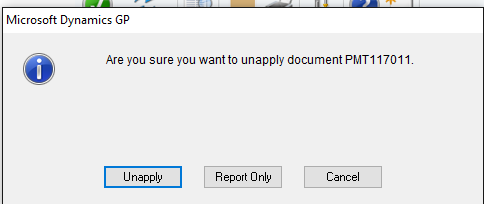
Note: If you run the report first you will get what that payment was applied against.
Then you can verify that you are unapplying correctly.

Then, if you are happy with the results, you can go in and unapply the transaction.
Be aware that in most cases you want one document. Just that payment. Otherwise if there were any other payments applied to those invoices it will unapply those as well.
Then the system will complete the request and give you the same report that you saw above.
Note: Once you want to re-apply the transaction make sure that you are watching the dates that you are applying by or all of your RM Aged Trail Balances will not report the same way that they did during the year.
Watch our RM Transaction Unapply video tip.
For more Dynamics GP Tips and Tricks go to www.calszone.com/tips and sign up for our e-newsletter.
By CAL Business Solutions, www.calszone.com
The post Microsoft Dynamics GP Tip: Using the Receivables Transaction Unapply Tool appeared first on CAL Business Solutions.
*This post is locked for comments