




 Like
Like Share
Share
 Report
If you have a user who does not see the latest customization changes in the CRM tablet app, check the last time that the user’s tablet app synced customization changes.
Click the options (…) button in the lower right corner, click “Settings,” then “About.”
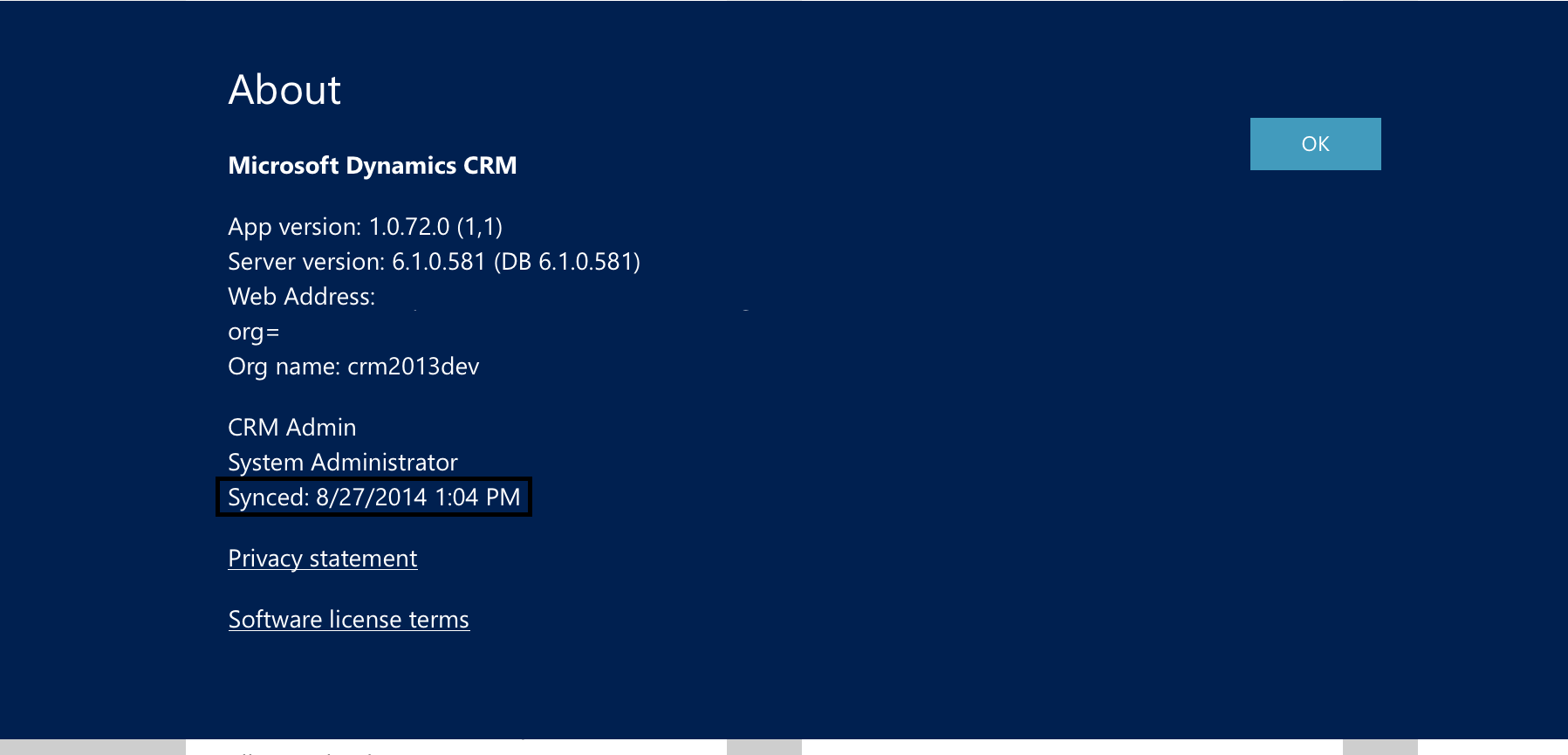
The “About” screen gives some useful information, such as the app version and the server CRM build number. It also tells us when the last time the user synced. If the sync date is prior to the last time you published customizations, hard close the app and restart it, downloading customization when prompted.
If the user is not prompted, publish customizations in CRM, then have the user close the app and restart it.
*This post is locked for comments