




 6,230
6,230 Like
Like Share
Share
 Report
Have you ever pressed ‘Qualify’ on a lead and been greeted with the below error in Dynamics 365?
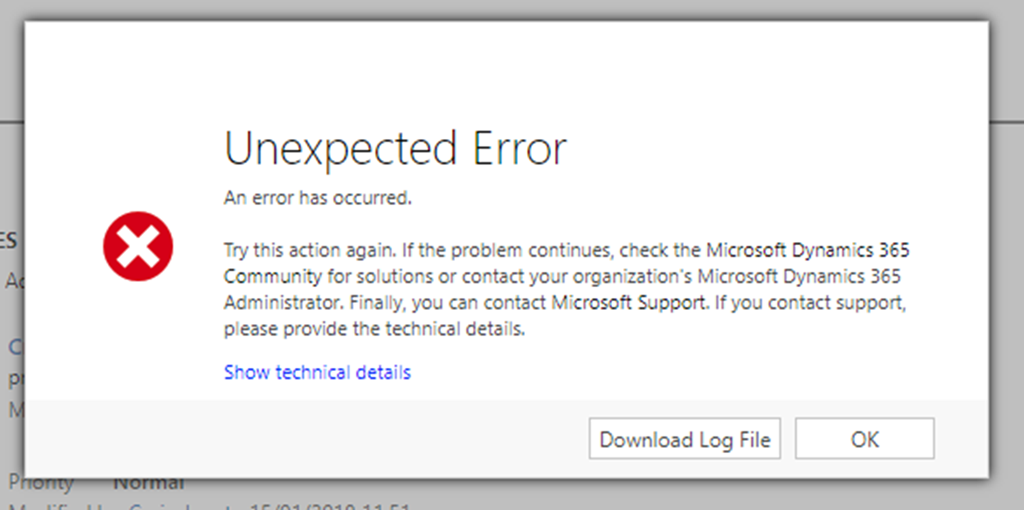
Intrigued, you press ‘Download Log File’ and are presented with text such as:
<s:Envelope xmlns:s="http://schemas.xmlsoap.org/soap/envelope/"><s:Body><s:Fault><faultcode>s:Client</faultcode><faultstring xml:lang="en-US">Active stage is not on 'Lead' entity.</faultstring><detail><OrganizationServiceFault xmlns="http://schemas.microsoft.com/xrm/2011/Contracts" xmlns:i="http://www.w3.org/2001/XMLSchema-instance"><ActivityId>709bbff4-xxxx-xxxx-bdf2-6334950fd195</ActivityId><ErrorCode>-2147220970</ErrorCode><ErrorDetails xmlns:a="http://schemas.datacontract.org/2004/07/System.Collections.Generic"/><Message>Active stage is not on 'Lead' entity.</Message><Timestamp>2018-01-26T00:13:20.2280571Z</Timestamp><ExceptionRetriable>false</ExceptionRetriable><ExceptionSource i:nil="true"/><InnerFault><ActivityId>709bbff4-xxxx-xxxx-bdf2-6334950fd195</ActivityId><ErrorCode>-2147220970</ErrorCode><ErrorDetails xmlns:a="http://schemas.datacontract.org/2004/07/System.Collections.Generic"/><Message>Active stage is not on 'Lead' entity.</Message><Timestamp>2018-01-26T00:13:20.2280571Z</Timestamp><ExceptionRetriable>false</ExceptionRetriable><ExceptionSource i:nil="true"/><InnerFault i:nil="true"/><OriginalException i:nil="true"/><TraceText i:nil="true"/></InnerFault><OriginalException i:nil="true"/><TraceText i:nil="true"/></OrganizationServiceFault></detail></s:Fault></s:Body></s:Envelope>
Why does this occur?
This happens out of the box in Dynamics 365. The reason this error occurs is when you re-activate a qualified lead and then try qualifying the lead again.
No need to fear, the solution is simple!
To fix this error you simply press the ‘Set Active’ button below the Business Process Flow stage bar. This simply sets the process status to Active and allows you to proceed in the Business Process flow.

*This post is locked for comments