




 1,551
1,551 Like
Like Share
Share
 Report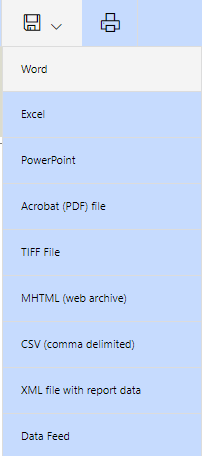
The output of the report is converted into pages which become pages in the PowerPoint file. By default the pages do not fit in a standard PowerPoint size, so the images are divided in two and placed on two pages:
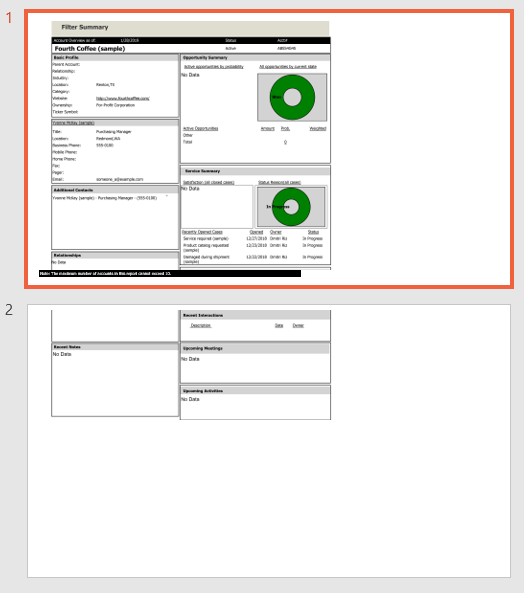
The pages contain images of the report contents like this sample from the Account Overview Standard report:
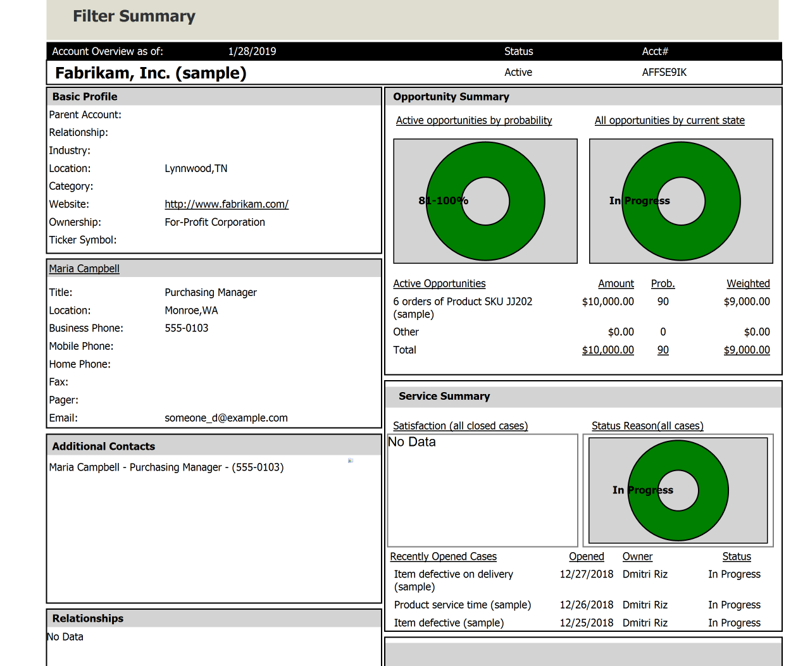
Because they are images, you cannot edit them in PowerPoint beyond image editing tools. To make them more attractive in PowerPoint, you can change the format of the Dynamics 365 report so it will fit better in the targeted PowerPoint format.
If you what you want is to render data from Dynamics 365 in a pre-built PowerPoint template, you may want to export the data from Dynamics 365 to Excel and use Mail Merge with a third party tool to bring that data into PowerPoint.
*This post is locked for comments