




 6,230
6,230 Like
Like Share
Share
 Report
In Microsoft Dynamics 365 when a stage changes in a Business Process, you may want to run a workflow to automate the fetching of information, an invoicing process, or any other number of things. This is incredibly easy to do with Microsoft Dynamics 365.
In the new business process flow designer, simply select Add > Add Workflow, then select the stage within which you want to run the workflow.

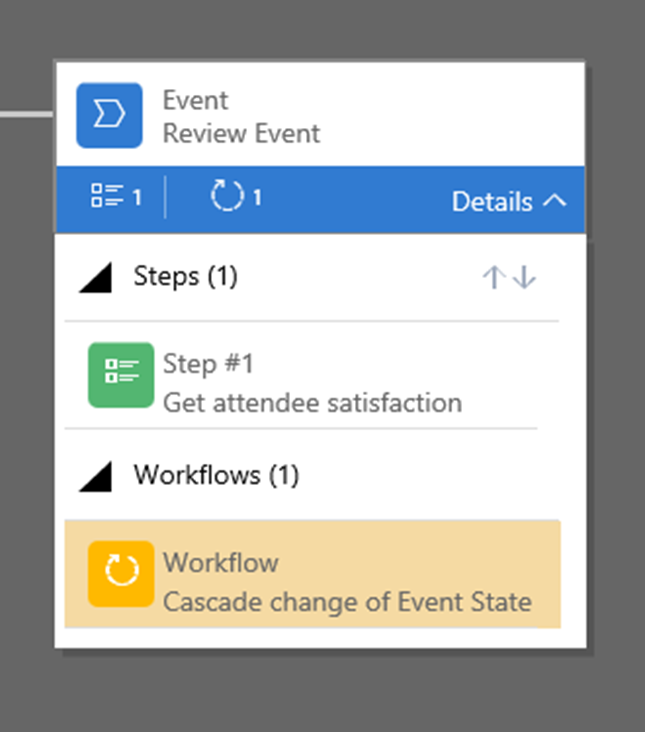 This will add the workflow item to the stage, from which you are able to select the trigger that you would like the workflow to run on (Stage Entry or Exit), and then also the workflow itself that you want to run. Note that there is a caveat for the workflow selected, that it must be an active, on demand workflow for the same entity as the selected stage. The selected workflow will now run on the selected trigger.

*This post is locked for comments