
web
You’re offline. This is a read only version of the page.
close
Skip to main content

Notifications

Announcements

Community site session details

Community site session details

Session Id :

Job to create prepayment against purchase order in D365

dasdasd Profile Picture dasdasd 841
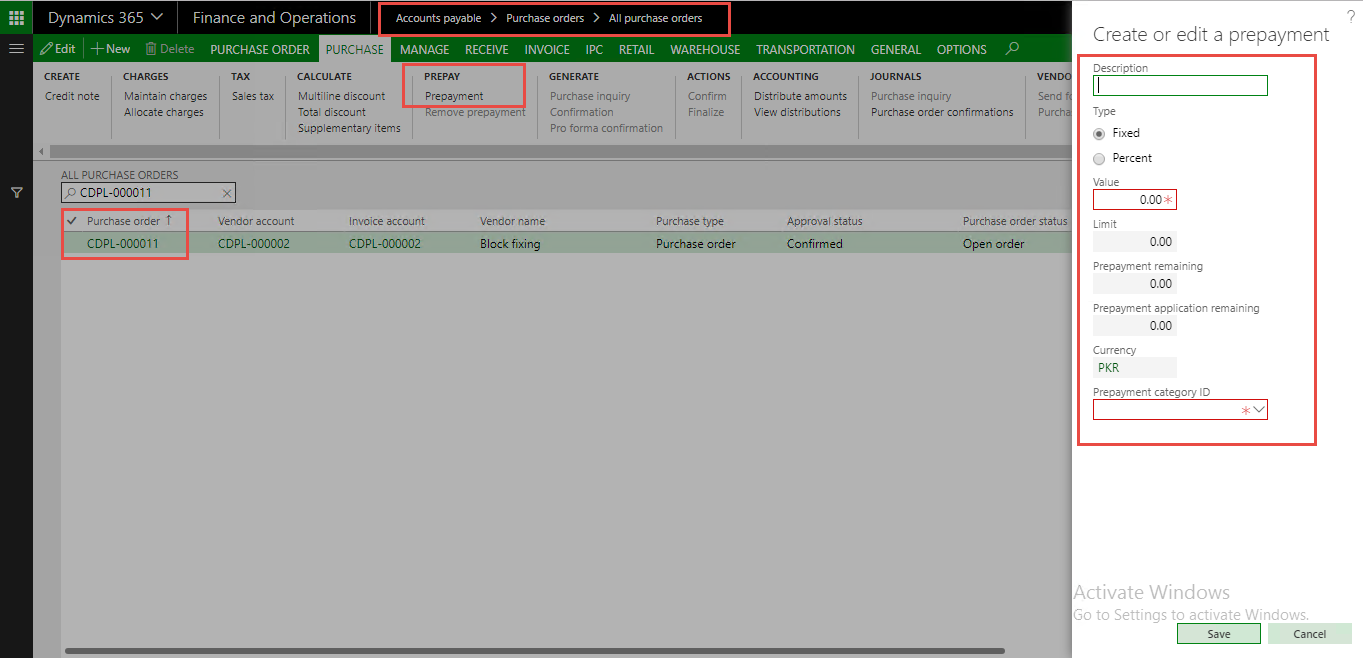
Vendor's prepayment in procurement process is a very common practice and in such scenario an organization should be able to track purchase order & their prepayments. In this blog I will discuss how can you create prepayment by X++ code in Microsoft Dynamics 365. Please find below screenshots.

Prepayment screen:


Source code of a method, which is breakdown in two images:


Image 1.1:

Source Code Explanation:
  • Get purchase order.
  • Initialize purchprepaytable buffer.
  • Set values.
  • For this example I have used prepayment type "Percent".


Image 1.2:


Source Code Explanation:
  • Get purchase order total amount through PurchTotals class.
  • Run calculation of Purchase order total amount through calc() method.
  • Done calculation for Limit and available prepayment fields.
  • Set prepay category Id.
  • Insert record.


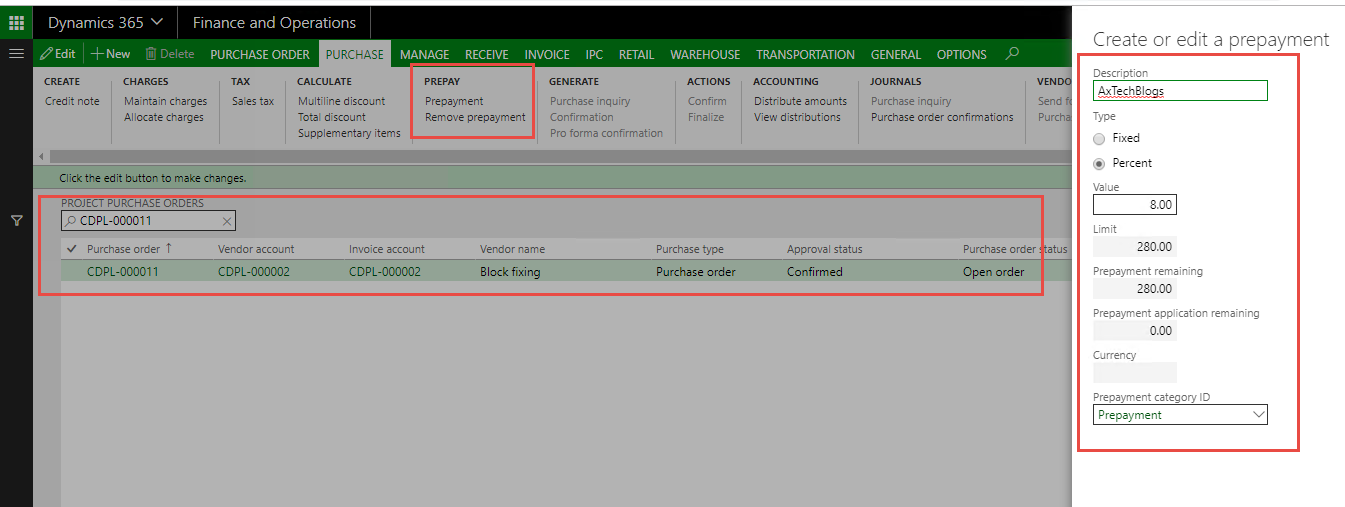
Job runs successfully.


Result:


This was originally posted here.

Comments

*This post is locked for comments