




 6,125
6,125 Like
Like Share
Share
 Report
D365FO Database Synchronization
In Microsoft D365FO there are 3 way to synchronized the database
Full synchronization
Synchronization after build of packages
DB sync on project build
Full synchronization
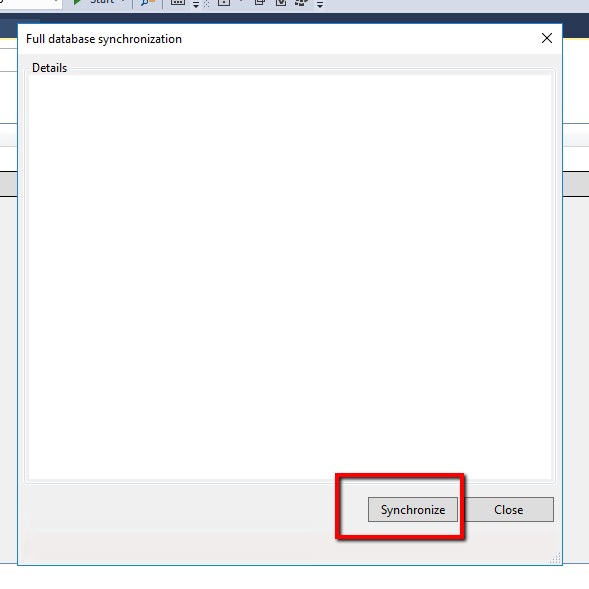
To perform a single full database synchronization Open Visual Studio and click on Dynamics 365 Menu and click on synchronized database...
Like below

Now click on synchronize
Synchronization after build of packages
There is option available to sync database with build model feature, In this option DB with start sync after build of the model...
Navigation
Go To > Dynamics 365 > Build model

Now select model/models then click on 2nd tab and Mark checkbox of synchronized database.

DB sync on project build
The properties of a project in Solution Explorer, there is property available synchronized database of every build of project

*This post is locked for comments