




 3,040
3,040 Like
Like Share
Share
 Report
1.) Sitemap Editor
2.) Web Resources Manager
3.) View Layout Replicator
Among all these tools, which are all exceptional, Easy Translator is one I never used, as I work only on CRM Deployments with English as the primary language and no requirement from any of the users for alternate languages. There is a interesting usecase for this tool, apart from translation. You can use this to update the tooltip text is CRM 2013. Tooltip text in CRM 2013 is picked up from the description on the field property.
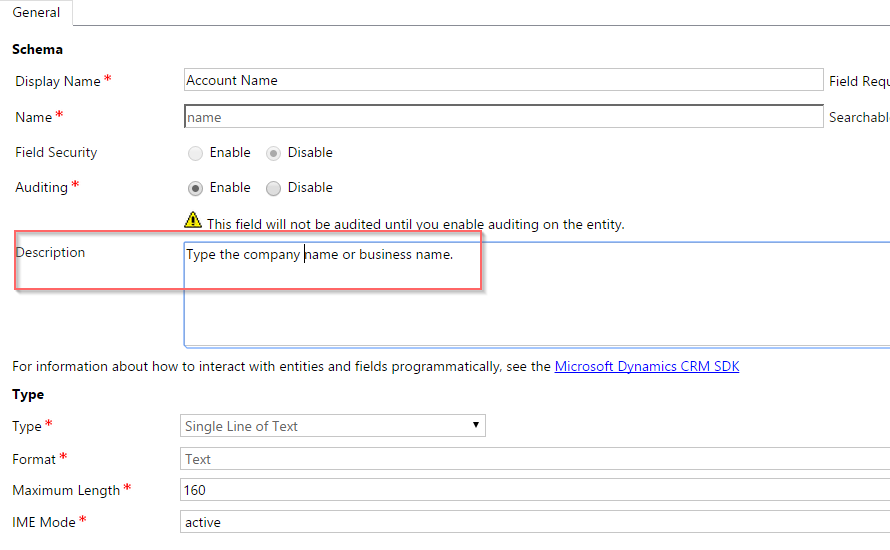
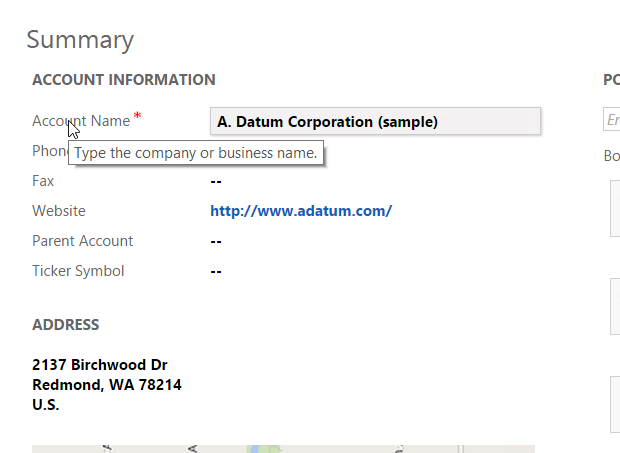
The account name field will show the tooltip text as "Type the company name or business name" when the user hovers over the label.
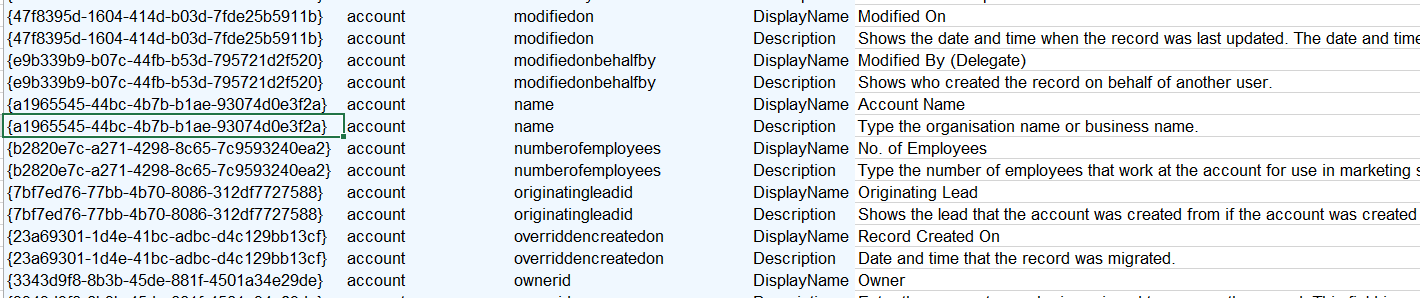
If we want to setup meaningful tooltips for lot of fields, it is easier to do this via Easy Translator. First export the selected entity to Excel using Easy Translator. I this case I have just chosen Account. We just want to export only the Attributes.

Next open the file in Excel and update Description for the attributes that require a different tooltip text, I this case I am going to change the tooltip text only for the Account Name field to "Type the organisation name or business name".
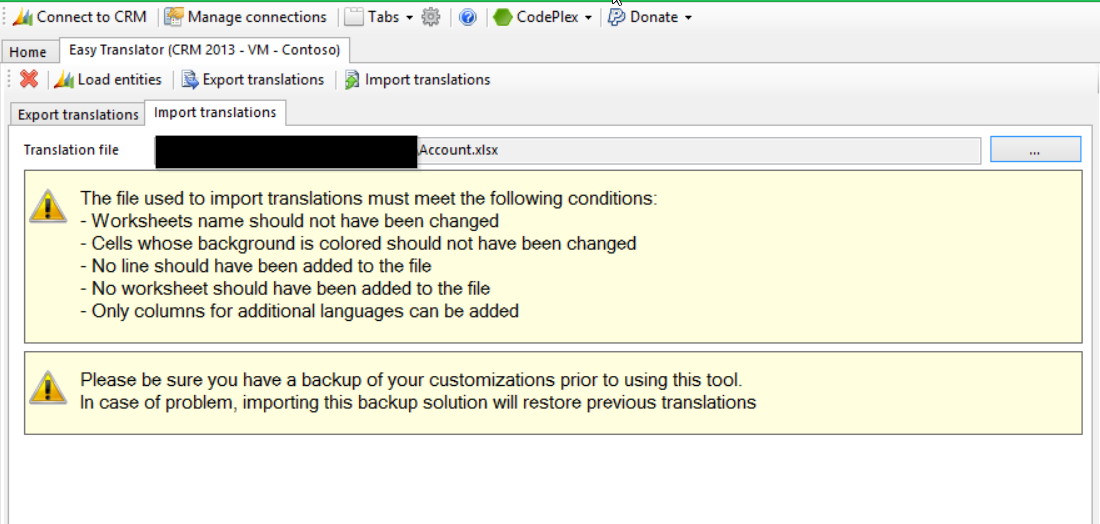
Save the Excel file and import it.
The tooltip text should now reflect your changes.

*This post is locked for comments