




 6,230
6,230 Like
Like Share
Share
 Report
In the Power Platform Admin Center, setting the URL has confused some people familiar with the old Dynamics 365 Admin Center. This is because you can no longer set the URL on create.
Here is an example of the old Dynamics 365 instance create form.

In the “Power Platform Admin Center” you will need to create your Dynamics 365 environment before you can change the URL.
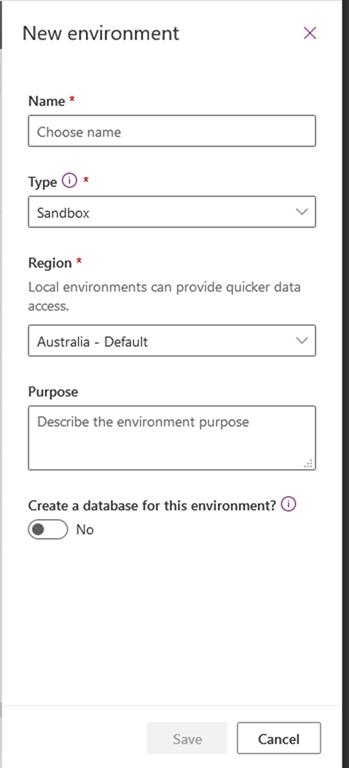
Once you have created the new Environment you can change the URL by following these steps:
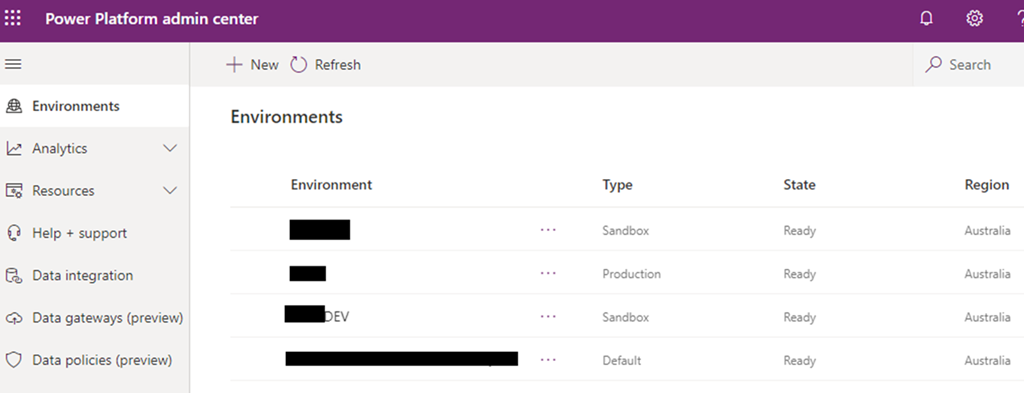
1. Click the Environment name to open the Environment overview page.
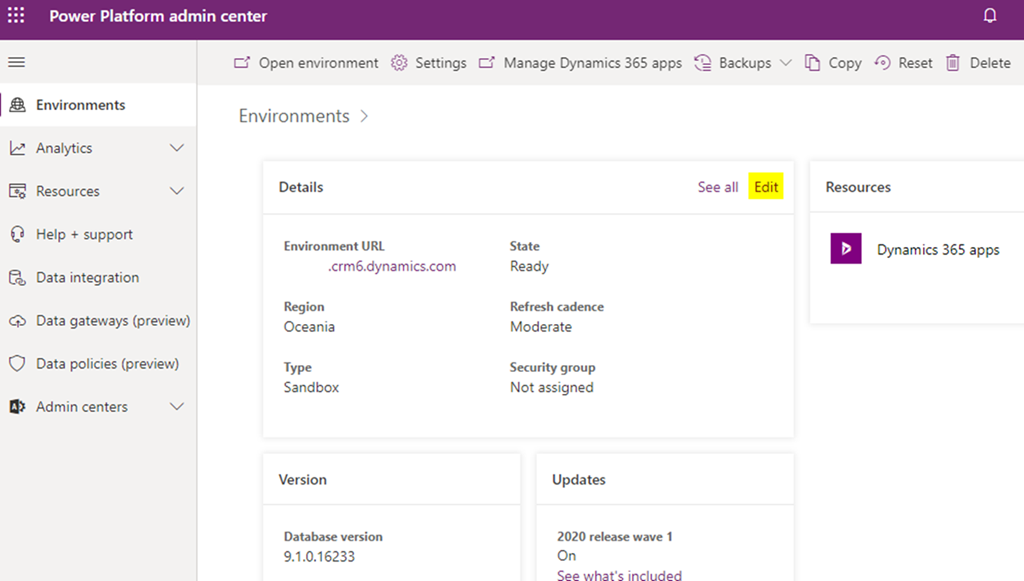
2. Click “Edit” on the Details section
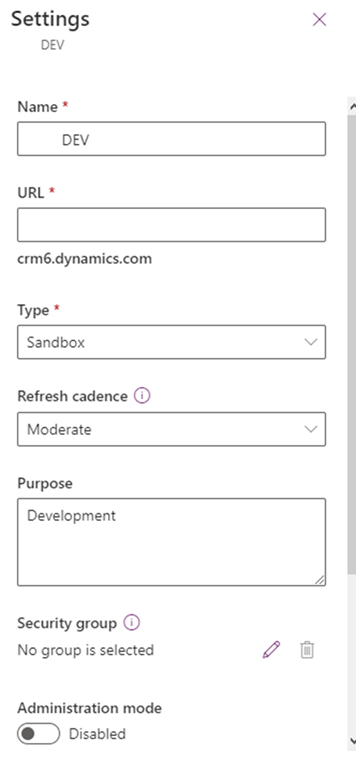
3. Now you can change the URL. Note that the URL will have defaulted to the unique name for example org12345abc.
*This post is locked for comments