




 Like
Like Share
Share
 Report
You try to log in to https://make.powerapps.com, but you can’t log in because you get a “sign in required” dialog with the error “a silent sign-in request was sent but none of the currently signed in user(s) match the requested login hint.”
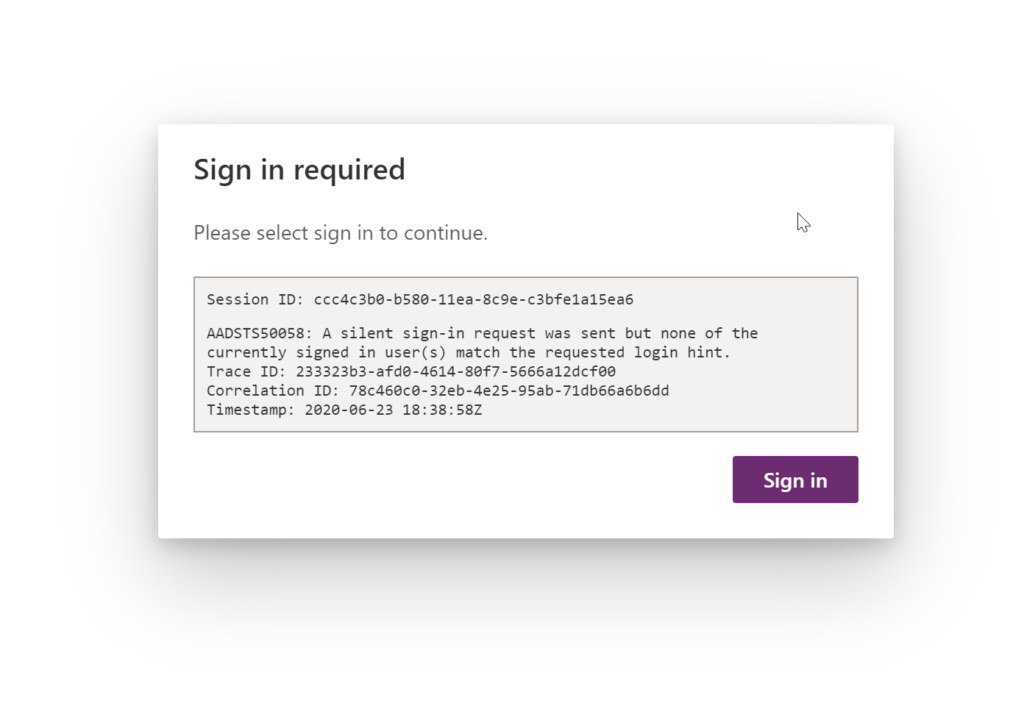
If you get this error, clear your browser cache or recreate your browser profile. When you log in to make.powerapps.com for the first time, answer “yes” when asked if you want to stay logged in.
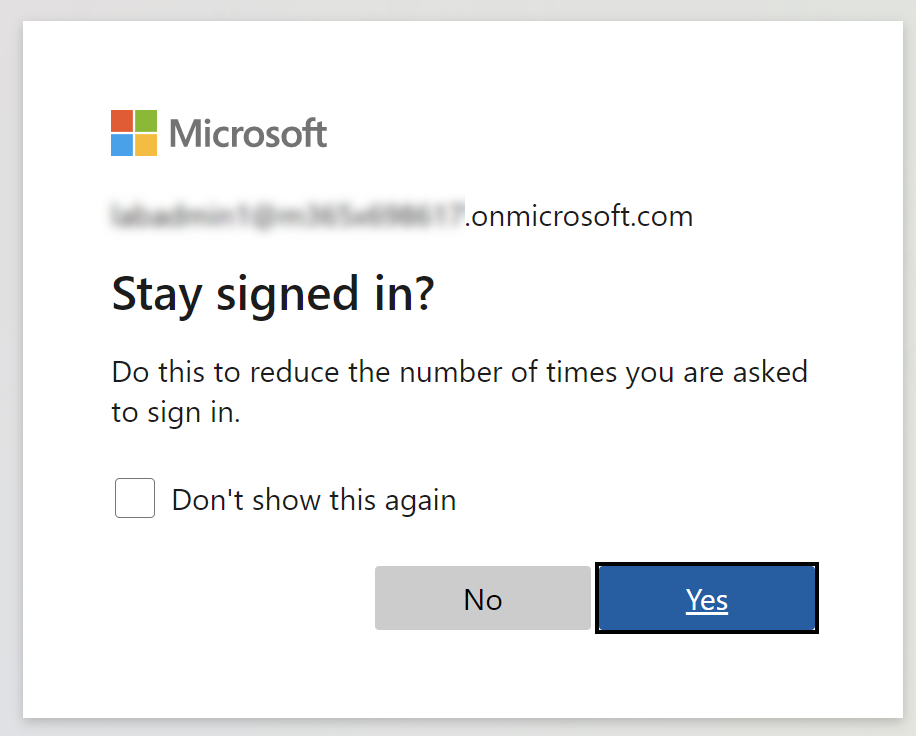
By hitting yes on the stay signed in dialog, the AAD cookie will not expire and you should not see the silent sign-in error.
*This post is locked for comments