




 17,887
 Like
Like Share
Share
 Report
DRA can access both local and network printers that are connected to the computer running the Dynamics 365 for Finance and Operations application in the Cloud.
How to install DRA?
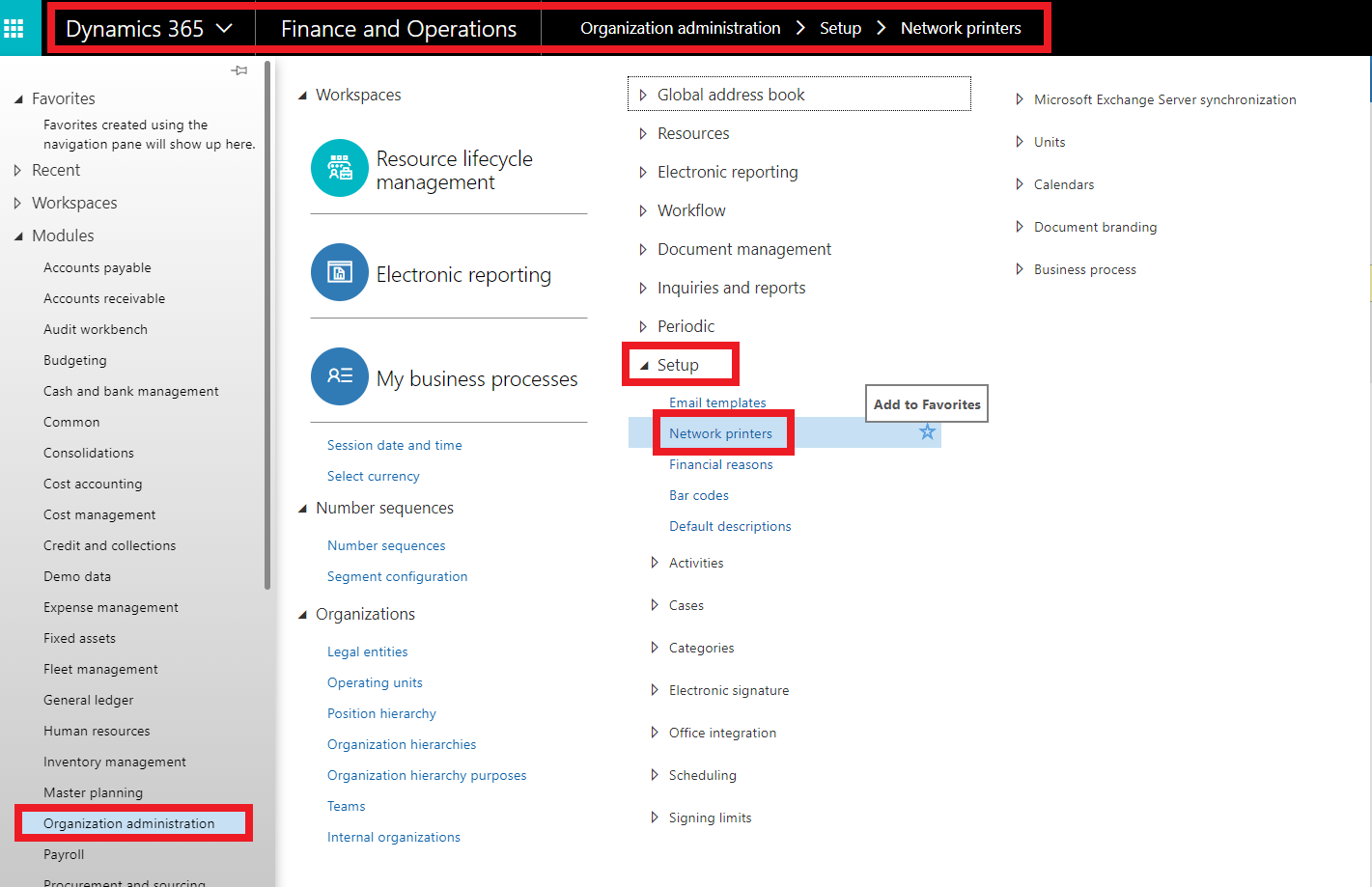
Go to Organization administration > Setup > Network printers
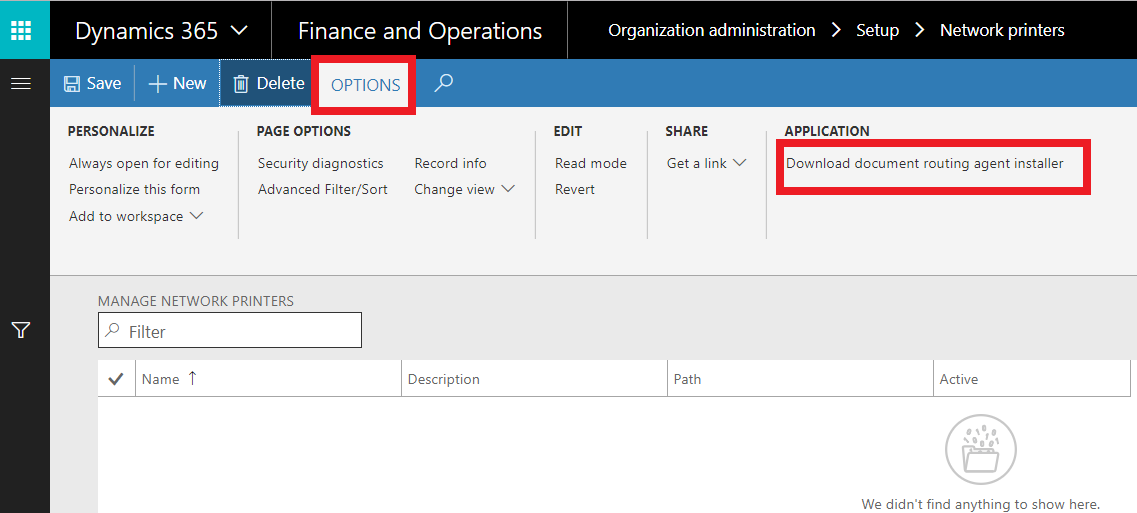
in options tab, you can see download Document Routing Agent installer
download and start installation

you must install adobe pdf reader firstly
so install pdf adobe reader and start the installation for DRA again

accept terms and license agreement
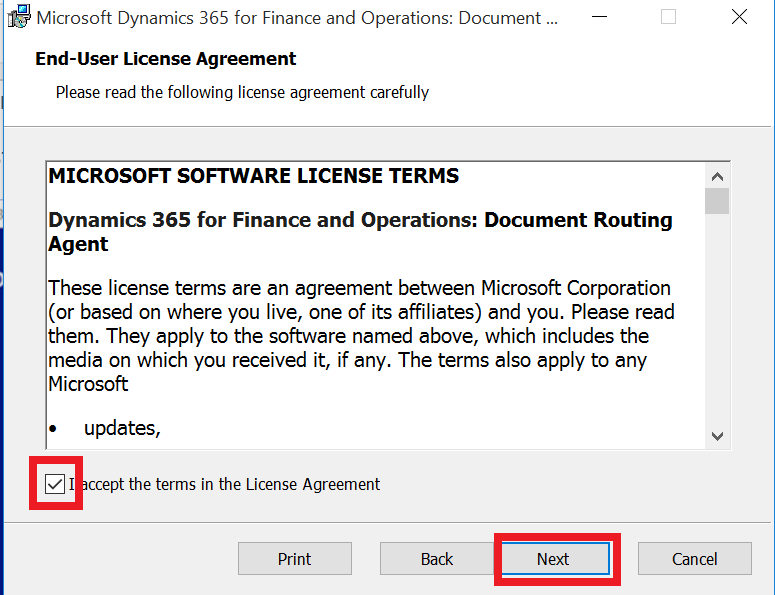
click next to specify the destination folder

you can change the path if you need.
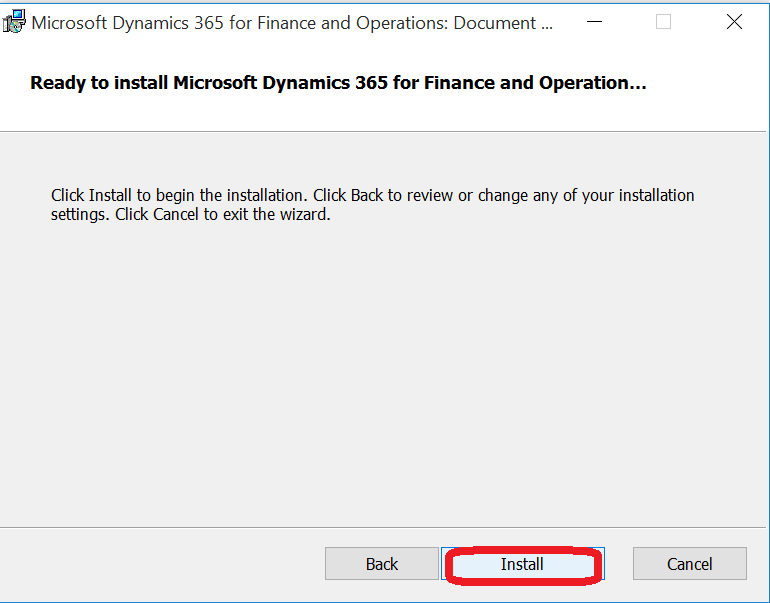
click next to complete installation
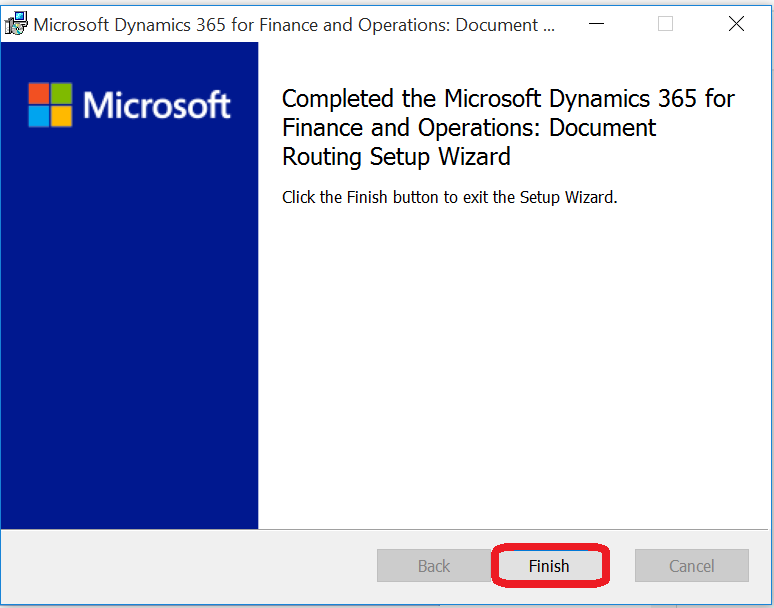
click Finish
*This post is locked for comments