
web
You’re offline. This is a read only version of the page.
close
Skip to main content

Notifications

Announcements

No record found.

Community site session details

Community site session details

Session Id :

How to Apply Hotfix and Create Deployable Package in D365

dasdasd Profile Picture dasdasd 841
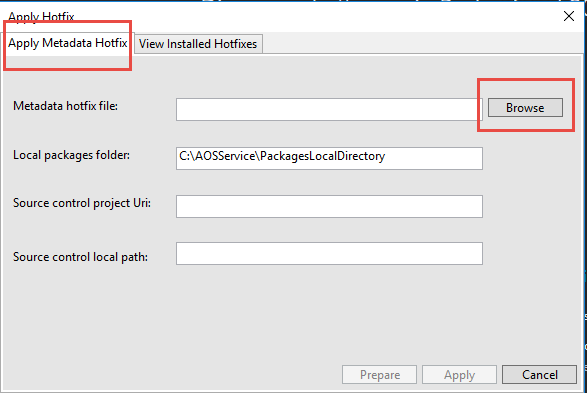
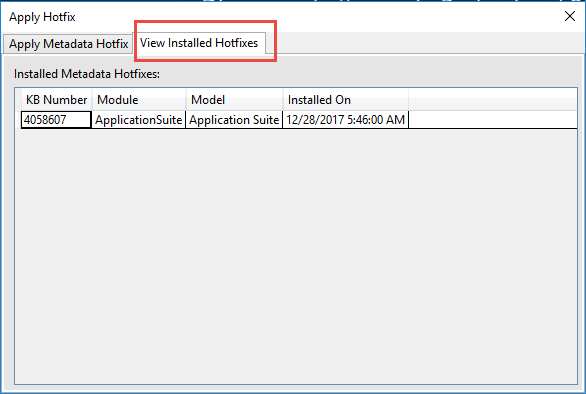
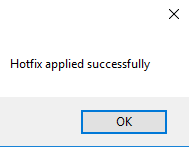
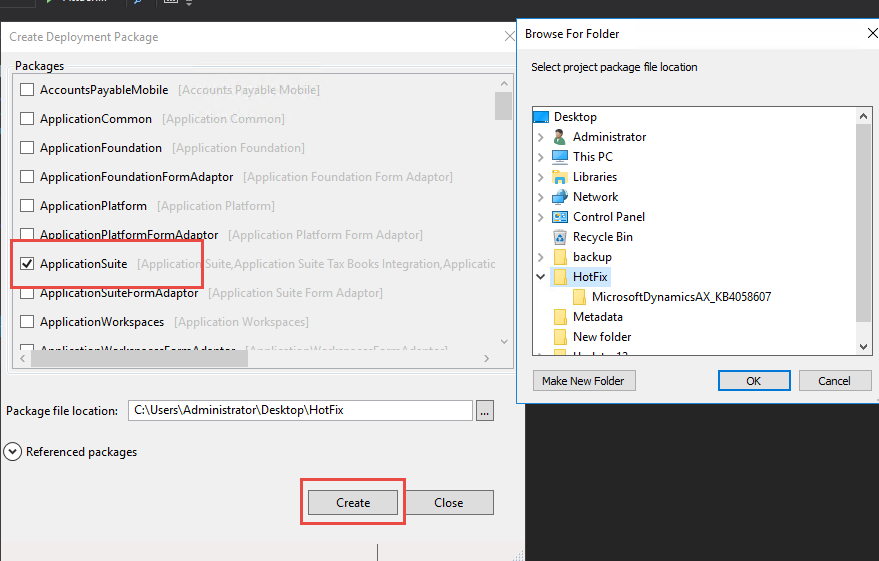
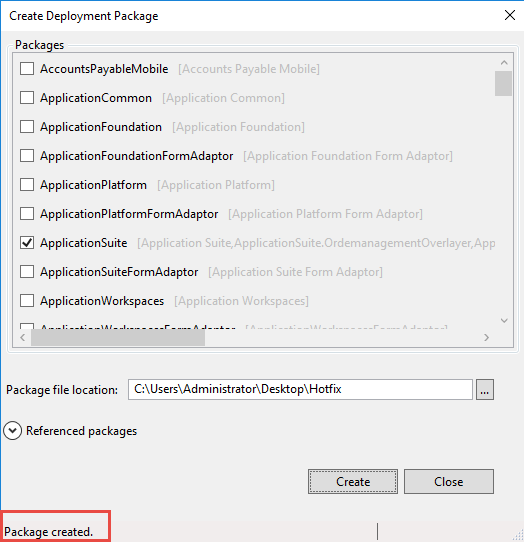
In this blog we will discuss that how we can apply hotfix and create its deployable package in D365. First extract your hotfix zip in your folder explorer then run below process as shown in images.

Note: 
In my case, Hotfix is for ApplicationSuite Model.
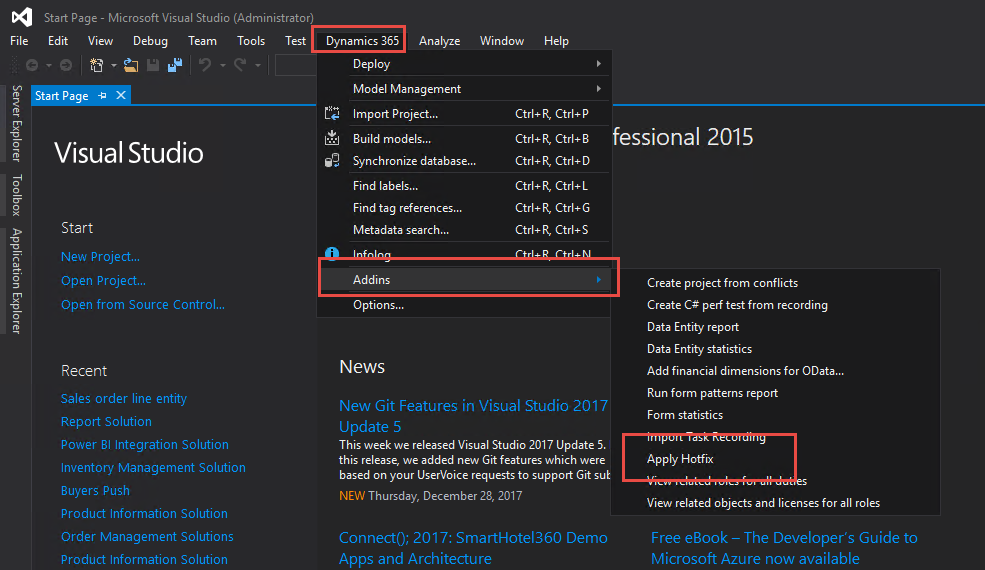


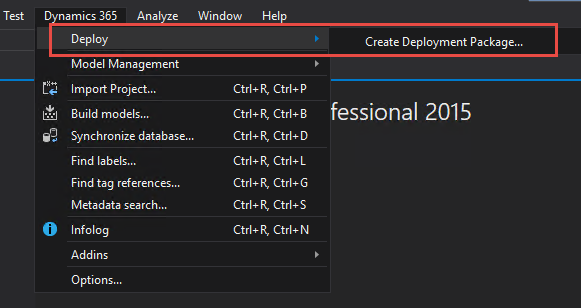
After applying the hotfix create its deployable package as shown in images.
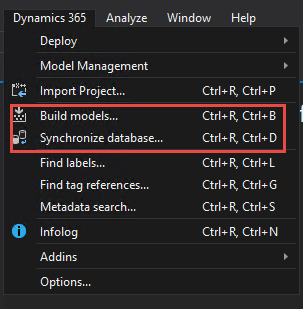


For installing deployable package in any other development environment. Please refer this blog: Install deployable packages by using command line instead of LCS in D365


This was originally posted here.

Comments

*This post is locked for comments