




 34,477
 Like
Like Share
Share
 Report
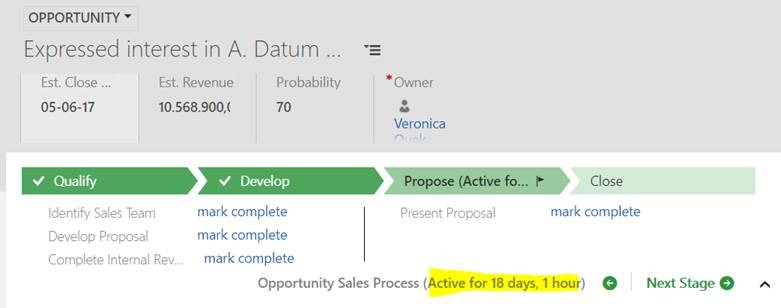
When looking at the BPF-enabled entity in Dynamics, we can see process duration there – here is an example:
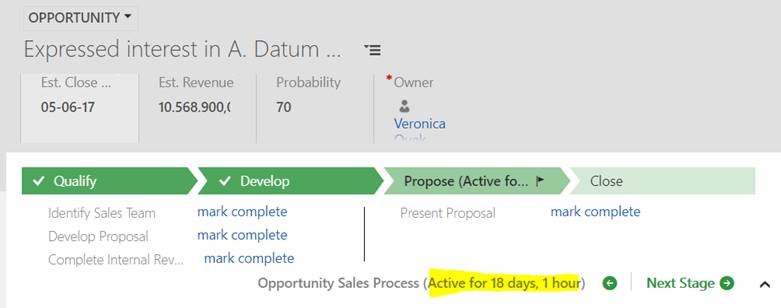
In case you were wondering how the duration (“18 days, 1 hour” in this example) is calculated, here is a diagram:
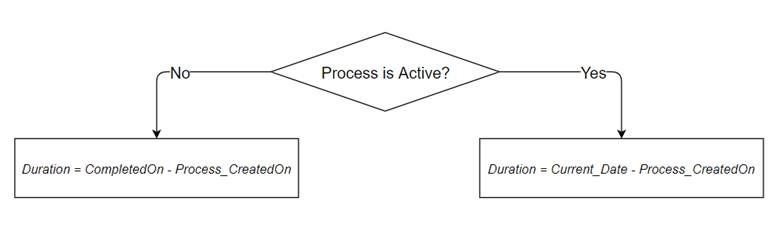
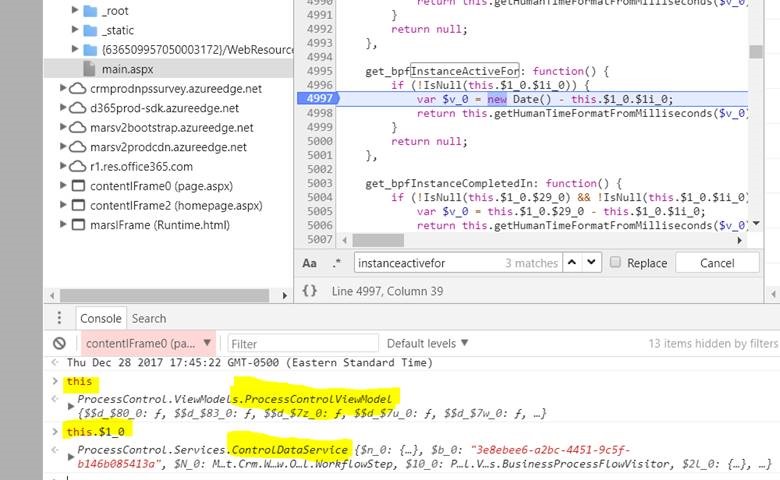
If the process is still active, what will show up in the duration area is simply the difference between current date and process “Created On” date.
If the process has been aborted or finished, what will show up is the difference between process “Completed On” date and process “Created On” date.
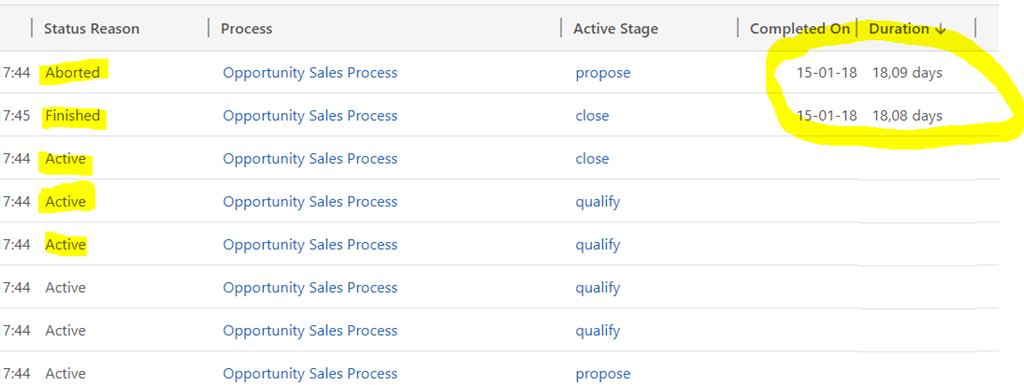
It’s also worth mentioning that “Duration” field on the Business Process Entity will only be populated once the process has finished (as either completed or aborted). For the active processes, that column will be empty:
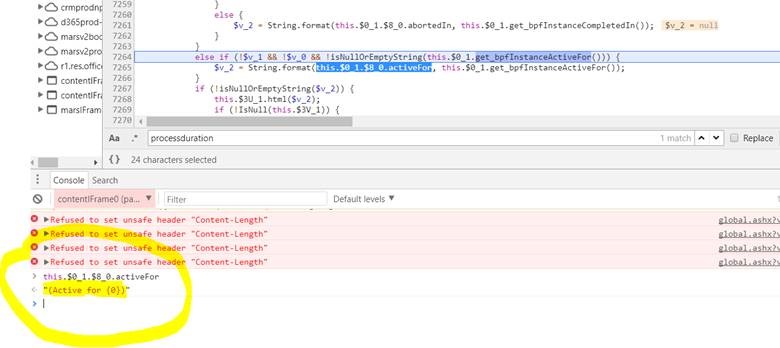
And below are some screenshots from Google dev tools where you can see how the calculations are happening in javascript.
Analyzing process status (Completed/Aborted/Active) – this function is setting $v_2 property to be used later
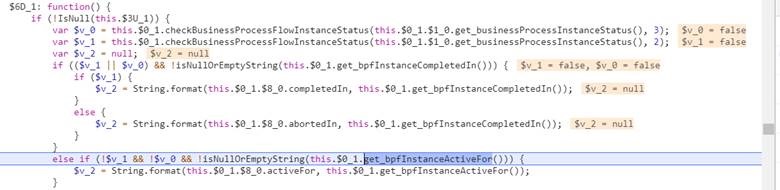
Creating duration text(this function is using $v_2 property from the above
Calculating process duration (get_bpfINstanceActiveFor and get_bpgInstanceCompletedIn are utilized in the code above)
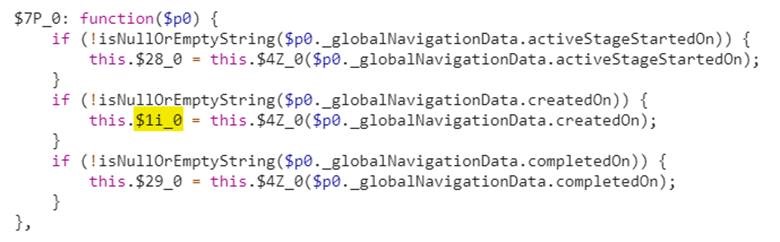
$1i_0 and $29_0 for the code above (the former is set to createdOn, and the latter is set to completedOn)
*This post is locked for comments