




 Like
Like Share
Share
 Report
One of the key concern is you have to use SQL server 2008 R2 version, SQl 2008 does not support the target database to be SQL Azure.
Navigate to the database you wish to migrate. Mouse right click, select task , then generate scripts.

A wizard screen called "generate and publish script" will pop up. Select your object and define the script location. Key thing here is click the advance button.
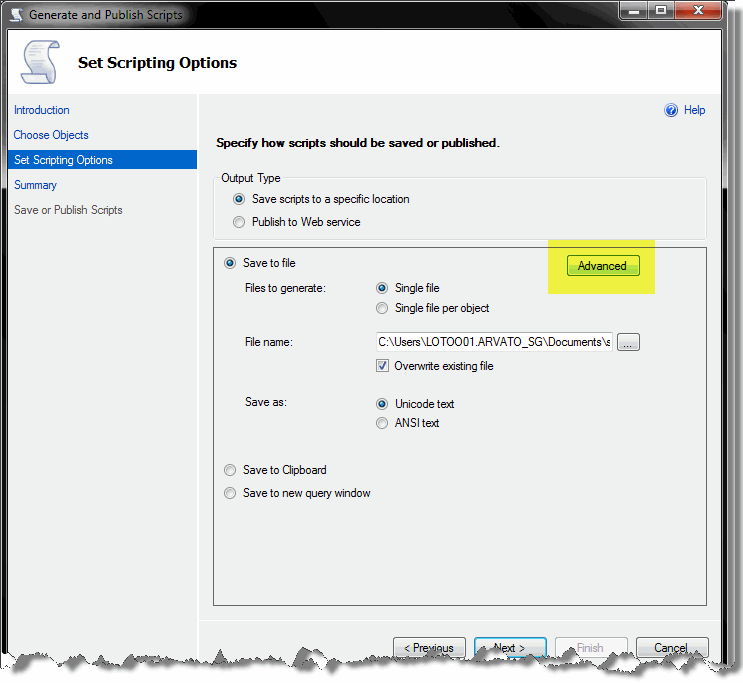
Set "script for the database engine type" to SQL Azure Database
Set "Convert UDDTs to Base types" to True.
Set "Types of data to script" to schema and data
Finsih...
Now, execute the scripts in SQL Azure management portal, you should able to see your data in the cloud :)

*This post is locked for comments