




 958
958 Like
Like Share
Share
 Report
The Entity Relation Diagram Creator tool allows user to build a visual representation of the interactions between entities in a CDS environment
Description

The Entity Relation Diagram Creator enables users to create a visual representation of the relations between several entities.
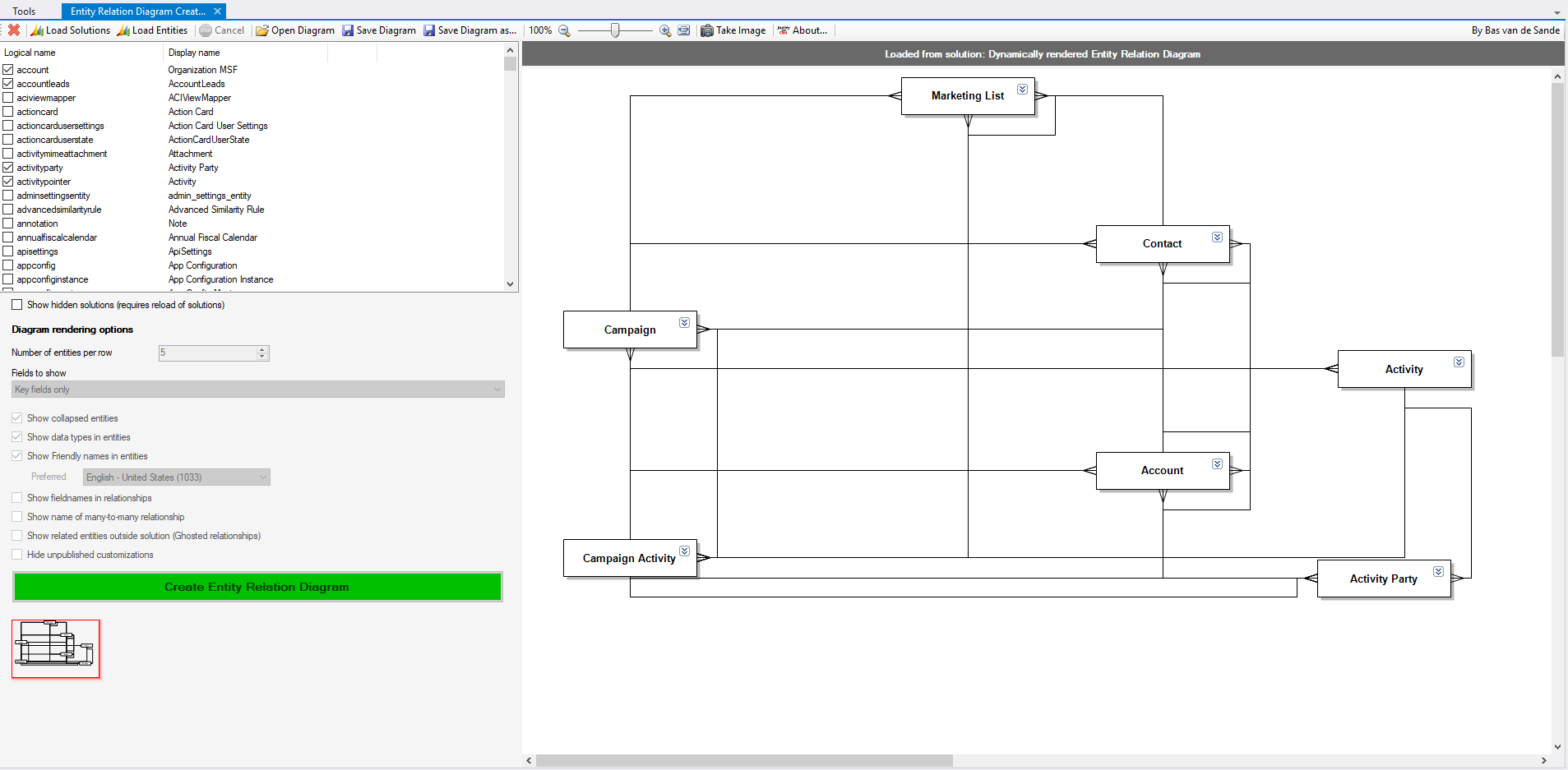
Entities can be chosen either from a solution or from the list of all entities. Once entities have been selected, users can choose among five choices to display – or not – the fields: All fields, No fields, Key fields only, Custom fields from the publisher of the solution, and all custom fields.
Once the diagram has been rendered, entities can be edited directly from there. Each box can be moved around or even completely removed, entities names can be changed manually, the list of fields can be collapsed or not, etc…
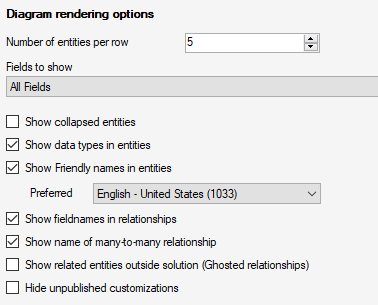
There are also other customizations available, regarding the entities and the relationships between them.
The diagrams generated can then be saved and re-opened later from the tool, thanks to the ERD file format used here (ERD = Entity Relation Diagram).
The tool can create an image directly. The available formats are BMP, GIF, JPEG, PNG, and EMF.
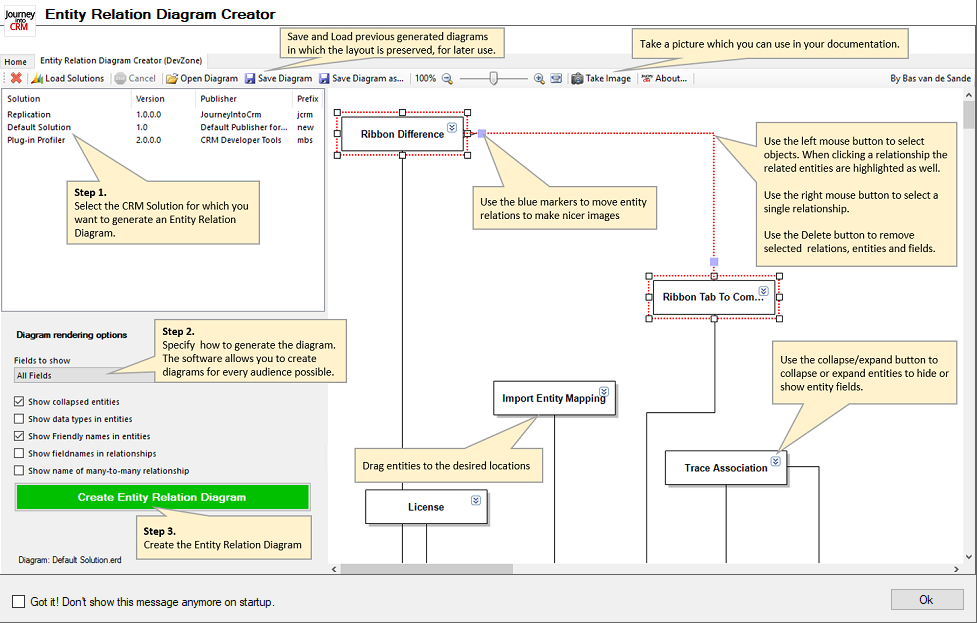
Below is a documentation from the author of the tool:
*This post is locked for comments