




 11,615
 Like
Like Share
Share
 Report
Every single Dynamics CRM Developer should have done this mistake atleast once in their Development days. If not give yourself a pat on the back!
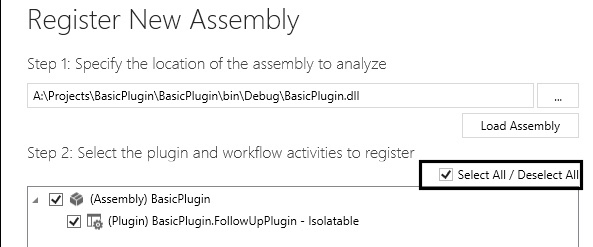

Whenever you are building the new plugin assembly (dll) & updating it to the server using Plugin registration tool, if you fail to select/choose all the plugins & hit “Register” button.. boom. All the so far registered plugins, steps & images are wiped out.
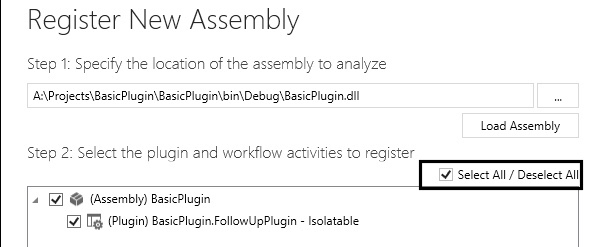
This is expected behavior. If you want to restore all the previously registered plugins, steps & images then you have to rely on the previous solution backups which we may not have mostly.
Another option is take the solution backup with all the necessary assembly along plugin steps from another environment like QA, UAT or Prod can help you to restore. Images are part of steps they will come automatically.
One shocked first time developer asked this Stack Overflow question & I was able to help him.
*This post is locked for comments