




 2,822
2,822 Like
Like Share
Share
 Report
Author: Zohaib Uddin Khan
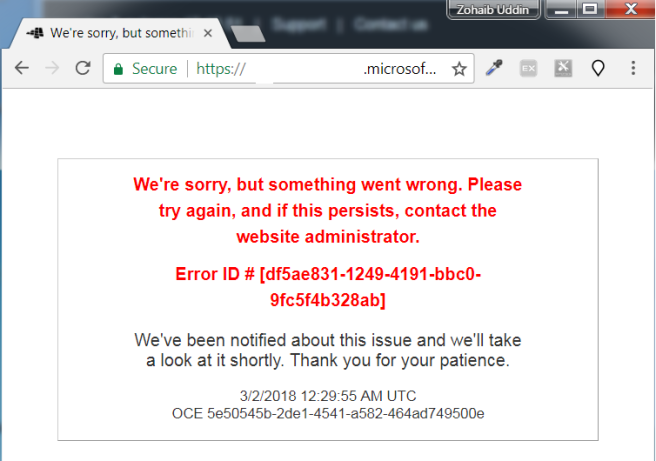
Reached office, grabbed the hot latte and I was informed that Dynamics Portal 365 is not working. Bummer!!
So the exception is,
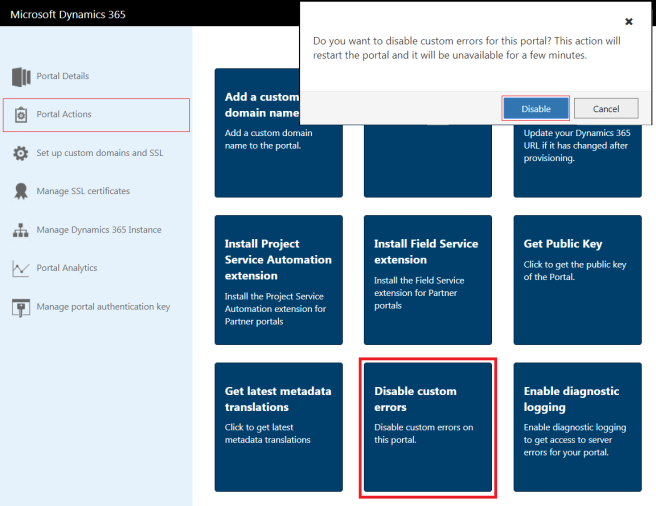
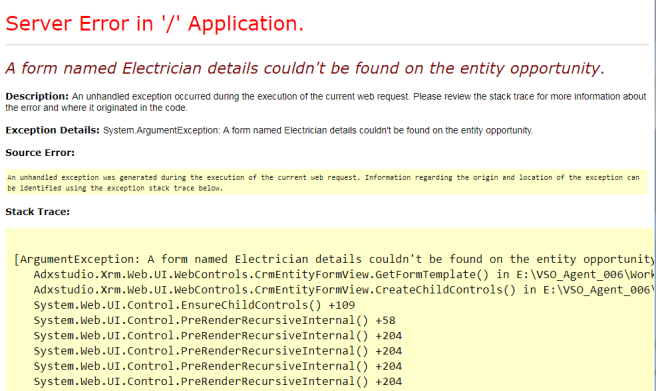
Since I don’t have the Psychic powers, so I start looking into more descriptive and informative exception log. In order to find more information about the exception, you have to ‘Disable Custom Errors’ for the portal.
Following are the Steps to do:-
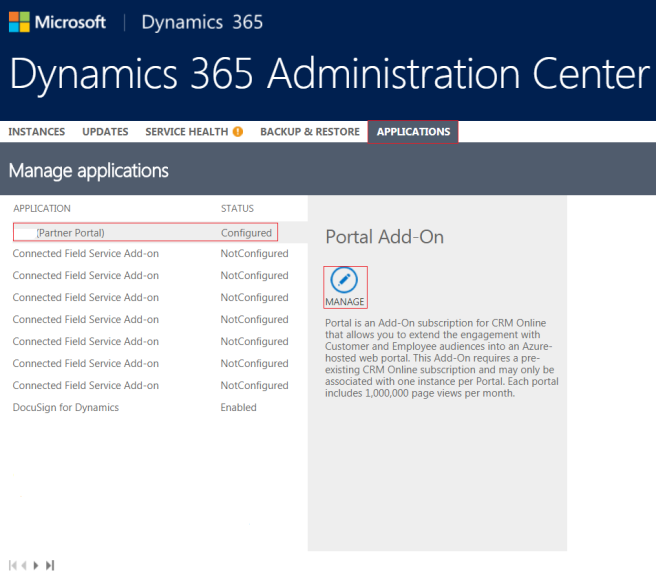
- Log in with your Global Administrator to Dynamics 365 Administration Center > Applications.
- Select your Portal application and click on ‘Manage’ button.
- Click on ‘Portal Actions’ and ‘Disable Custom Errors’
- Browse your Dynamics 365 Portal and viola!!
*This post is locked for comments