




 61,214
 Like
Like Share
Share
 Report
I have created a XMLPort to import data from a CSV file(comma-separated values) which is 36MB file.
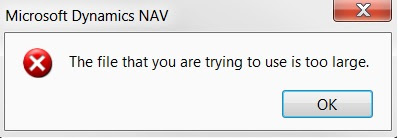
I got below error message when I try to Import from NAV.
Microsoft Dynamics NAV
---------------------------
The file that you are trying to use is too large.
---------------------------
OK
---------------------------
Solution:
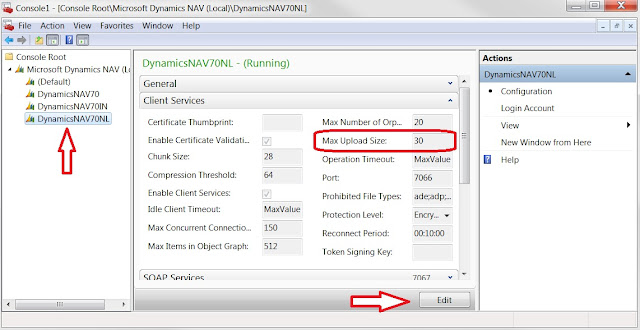
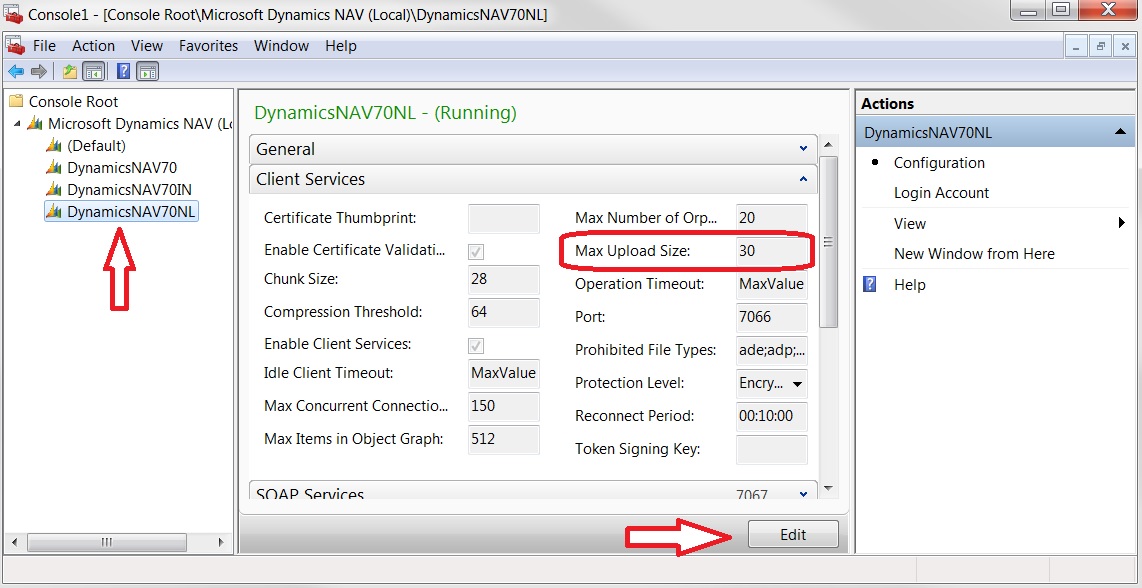
1. Open Microsoft Dynamics NAV Administration from All Programs
2. Select the NAV Service which you are using now
3. Click Edit at bottom
4. Increase Max. Upload Size from 30 to 50.
5. Click Save at bottom
6. Restart the Service.
I got below error message when I try to Import from NAV.

Microsoft Dynamics NAV
---------------------------
The file that you are trying to use is too large.
---------------------------
OK
---------------------------
Solution:
1. Open Microsoft Dynamics NAV Administration from All Programs
2. Select the NAV Service which you are using now
3. Click Edit at bottom
4. Increase Max. Upload Size from 30 to 50.
5. Click Save at bottom
6. Restart the Service.
*This post is locked for comments