




 Like
Like Share
Share
 Report
Concerned about bleeding heart’s effects and decided to change your CRM password from pass@word1 to something a bit more robust? Nothing could be easier, right? Right, unless you are not an administrator and you have only CRM license assigned in which case instructions do not apply simply because mentioned menu is not there!
“Easy”, say you, “I’ll just go to https://portal.microsoftonline.com“. Since you do not have anything but CRM license, you will be redirected straight to your CRM home page. Same applies to https://portal.office.com.
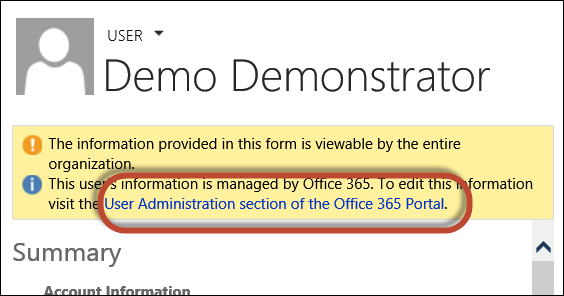
“Well”, say you, “I’ll just open my user record in CRM and follow the admin link”:
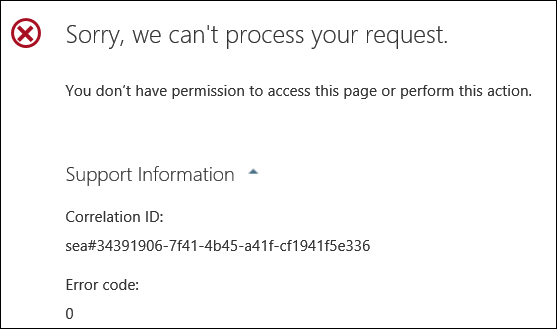
Since you are not an administrator, everyone is very sorry:
The solution? Just bookmark the following URL:
https://portal.office.com/EditProfile15.aspx
Not guaranteed to work forever but it does work at the moment.
*This post is locked for comments