




 3,569
3,569 Like
Like Share
Share
 Report
 In other posts, we saw how to change the selected view of a subgrid and how to filter subgrid in JavaScript.
In this post, we will see how to refresh a subgrid in JavaScript in order to show the latest records related to a parent record upon an action on the form or clicking a ribbon button.
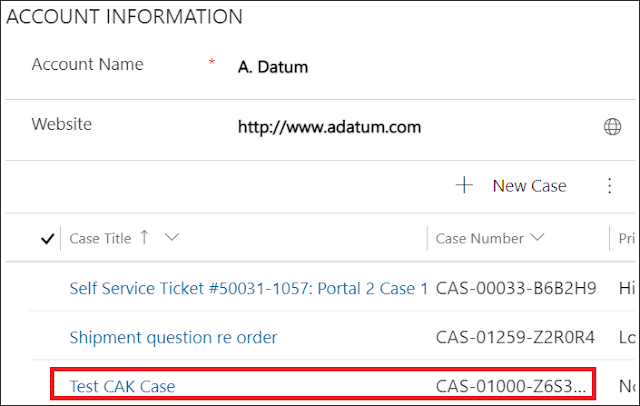
For the sake of this post, I will take the example of the cases subgrid related to an account record.

Let's take the scenario, where an action is done on the client side that adds a case related to the account record. Therefore, the sub-grid should be automatically refreshed to reflect the updated list of cases.
In order to do this, a JavaScript function should call the refresh() in order to refresh the subgrid and display the expected result.
function refreshSubGrid(context) {
var formContext = context.getFormContext();
var subgrid = formContext.ui.controls.get("cases"); //Put the appropriate sub-grid name
subgrid.refresh();
}
In order to do this, a JavaScript function should call the refresh() in order to refresh the subgrid and display the expected result.
function refreshSubGrid(context) {
var formContext = context.getFormContext();
var subgrid = formContext.ui.controls.get("cases"); //Put the appropriate sub-grid name
subgrid.refresh();
}
In case you are opening a web resource where you need to refresh the sub-grid, you can use the parent.Xrm.Page.ui.controls.get("cases").refresh(); or the form context as detailed in this post.
Hope This Helps!
*This post is locked for comments