




 34,477
 Like
Like Share
Share
 Report
When working with the portal content editor, we have the option of turning the preview on and off:

That setting is supposed to either display “draft” content (preview ON) or to hide it(preview OFF):
That’s what I thought, but it took me a few hours (and, eventually, some timely guidance) to realize that Preview ON/OFF selection is, actually, cached. Or, at least, some of that is cached somehow.
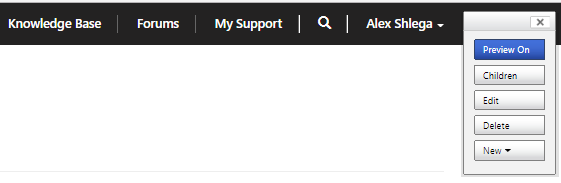
See, on the screenshot above “Forums” link is not supposed to be showing up – it’s in the draft publishing state:

But I can make it disappear by refreshing the cache:
https://docs.microsoft.com/en-us/dynamics365/customer-engagement/portals/clear-server-side-cache
Once it’s been done, there is no link:
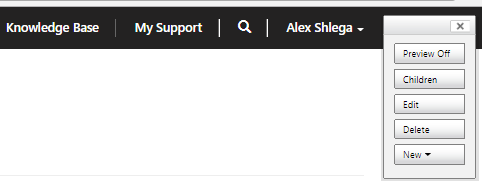
Of course, once I’ve done that, I can’t just turn the preview ON to see the link:
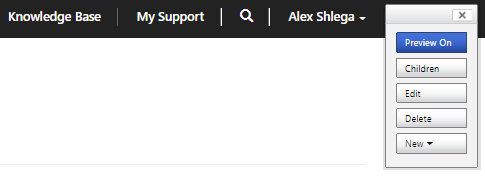
Have to refresh the cache again(or I might probably choose to wait for 15+ minutes till the cache is refreshed automatically):
*This post is locked for comments