




 312
312 Like
Like Share
Share
 Report
In Dynamics 365 Finance version 10.0.34, a new feature Delete journal performance using batch is available. This feature allows the delete process to be scheduled. This lets users to continue other work instead of waiting for the delete processing to complete.
To quickly delete all journal lines in a journal, go to Functions > Delete journal lines. This function affects extensions on the LedgerJournalTrans table. It’s Delete method. The set of lines are removed without calling each line’s Delete method


To check the journal number which was deleted as a part of this batch execution can be traced from batch job history.

On clicking ‘Filter’ , journal batch number is displayed .
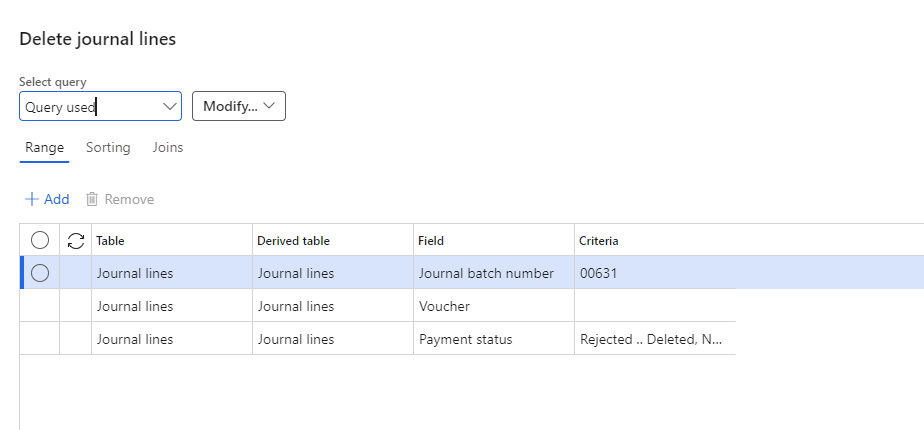
This feature is available for unposted journal lines. The button is disabled for posted ones

*This post is locked for comments