




 Like
Like Share
Share
 Report
Introduction:
When Copying a database between environments, you will need to run the Environment Re-Provisioning tool before the copied Database is fully functional, to ensure that all the Retail Components are up-to date.
Steps:
Steps to Process Re-Provisioning Tool:
1. Log into your LCS Project.
2. Go to Asset Library.
3. Select “Software Deployment Package”.
4. Click on Import.
5. Select “Environment Provisioning Tool”.
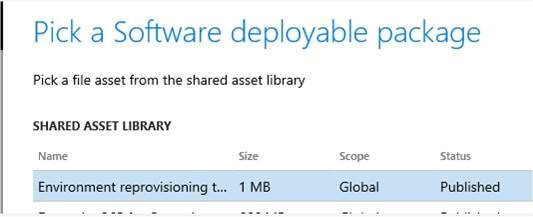
6. Click Pick.
7. Once this Package is available in your Asset Library, Upload this package to your system and schedule it to run as you do for any other deployable package.
8. Go to Maintain and Apply updates.
The post Process to Provision Target Tool in Dynamics 365 Finance and Operations appeared first on CloudFronts - Microsoft Dynamics 365 | Power BI | Azure.
*This post is locked for comments