





Microsoft.Crm.Setup.Server.GrantConfigDBDatabaseAccessAction Error When Installing Dynamics 365
Views (1009)
 MagnetismXRM
 6,230
6,230
 Like
Like Share
Share
 Report
During a recent install of Dynamics 365 I had this error pop up.
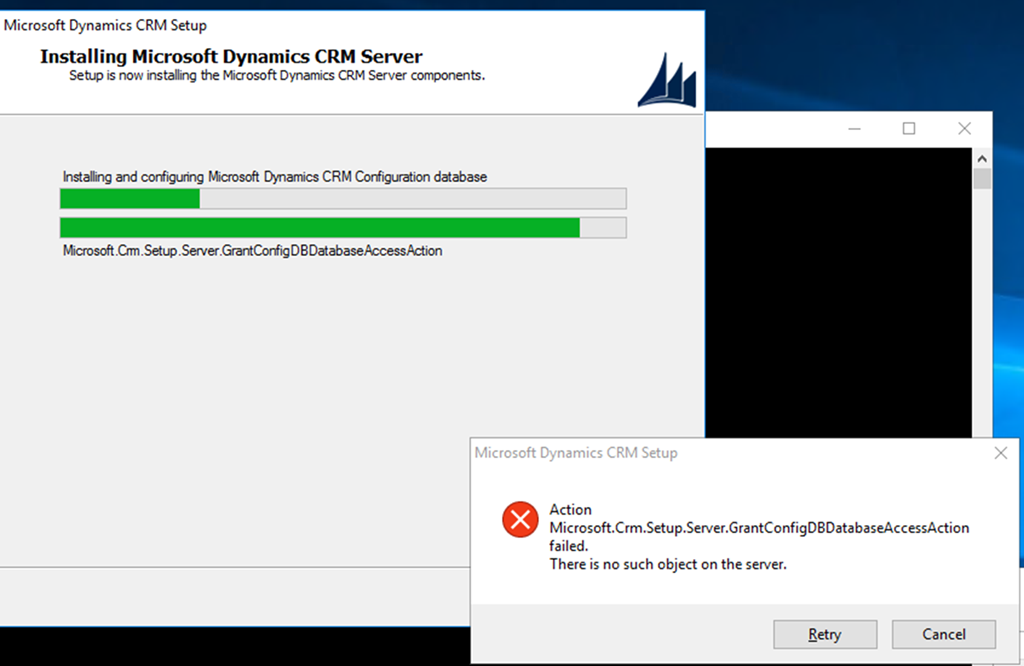
This was caused because we had left SQL Server Management Studio while performing other set up tasks. To continue from this error, you need to close SQL Server Management Studio and then click on the Retry button to resume the install.
*This post is locked for comments