




 34,477
 Like
Like Share
Share
 Report
This month seems to be all about data integration/data migration for me, so, even though I’m still using good old SSIS in many cases, I wanted to look at the Dataflows a little closer.
After all, they don’t require any additional deployment/licensing – we just need to go to the maker portal and start building them:
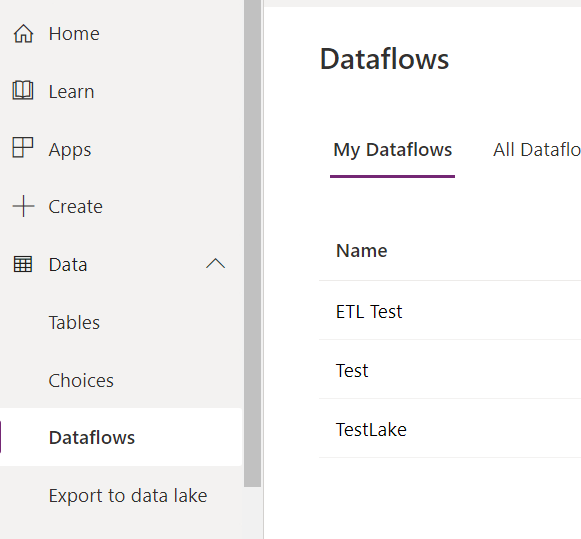
But, it seems, there is something missing. I’ll get to it closer to the end of this post – right now let’s just try something first.
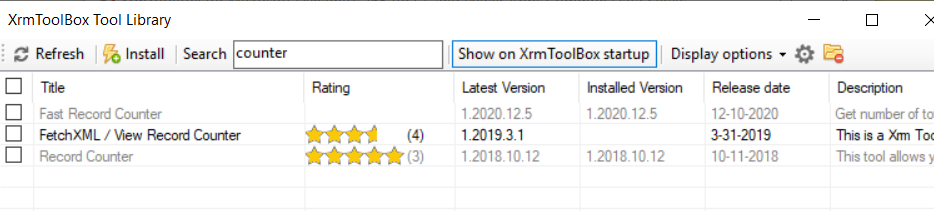
We will need XrmToolBox and Record Counter tool (I used the one with 5 stars below):
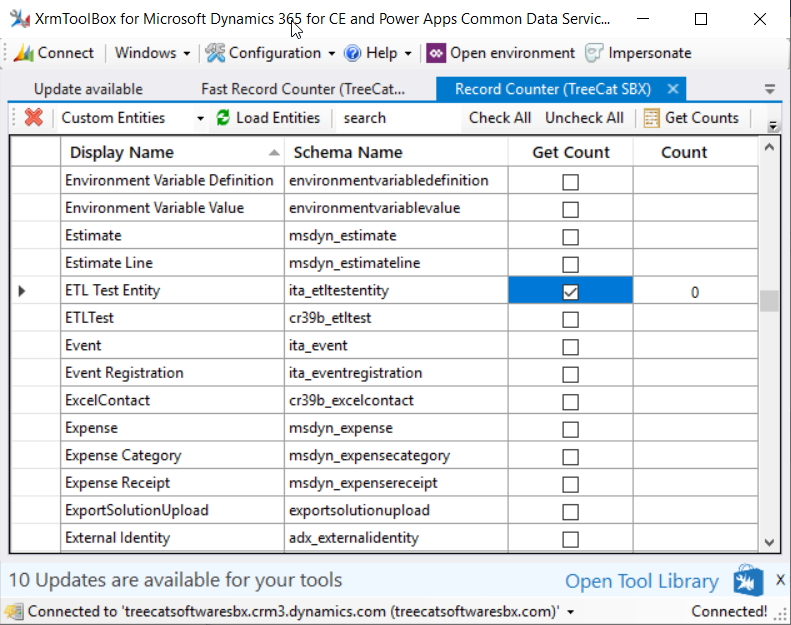
There is a special “ETL Test Entity” I just created – it has a name field and and a “Test Id” text field (which is also an alternative key). Right now there are 0 records in this entity:
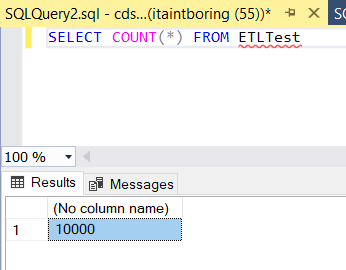
Then, there is a SQL table which is pre-populated with 10000 records:
drop table ETLTest
go
CREATE TABLE ETLTest (
Id uniqueidentifier,
FullName nvarchar(250),
ModifiedOn DATETIME2(7)
)
go
INSERT INTO ETLTest(Id, FullName, ModifiedOn) VALUES(newid(), ‘Test’, getutcdate())
GO 10000
There is a dataflow which is loading data from the SQL table above to the ETL Test Entity in Dataverse:
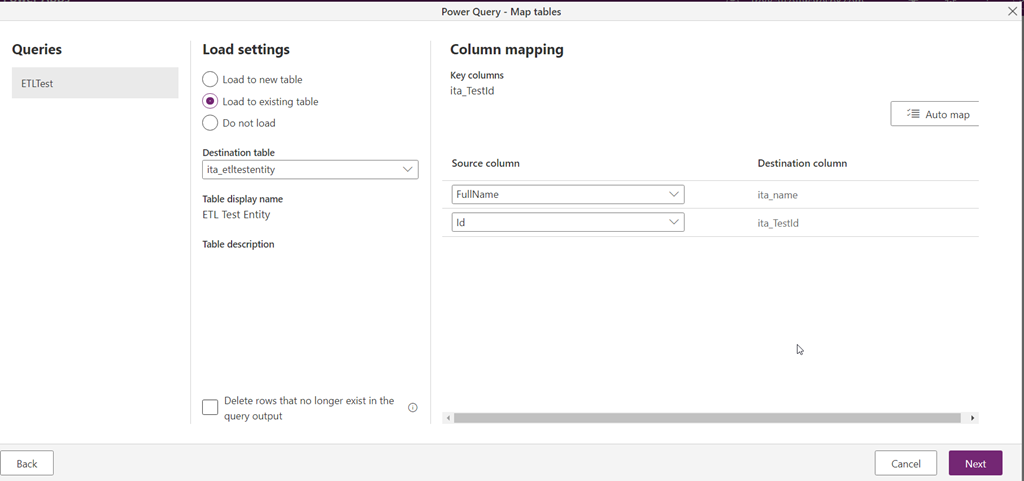
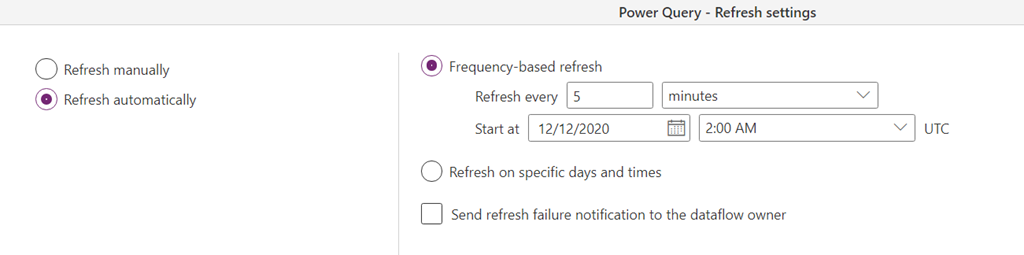
And, below, I’ll give it a try:
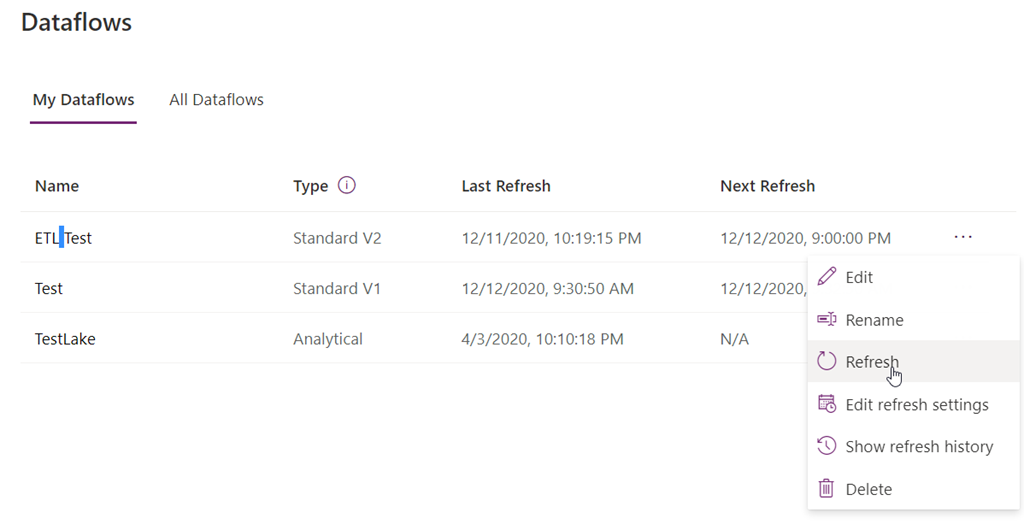
10000 records moved in in just under 2 minutes – that was pretty fast:
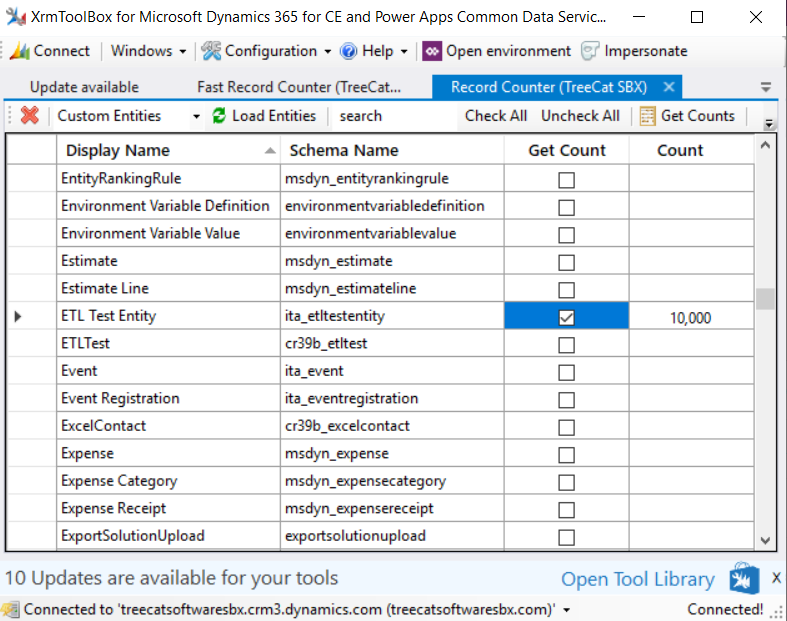
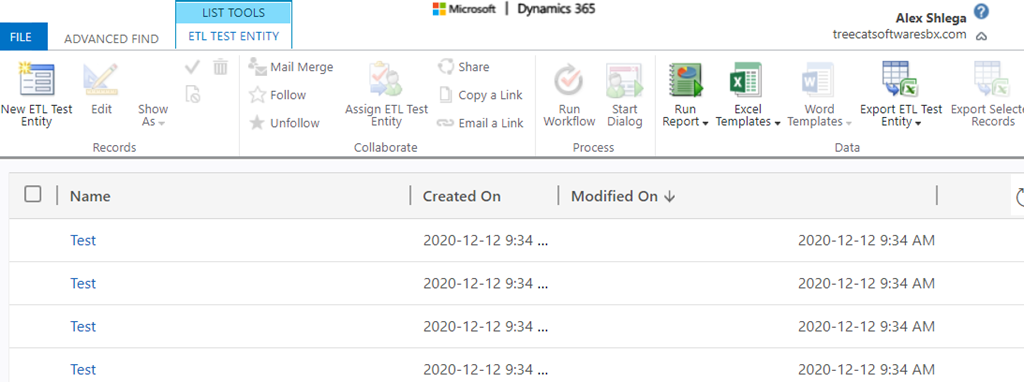
This is a good result so far, since it could be very suitable for all sorts of data integrations. Besides, on a related note, it seems Dataflows can handle API throttling limits intelligently, though I did not take it far enough to test it this time:
However, what if we do another refresh?
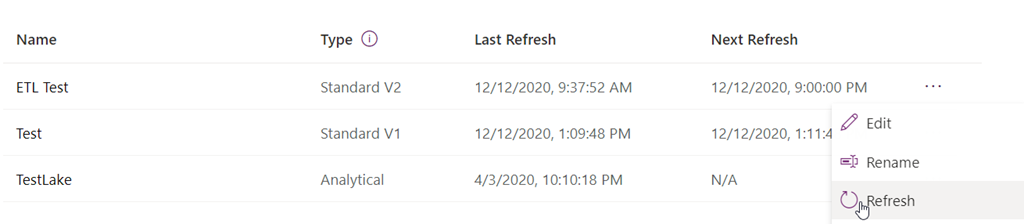
This is where I was hoping that, somewhat miraculously, the data flow would know that none of the records have changed, so none of them would have to be updated in Dataverse.
Instead, I can see all those records coming in again:
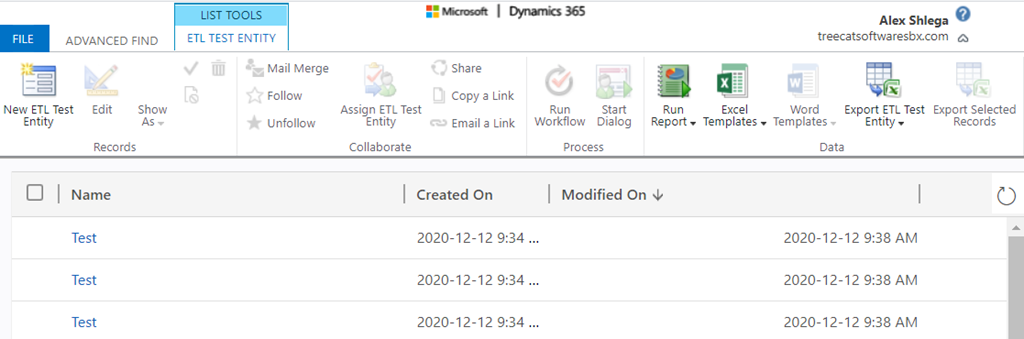
3 minutes later, they have all been updated:
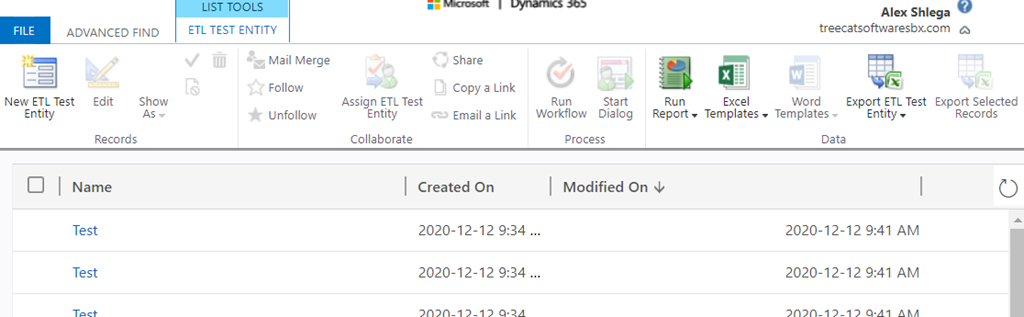
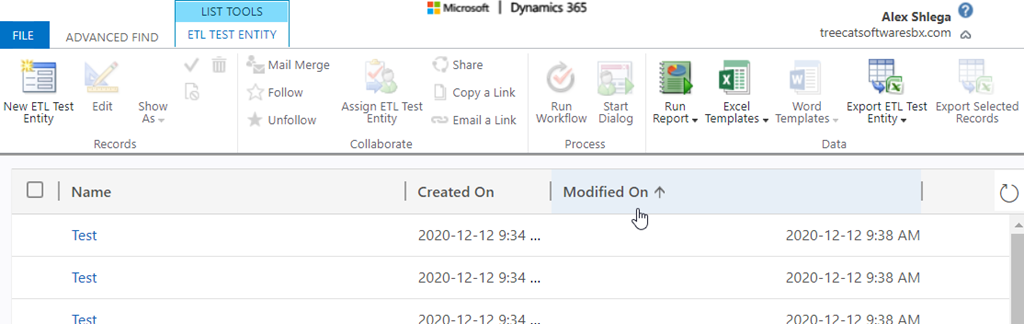
There are still only 10000 records, so none were added (pretty sure that’s because my entity had an alternative key):
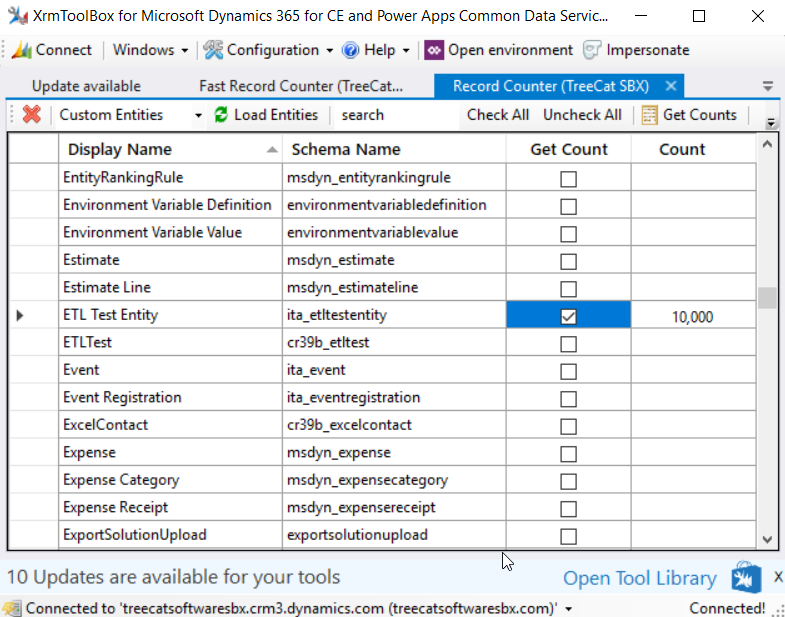
Still, I was hoping none of them would even be updated in Dataverse, since I had not changed any of them in the source, right?
And this is where I am finding this particular scenario (using Standard dataflows to load data to Dataverse) somewhat unclear. It seems there is supposed to be incremental refresh option according to the documentation page below:
https://docs.microsoft.com/en-us/power-query/dataflows/incremental-refresh

I can see this functionality for analytical data flows (those which would be dumping data to the data lake, for instance):
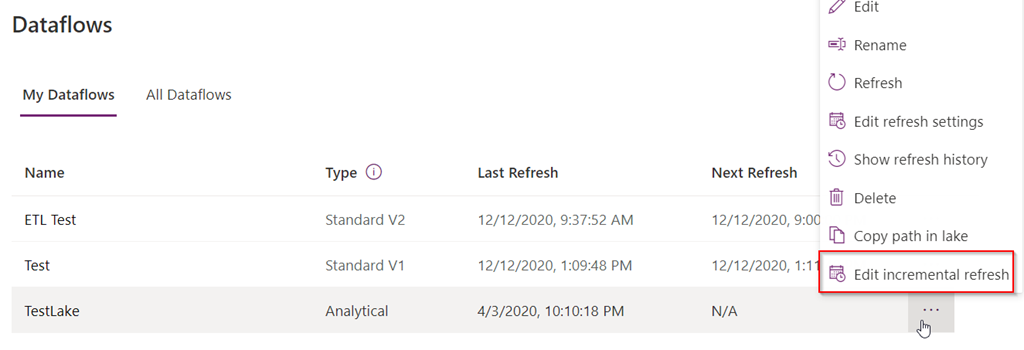
But I don’t see it for the Standard v1/v2 dataflows:
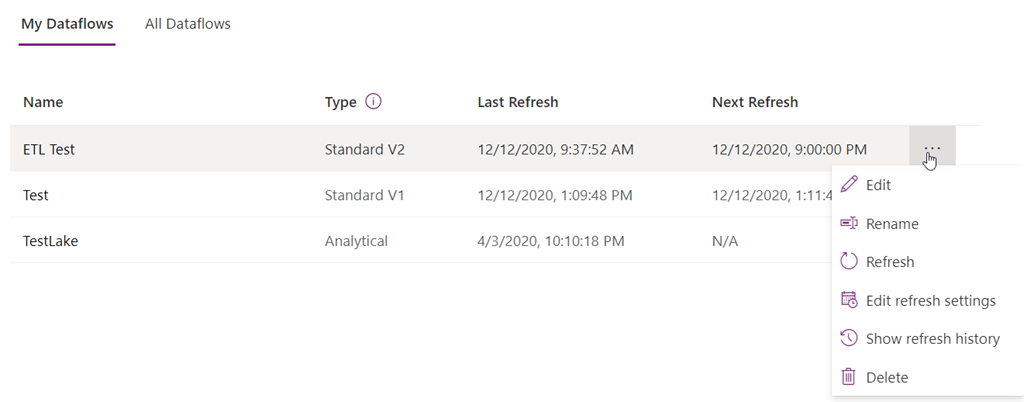
Which means using dataflows to load large data tables into Dataverse might be a waste of API calls for the entitlement limits.
Did I miss that feature somehow? Let me know if I did.
Otherwise, it might actually be more practical to use Azure Data Factory (or, possibly, something else such as SSIS) in the scenario above. Which is a little unfortunate since, compared to those other options, setting up a dataflow takes almost no effort at all.
*This post is locked for comments