




 11
11 Like
Like Share
Share
 Report
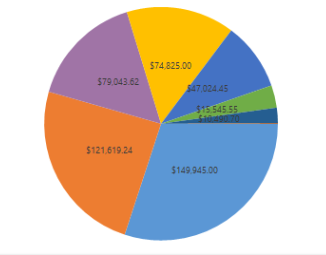
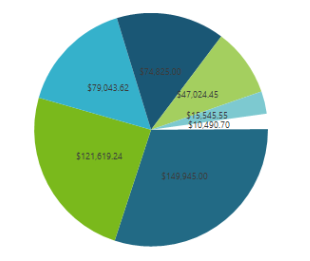
Our start and end result

This is the chart for which i need to change the color palette
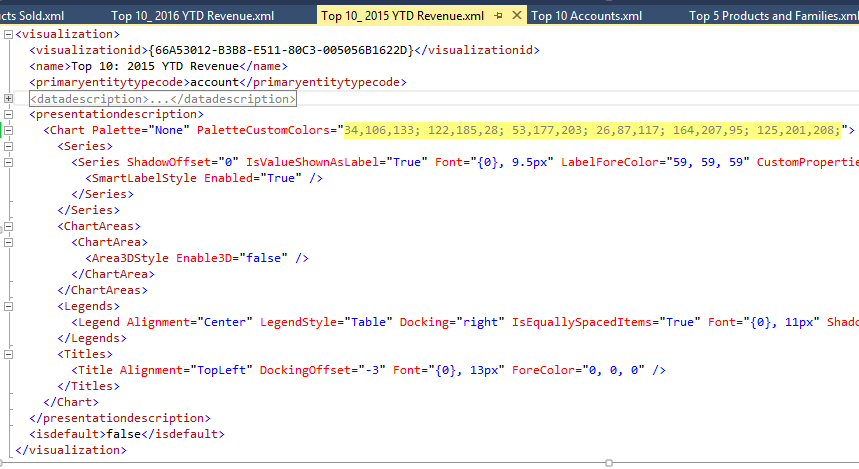
Exports the chart

After exporting open the chart XML file in Visual studio or Note pad and replace your own color palette in the below highlighted area and save the chart xml file.
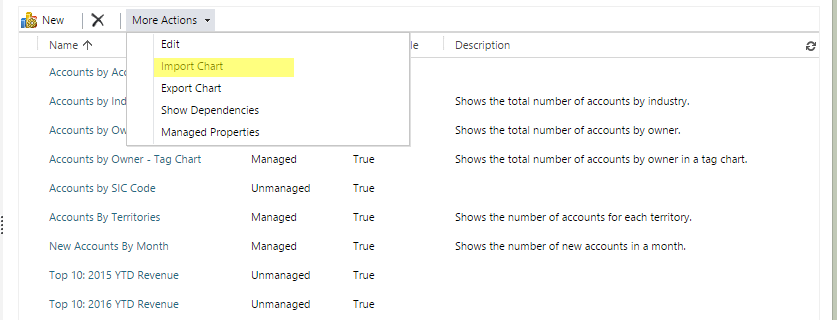
In CRM solution click on the Import chart button as shown below:
Browse and select your updated chart XML file:
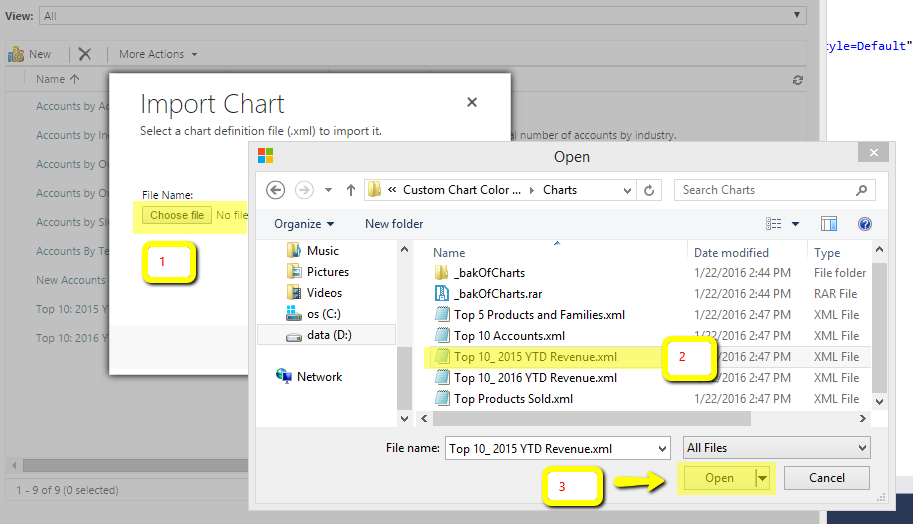
Click Import button
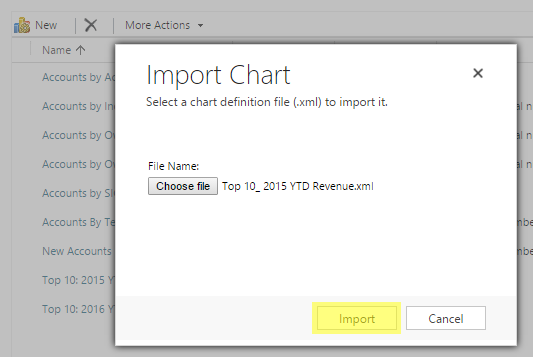
Click Replace button to update the existing chart

Published the entity that contains the chart
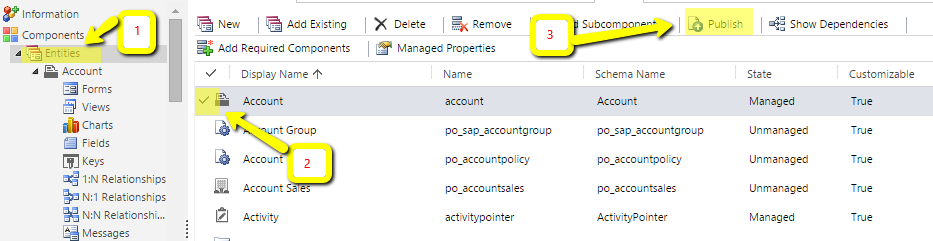
Refresh your chart in dashboard OR in the entity main grid page
*This post is locked for comments