




 5,696
5,696 Like
Like Share
Share
 Report
I recently discovered this cool feature in Business Central:
The page 8700 Table Information provides information about all system and business tables in a Business Central solution. In particular, the page displays information about the amount of data the tables contain.
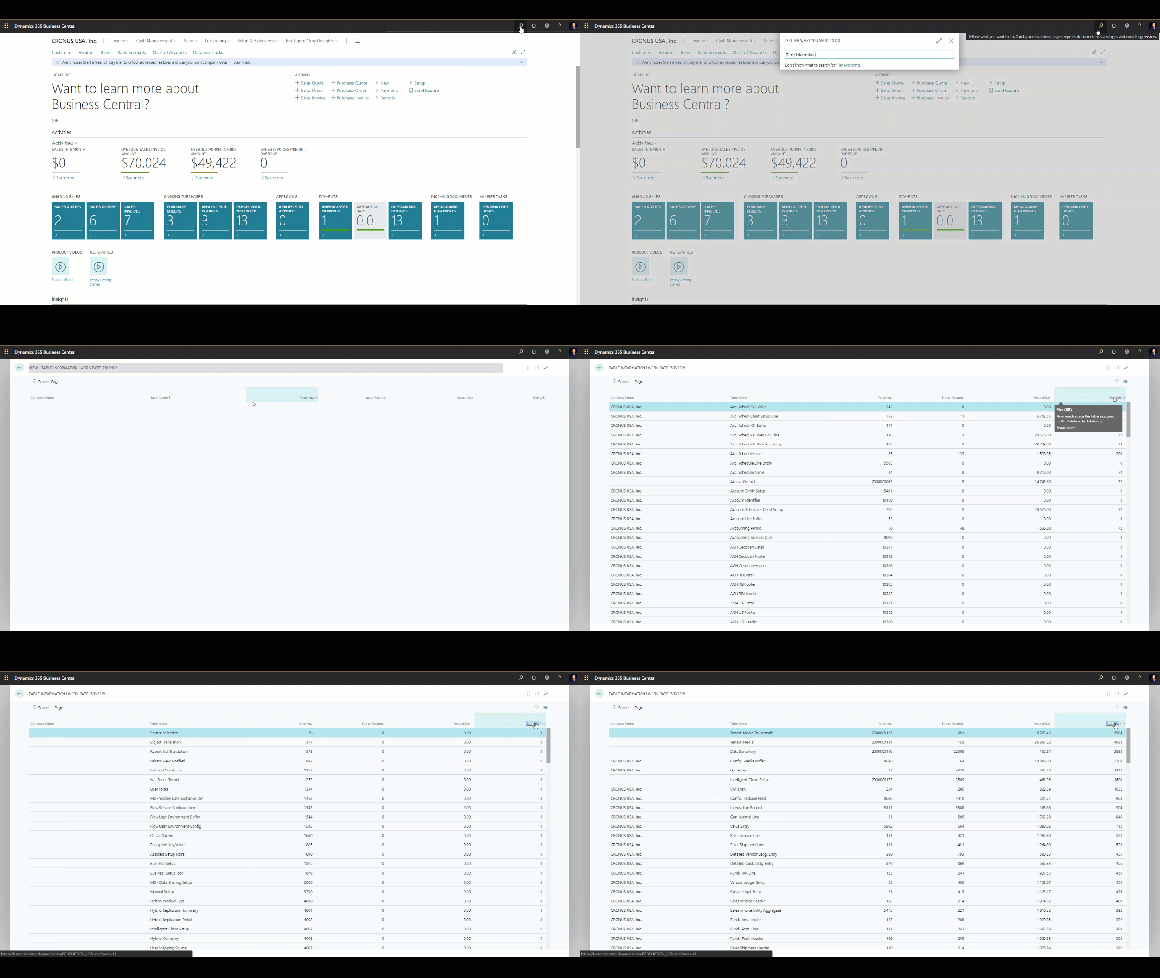
This information is useful for troubleshooting performance problems, because let’s you see the distribution of data size across tables.
So if you are looking which tables contain most data and occupy most space in your database, then the Table Information page is a good place to start!
*This post is locked for comments