





Installing Microsoft Dynamics 365 Business Central 2022 Wave 2 On-premise Demo
 Ian Grieve
 22,784
 Like
Like Share
Share
 Report
 Back in August of this year, I did a short series of articles on installing the Microsoft Dynamics 365 Business Central 2022 Wave 1 demo. In October, 2022 Wave 2 was released; I’ve decided to install a new on-premise demo environment using this version, which will allow me to use that demo environment when travelling if I don’t have an Internet connection.
The environment I am using is a similar one as I used for the Wave 1 demo series; there is a VM and client server, both running Windows Server 2022 Standard.
You can download Dynamics BC 2022 Wave 2 here.
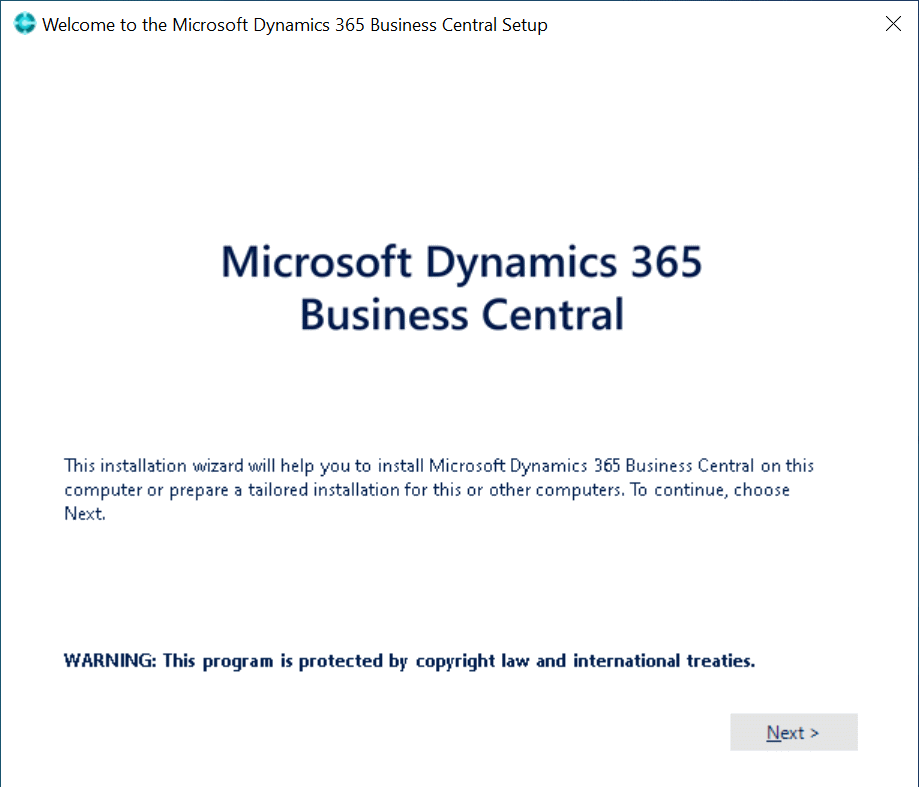
Once you’ve downloaded the installation media and extracted the files, launch the setup.exe installation routine and click Next on the welcome page:
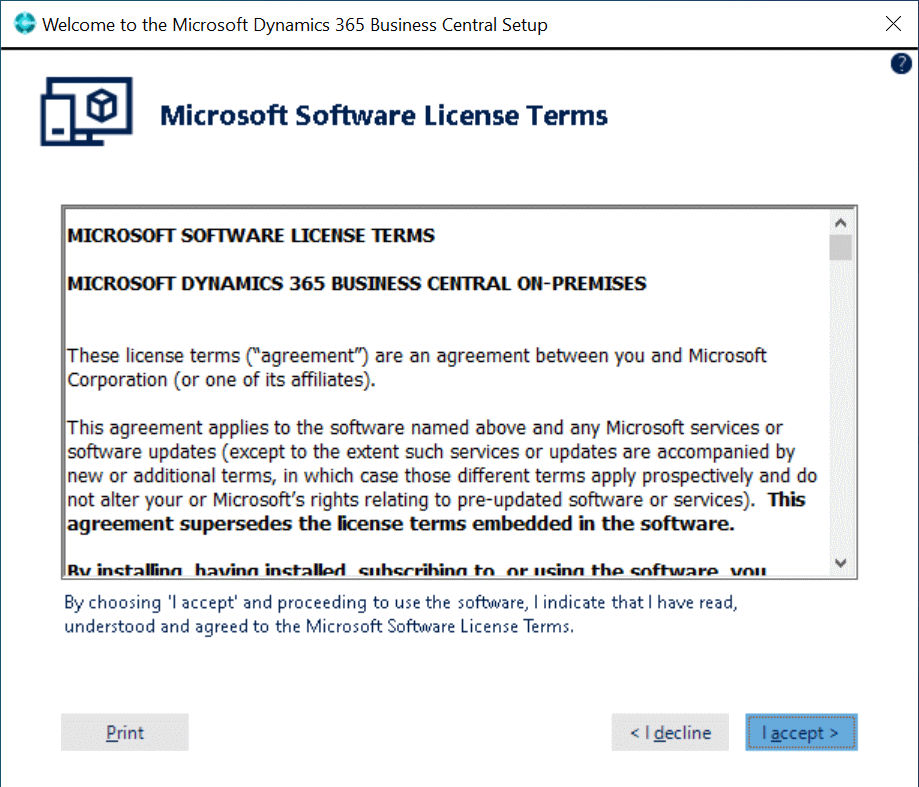
Accept he terms of the license agreement by clicking I accept:
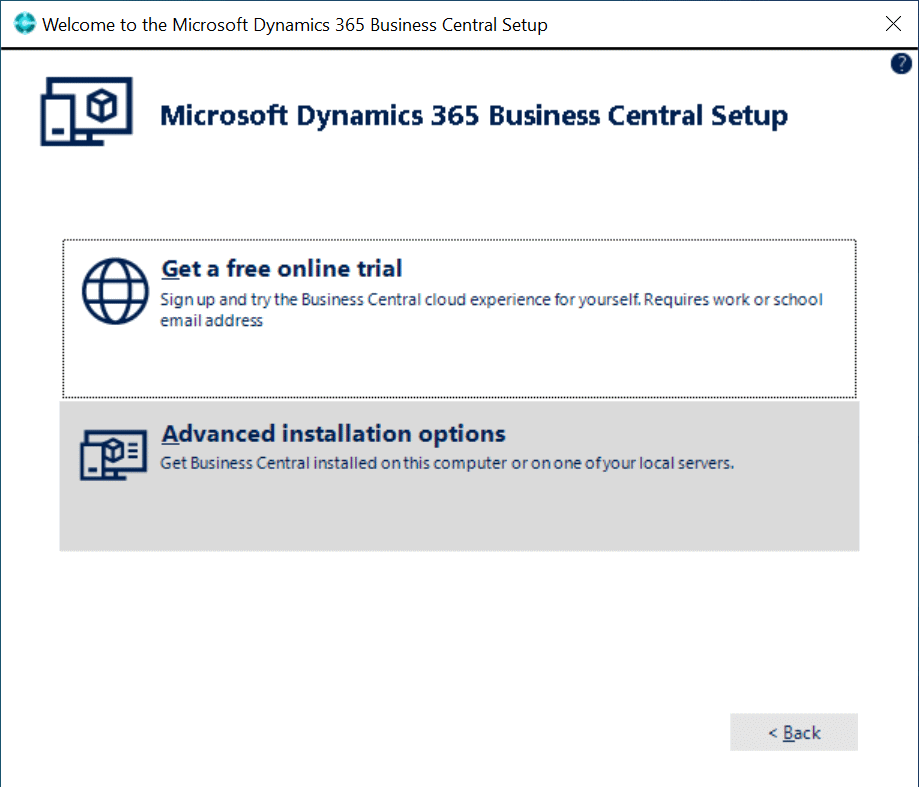
Click on Advanced installation options:
As we want to install a the demo environment, click on the Install Demo option:
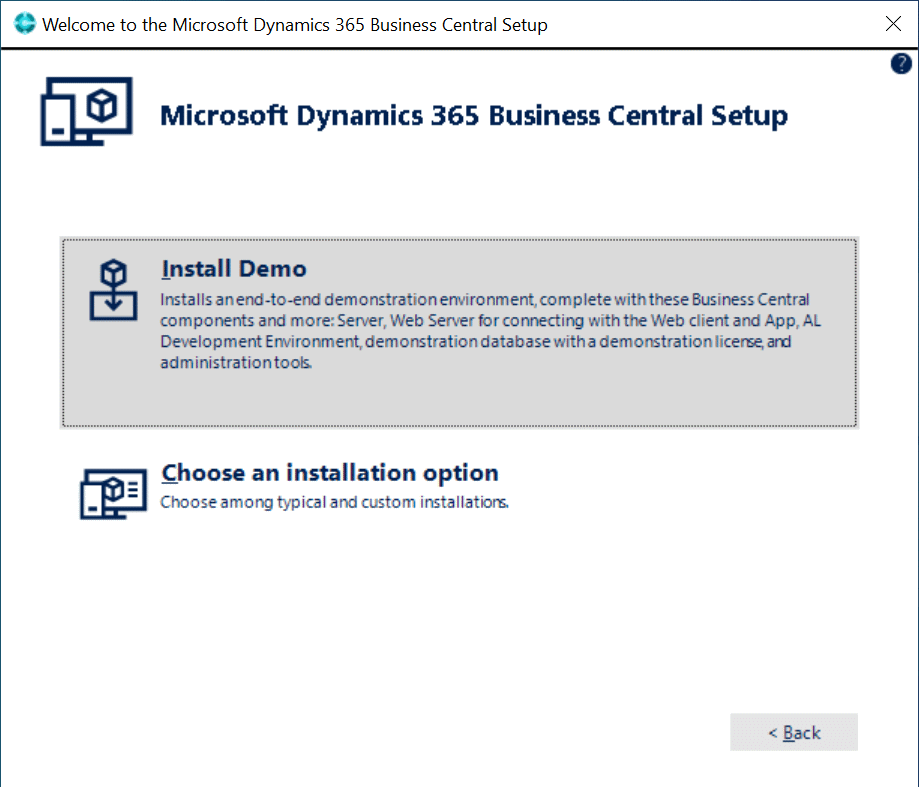
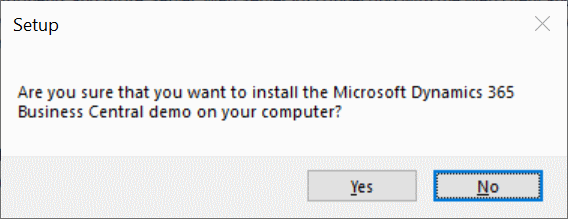
Confirm that you want to installed the Microsoft Dynamics 365 Business Central demo:
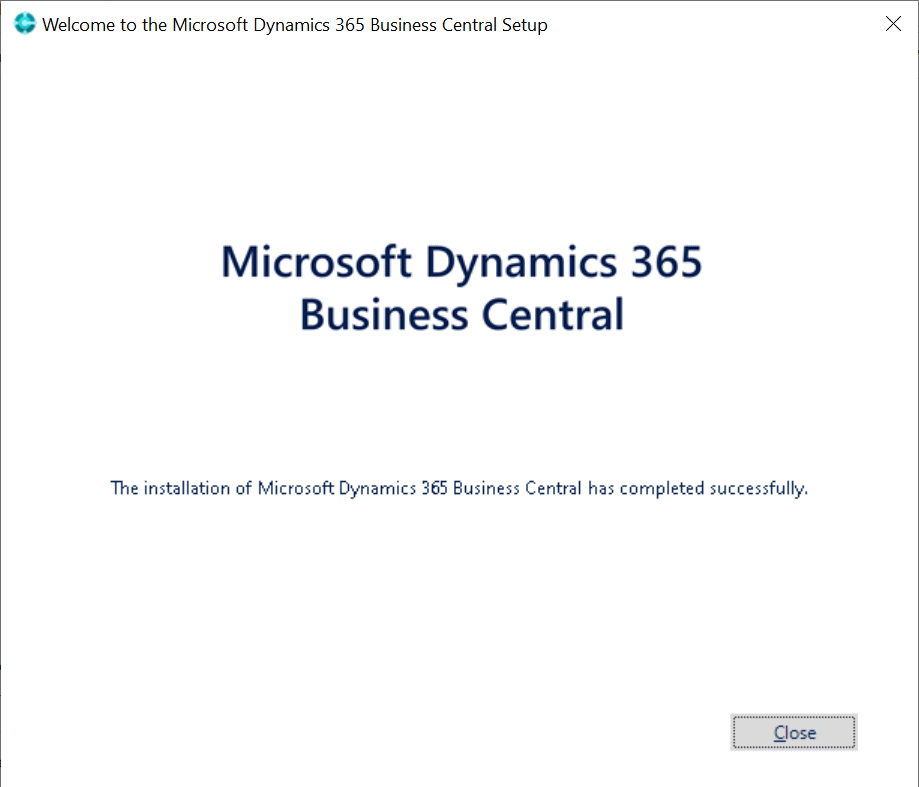
Once the installation is complete and the confirmation oage shown, click Close:
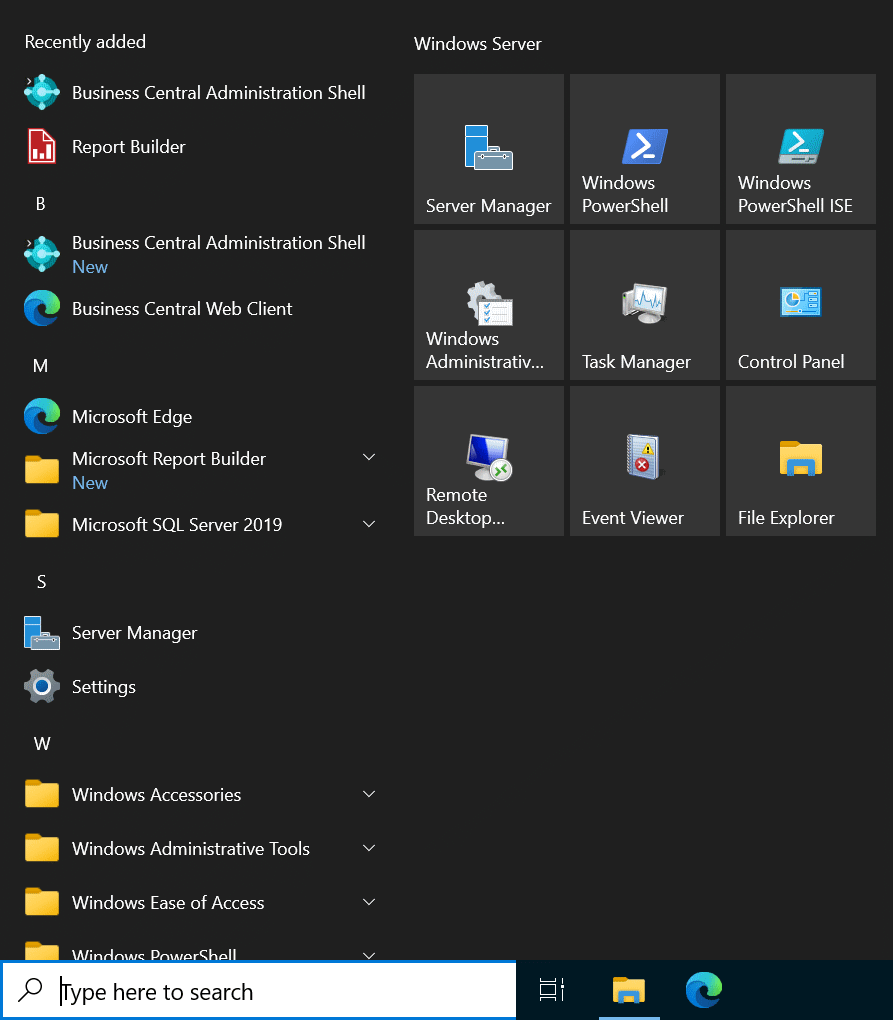
Microsoft Dynamics 365 Business Central is added to the Windows Start menu; click the Business Central Web Client entry to launch Dynamics BC in the browser (which is the only way of accessing it):
Read original post Installing Microsoft Dynamics 365 Business Central 2022 Wave 2 On-premise Demo at azurecurve|Ramblings of an IT Professional
This was originally posted here.
*This post is locked for comments