




 Like
Like Share
Share
 Report
If you want to enable a standard Microsoft solution like Gamification, Voice of the Customer, or Field Service, the standard method is to go to the Dynamics 365 instance manager, select your instance, then click the Solutions button.
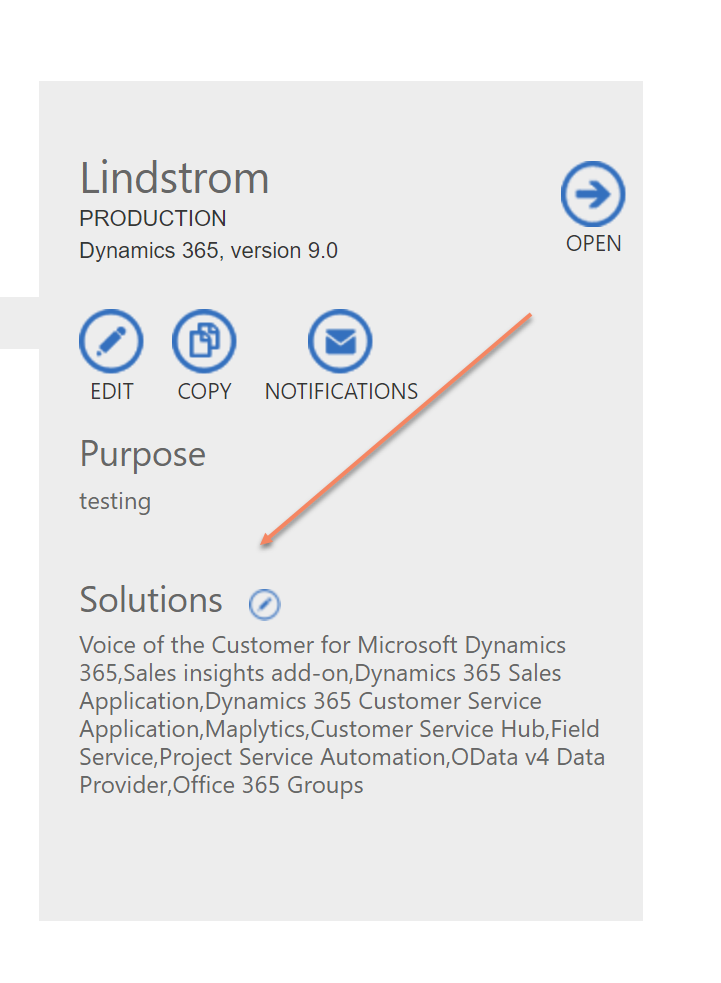
But what if you select your instance and do not see the solutions button? As Marius “Viking” Agur Lind told me, “click your instance again.” When you click a second time, the Solutions button will magically appear.
Got tips, send them to jar@crmtipoftheday.com.
Cover photo by unsplash-logoJørgen Håland
*This post is locked for comments