




 6,230
6,230 Like
Like Share
Share
 Report
One annoyance I often run into is having to be logged into multiple Dynamics 365 systems at the same time or wanting to be logged in as different users into the same system. This tends to result in having half a dozen different browser instances open which can become a mess.
This is where the Multi-Account Containers extension for Firefox comes in, which can installed from here. This allows you, when opening a new tab, to select a container that the tab belongs to with each container being able to have its own session and account details.
As an example, I have created some containers based on what you might use them for:
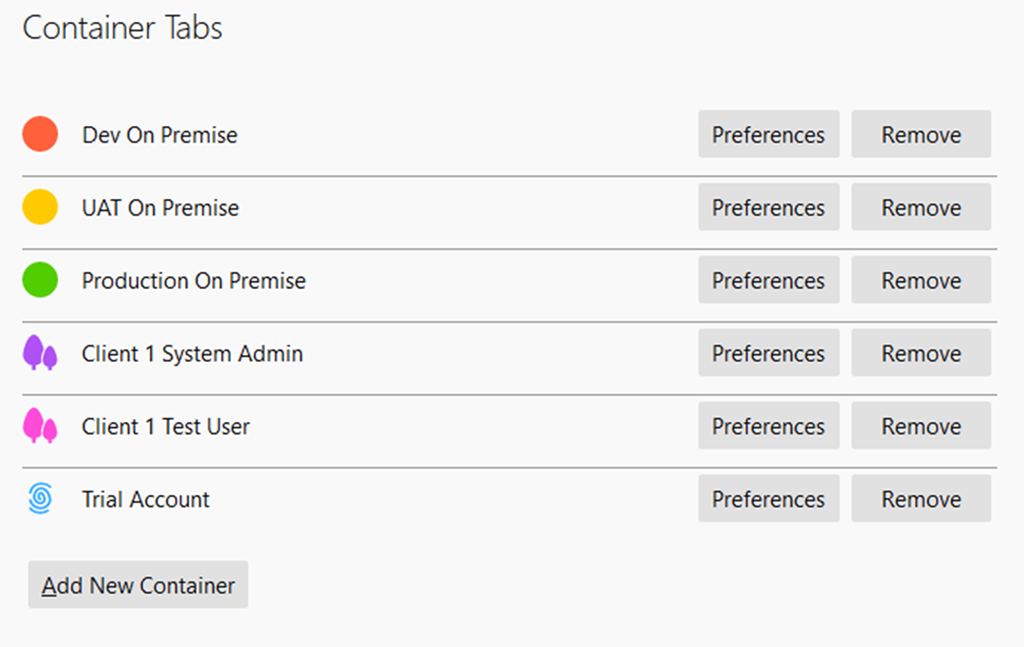
When setting up a container you can choose an icon and a colour. These colours will display on the tab itself so you can tell at a glance which tab is linked to which container. When a tab is open the URL bar will display the name and logo of the container.

You can also associate a website with a container so that it always opens in that container automatically.
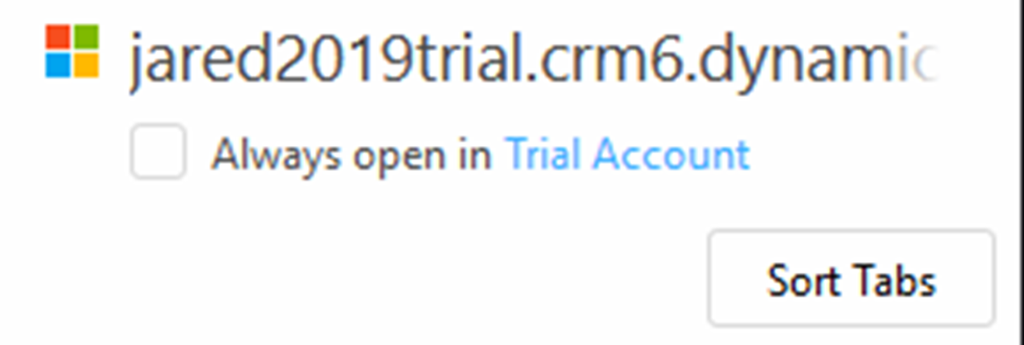
Once this is set up you can easily manage all the different logins and systems you have access to. For instance, within the same browser you can log into both your system admin account for development and log into a test user with lower permissions for testing, while also having the production system open in another tab. The colour coding helps to keep track of what each tab is so you don’t have to hunt through them or start using the wrong one and start wondering why you can’t do something because you are using the test user instead of the system admin.
*This post is locked for comments