




 841
841 Like
Like Share
Share
 Report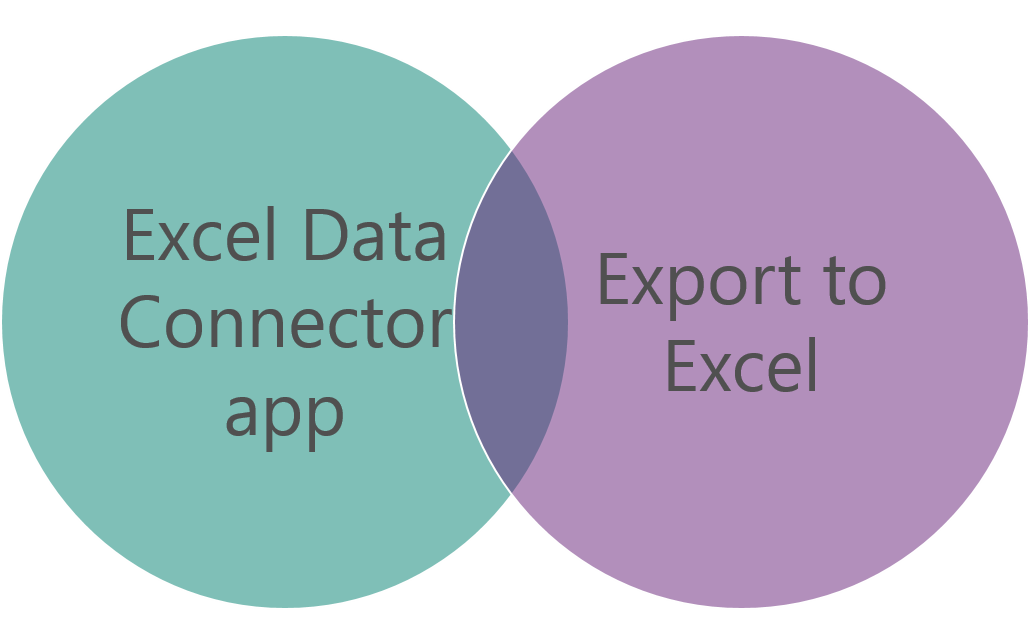
The Excel Data Connector app is built by using the Apps for Office framework. It runs in a task pane that contains all app-related actions and information. Office applications are web applications that run inside an embedded Internet Explorer browser window.

There are three primary scenarios for Excel Data Connector:
Workbook Designer
In Workbook Designer, the user can select an entity and some fields. The entity and its fields are bound to the workbook. Any data changes can be published back, provided that all the key fields have been included.
Custom Generated Export
Developers can use the Export application programming interface (API) to add a custom export to any page. These custom exports make it easier to edit the data in Excel.
Template Export
Developers can use the Export API to add a template export to any page. These template exports are like custom-generated reports, but they use a predefined template. These template exports also make it easier to edit the data in Excel.
For detail understanding you can refer Microsoft Documentation Office integration
*This post is locked for comments