




 Like
Like Share
Share
 Report
Hi Everyone,
We all know about the Unified Interface and anyone still using the web client needs to move on to the Unified Interface.
Today i am going to share some information about the "Unified Interface" Task flow feature..
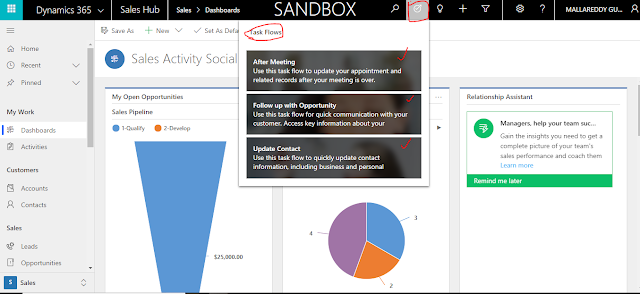
With the "Task Flow" you can perform following actions with out manually navigating to the Activities, Opportunities or contact etc..
After Meeting:
Use this task flow to update your appointment and related records after your meeting is over.
Follow up with Opportunity:
Use this task flow for quick communication with your customer. Access key information about your potential customer.
Update Contact:
Use this task flow to quickly update contact information, including business and personal details.
I hope this helps.
We all know about the Unified Interface and anyone still using the web client needs to move on to the Unified Interface.
Today i am going to share some information about the "Unified Interface" Task flow feature..
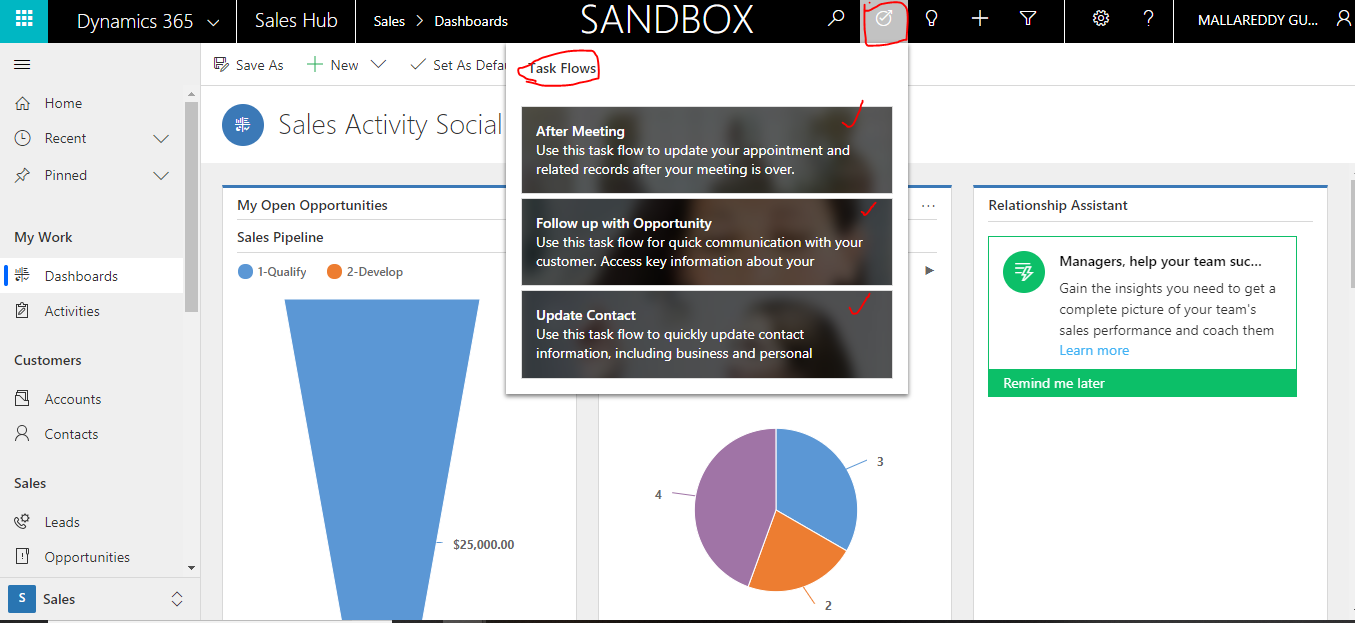
With the "Task Flow" you can perform following actions with out manually navigating to the Activities, Opportunities or contact etc..
After Meeting:
Use this task flow to update your appointment and related records after your meeting is over.
Follow up with Opportunity:
Use this task flow for quick communication with your customer. Access key information about your potential customer.
Update Contact:
Use this task flow to quickly update contact information, including business and personal details.
I hope this helps.
For Microsoft Dynamics 365 Consultancy/Training/Support/Licensing/Web Hosting/Websites
Contact us: https://www.gmrit-solutions.comEmail: info@gmrit-solutions.com
*This post is locked for comments