






How to Export to Excel and Compare Security Roles
Views (2446)
 Hugo Silva
 1,374
1,374
 Like
Like Share
Share
 Report
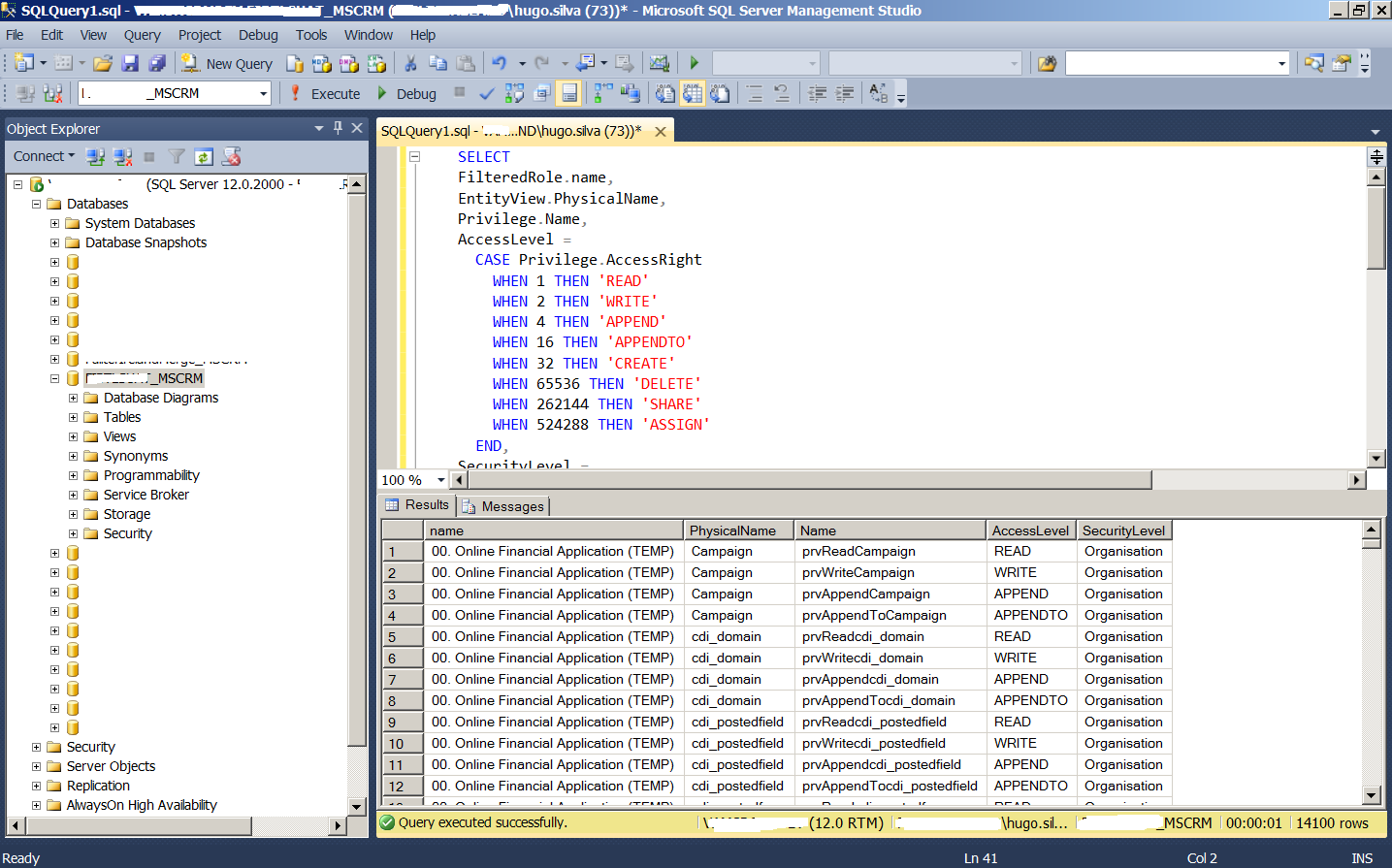
SELECT
FilteredRole.name,
EntityView.PhysicalName,
Privilege.Name,
AccessLevel =
CASE Privilege.AccessRight
WHEN 1 THEN 'READ'
WHEN 2 THEN 'WRITE'
WHEN 4 THEN 'APPEND'
WHEN 16 THEN 'APPENDTO'
WHEN 32 THEN 'CREATE'
WHEN 65536 THEN 'DELETE'
WHEN 262144 THEN 'SHARE'
WHEN 524288 THEN 'ASSIGN'
END,
SecurityLevel =
CASE PrivilegeDepthMask
WHEN 1 THEN 'User'
WHEN 2 THEN 'Business Unit'
WHEN 4 THEN 'Parent: Child Business Unit'
WHEN 8 THEN 'Organisation'
END
FROM
RolePrivileges inner join FilteredRole on RolePrivileges.RoleId = FilteredRole.roleid
Inner Join PrivilegeObjectTypeCodes on RolePrivileges.PrivilegeId = PrivilegeObjectTypeCodes.PrivilegeId
Inner Join Privilege on RolePrivileges.PrivilegeId = Privilege.PrivilegeId
Inner Join EntityView on EntityView.ObjectTypeCode = PrivilegeObjectTypeCodes.ObjectTypeCode
WHERE FilteredRole.roletemplateid is null
ORDER BY FilteredRole.name, EntityView.PhysicalName, Privilege.AccessRight
PS: This only works for custom roles, if you want to retrieve a full set please remove the where clause is.
Copy & Paste the SQL Table to Excel
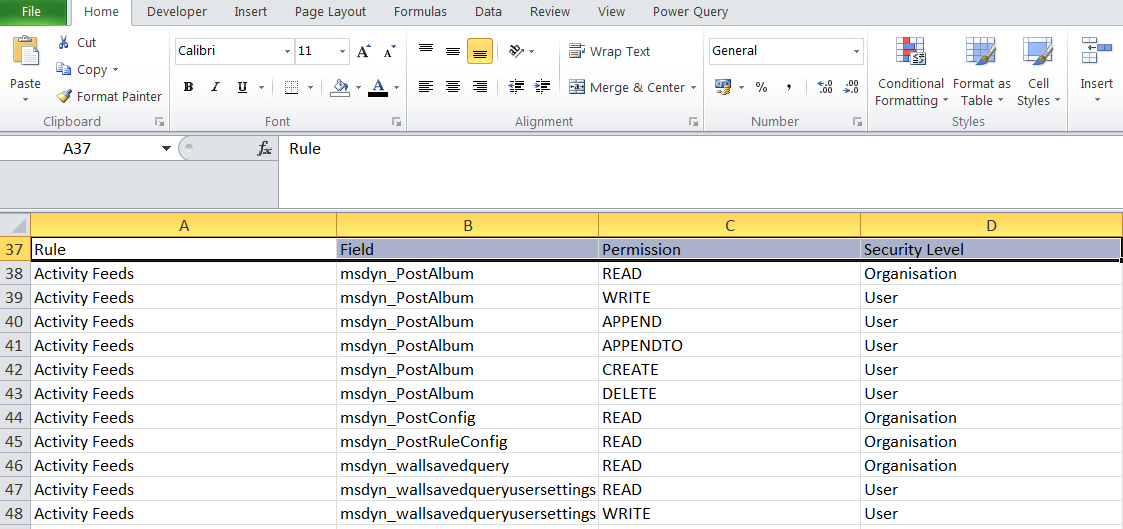
Create a Pivot Table on Excel to see what Options are assign to each Role

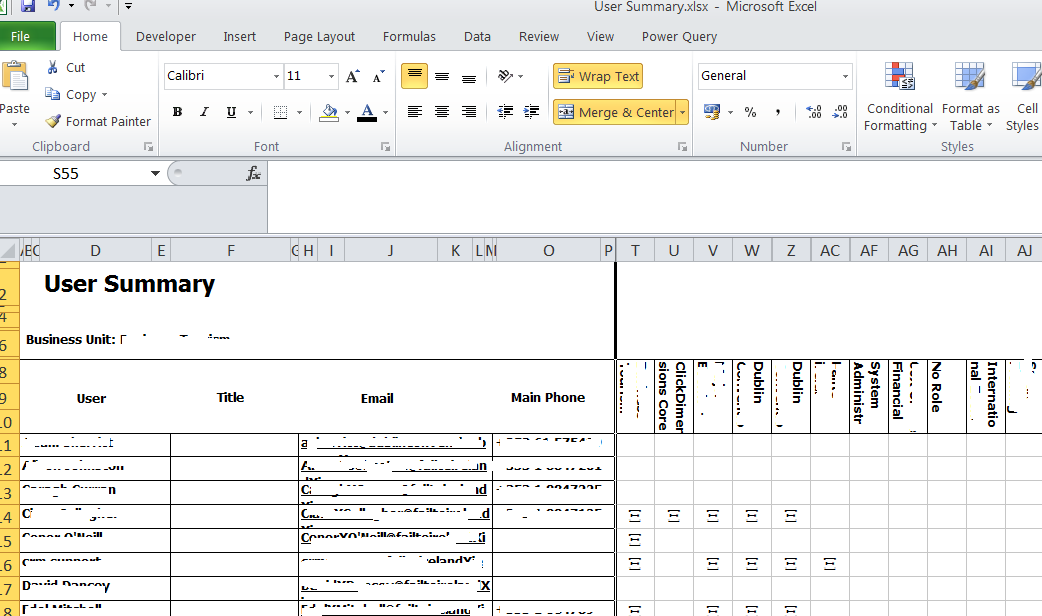
Users Report
Hope this is useful because it uses SQL and it is not supported but again I guess there is no harm in reading from tables and views.
This was originally posted here.
*This post is locked for comments