





Dynamics 365 Business Central: Force Doc. Balance
 Brad_P
 1,549
1,549
 Like
Like Share
Share
 Report
Microsoft Dynamics 365 Business Central requires that General Journals balance when posting, keeping assets and liabilities balanced. When posting General Journals, they must, at a minimum, balance by “Posting Date.” Microsoft Dynamics 365 Business Central also can force General Journal posting to include both the “Document Type” and “Document Number.”
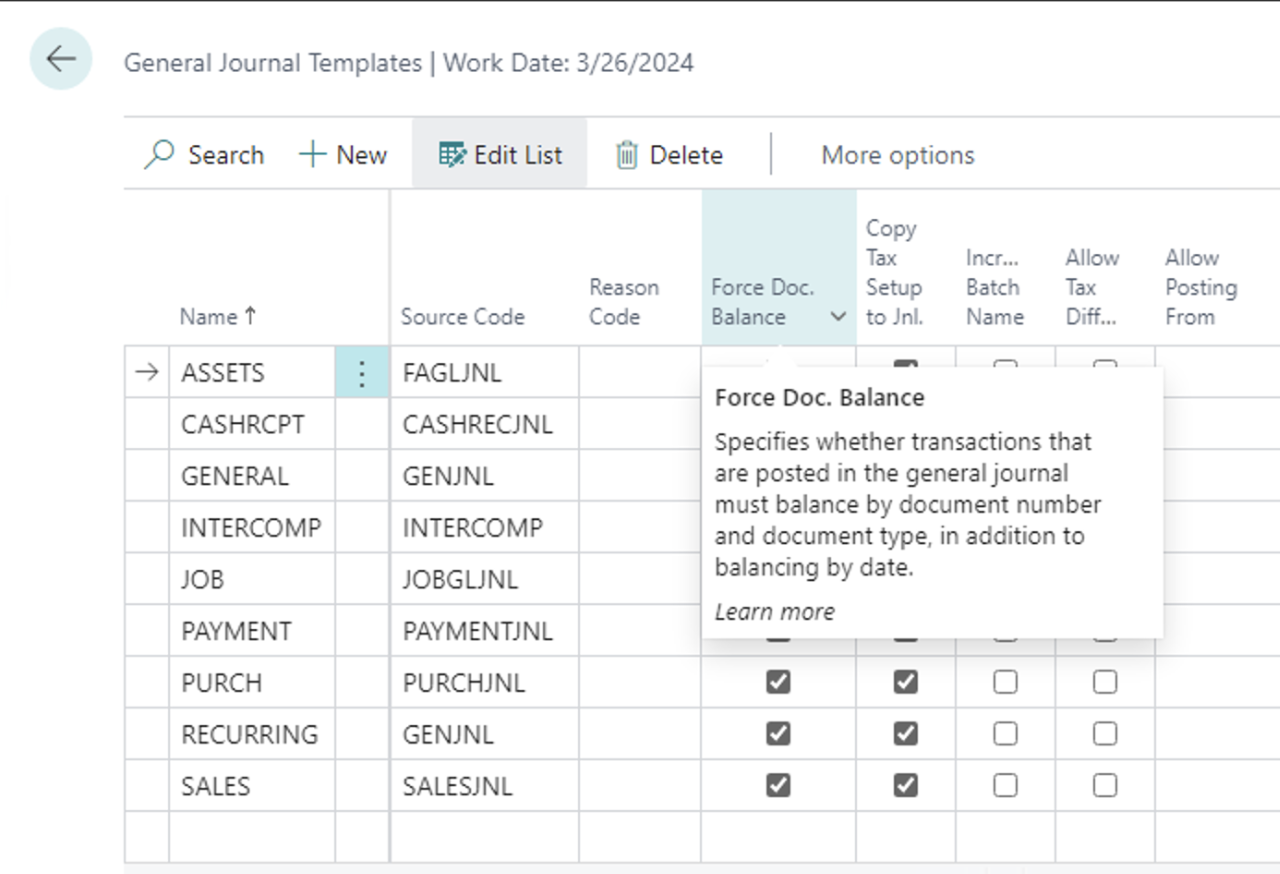 The “Force Doc. Balance” field on the General Journal Template specifies that transactions posted in the general journal batches for the template should also balance by “Document Type” and “Document Number” in addition to the “Posting Date.”
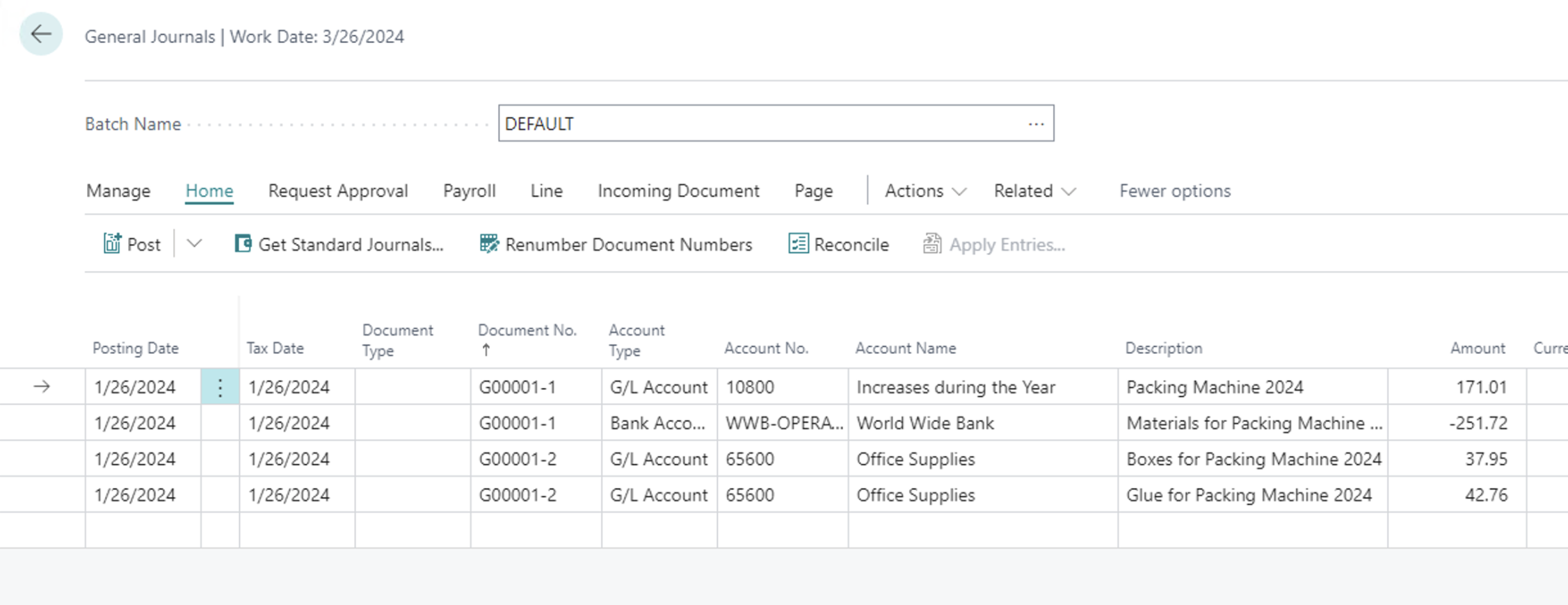
If you receive the error that your document is out of balance during posting, and that is intentional, you can check the option for the template.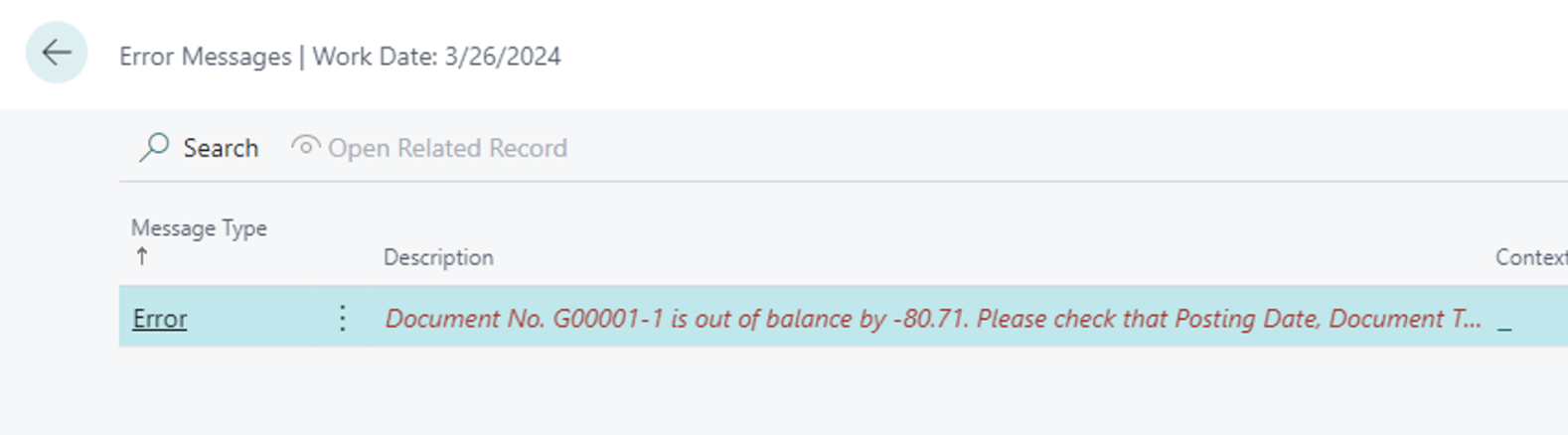
Note: Journal entries are checked in order, and balancing entries must occur in sequence, so you may also need to check your sort!
Note: The code and information discussed in this article is for informational and demonstration purposes only. This content was created referencing Microsoft Dynamics 365 Business Central 2022 Wave 2 online.
This was originally posted here.
*This post is locked for comments